Two kinds of pages
I built pairPaint for classrooms and kids, and the coloring library grew out of what my students actually asked for. It comes in two kinds. The scenes are complete A4 pages, a whole world on one sheet, and they suit children who can sit with a picture for twenty minutes or more. The outlines are single pictures with thick lines and big closed shapes, made for younger children and for quick bucket-fill wins.
Nothing here needs an account or a download. To colour on screen, tap theColour it online button on any picture and pairPaint opens with that picture already on the canvas, ready to fill. To work on paper, use the Print / download button and print the full-size version.
Every picture also carries a level, shown on its corner. Easy pages have a few big shapes and suit the youngest children. Normal pages add more parts to fill.Detailed pages are the busy ones, mostly the full-page scenes, and they keep older kids busy for a good long sitting. If you are choosing for a young child, start with the Easy filter:
Full-page coloring scenes
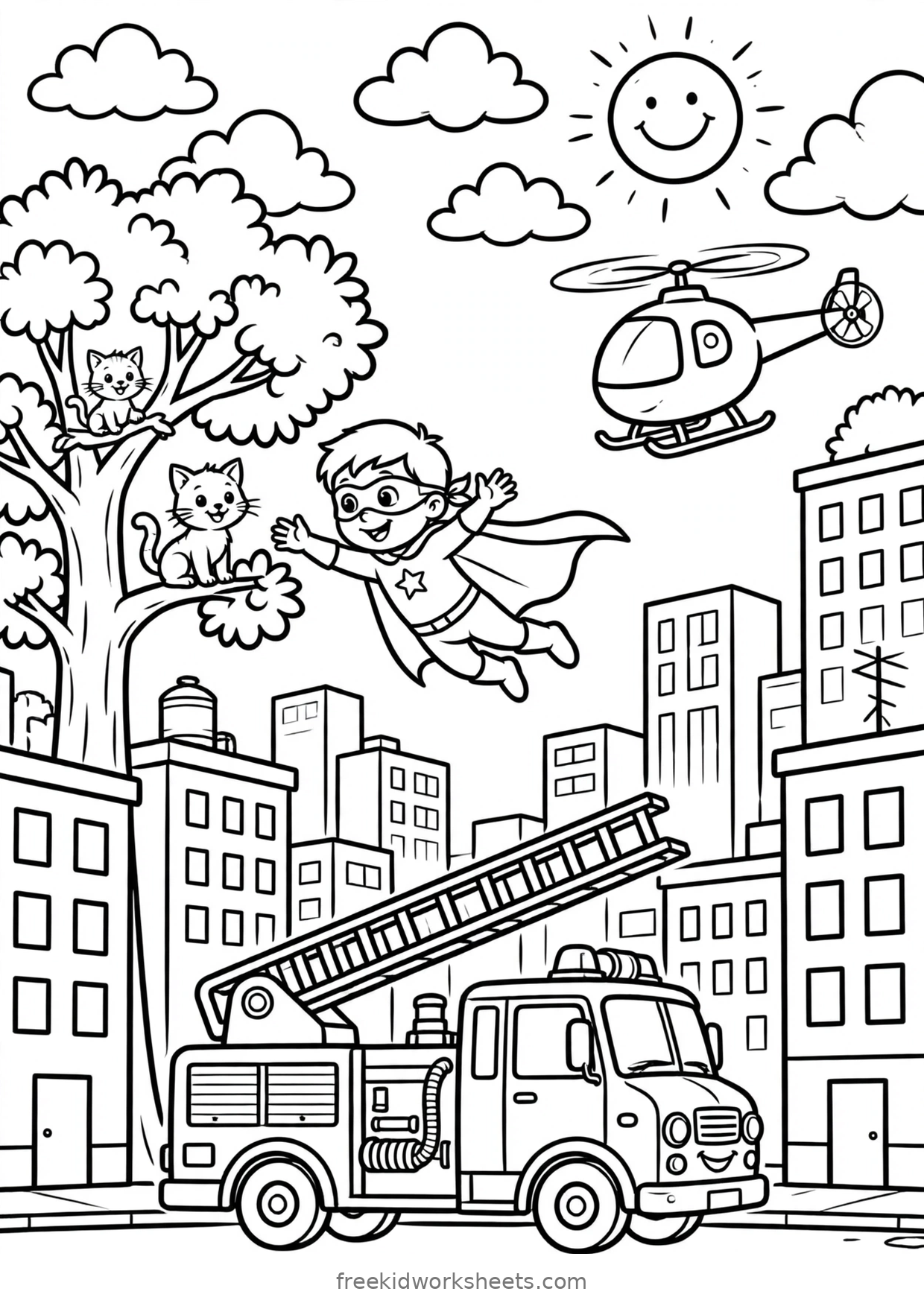
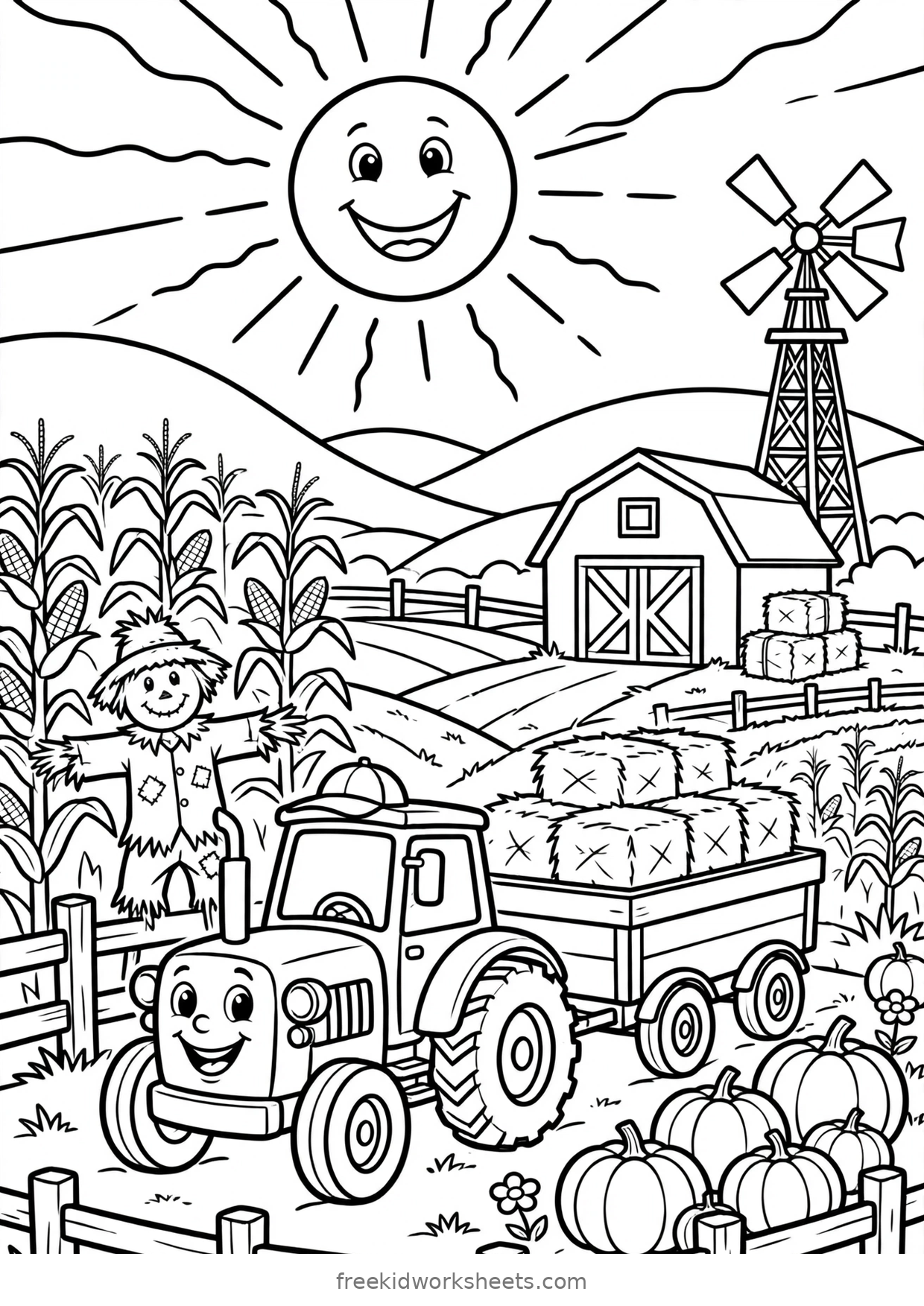
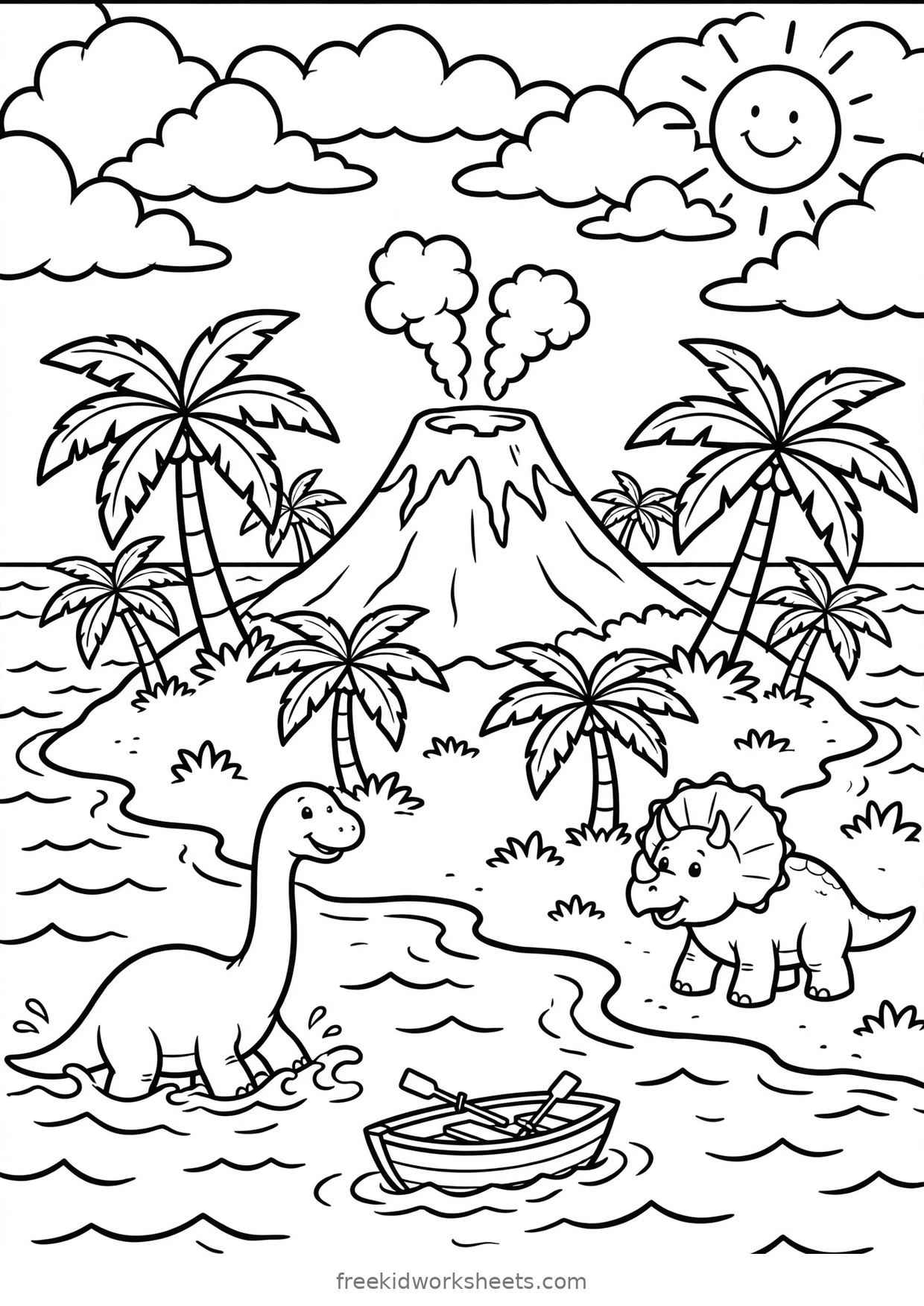
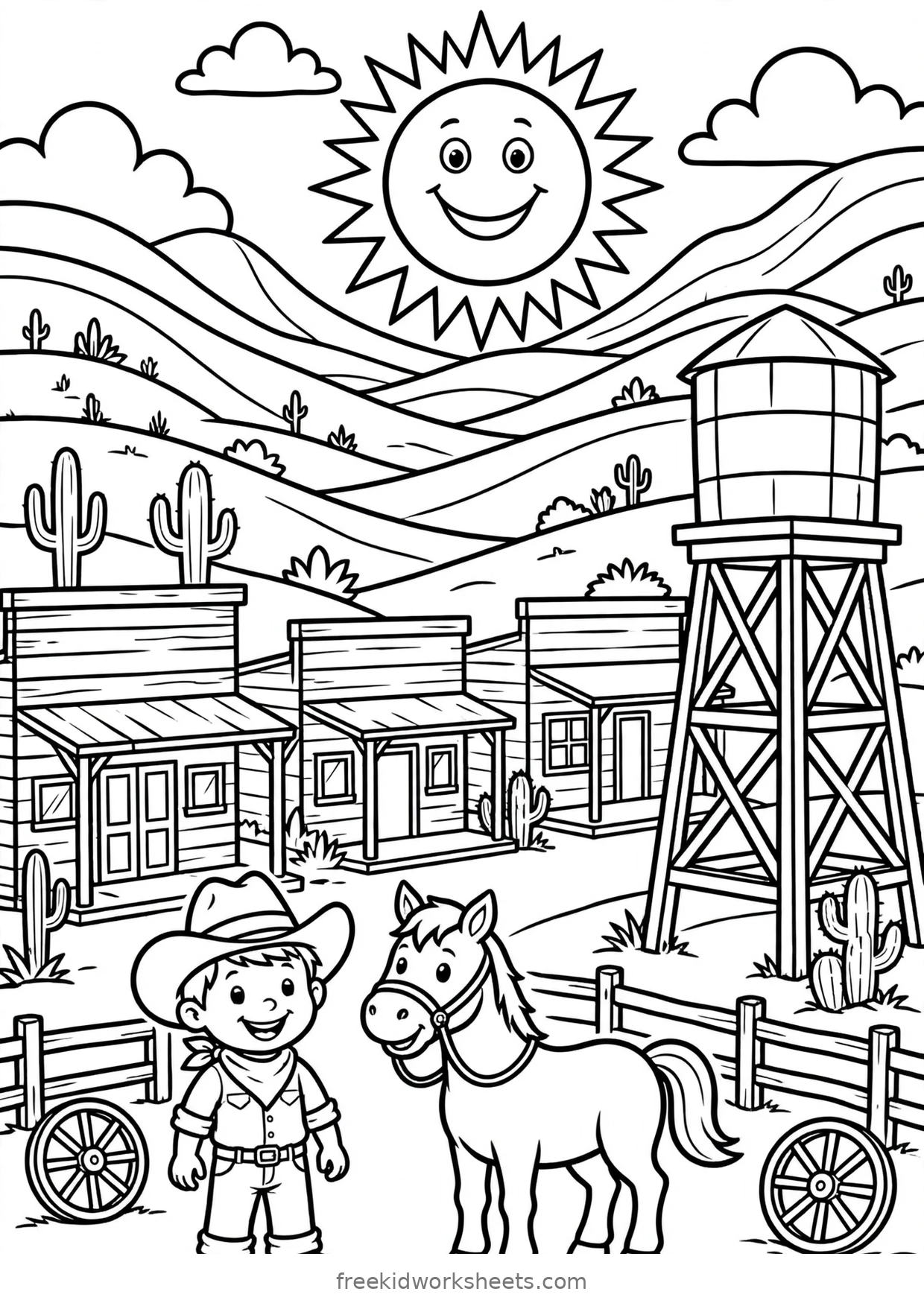
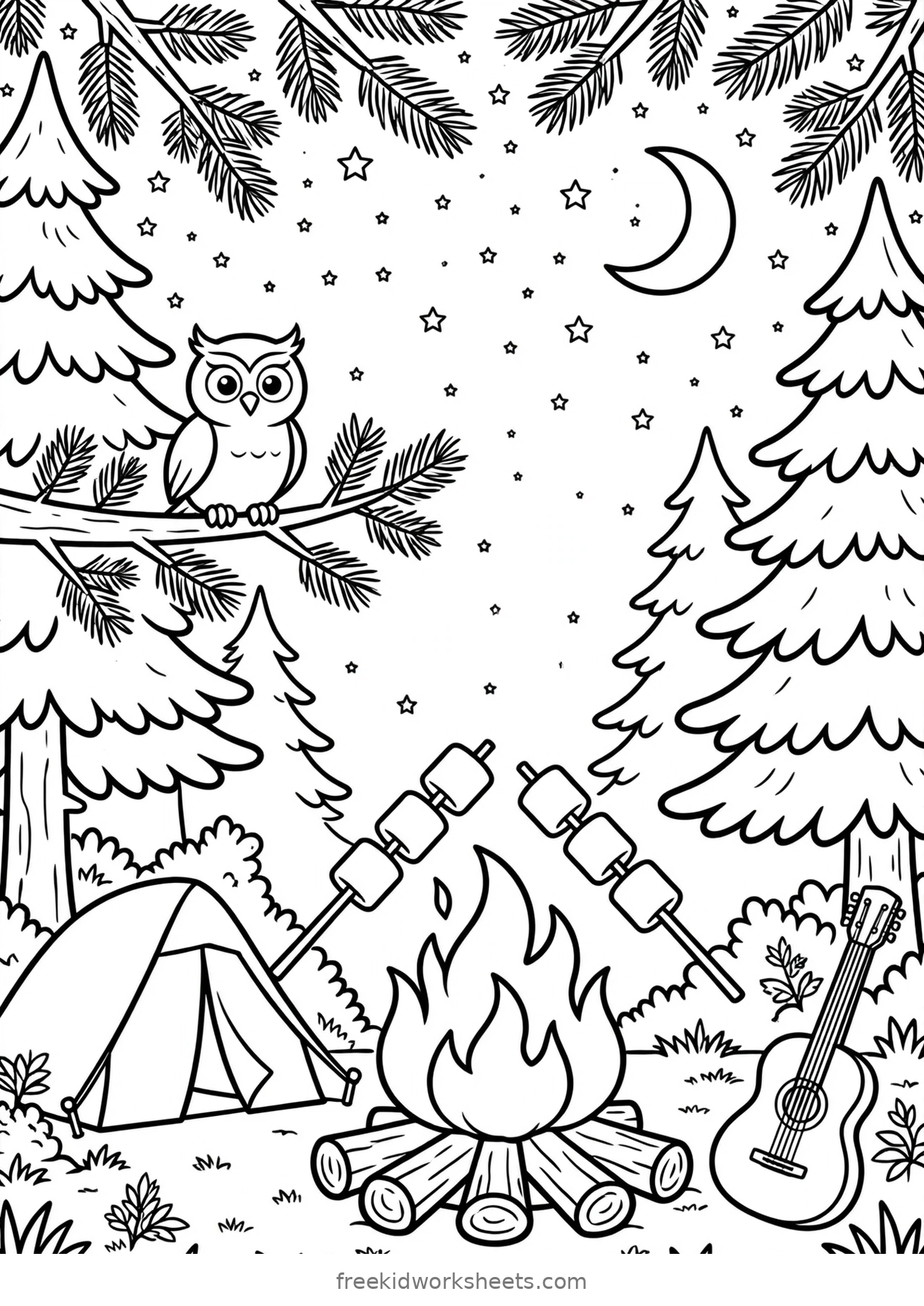
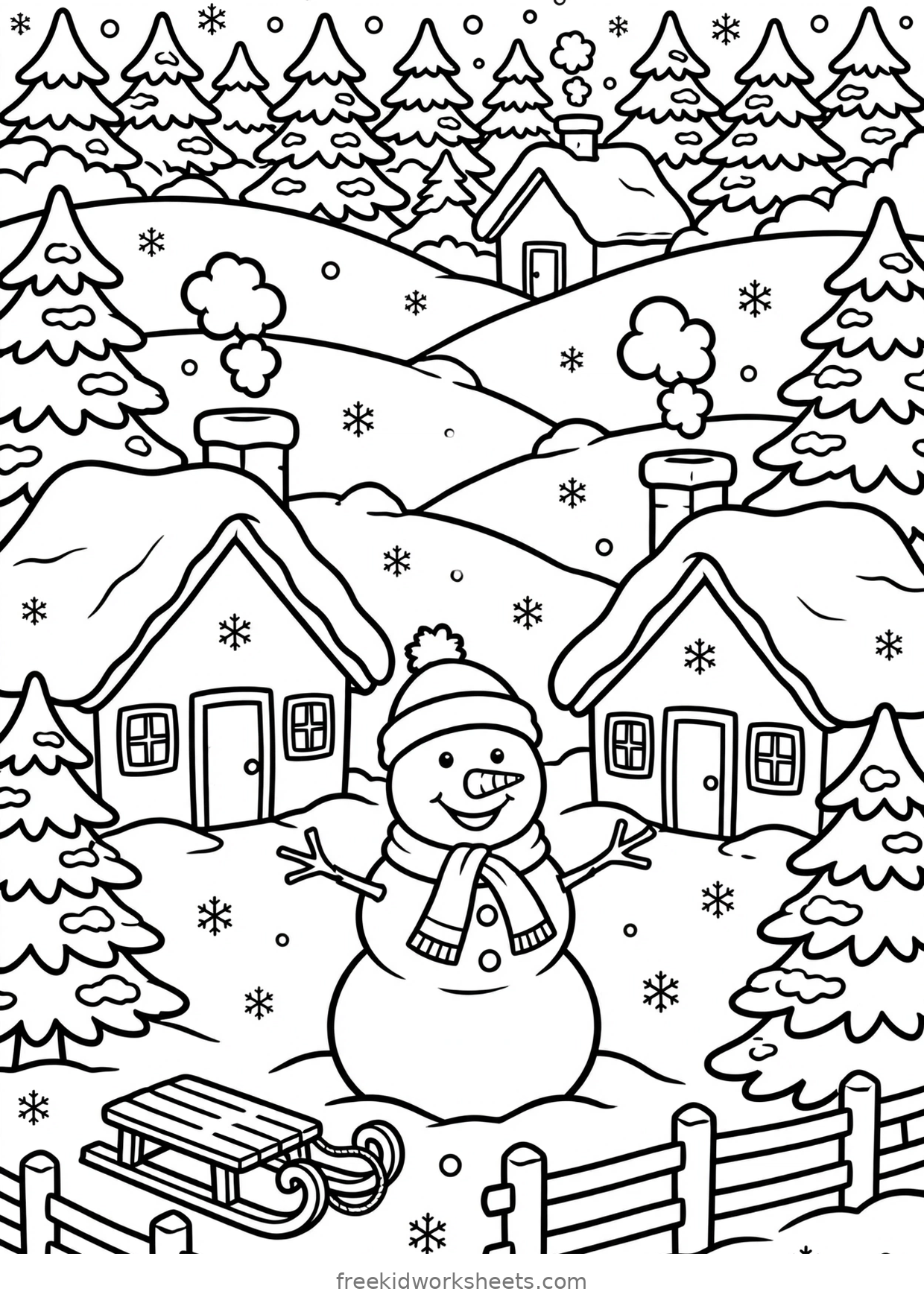
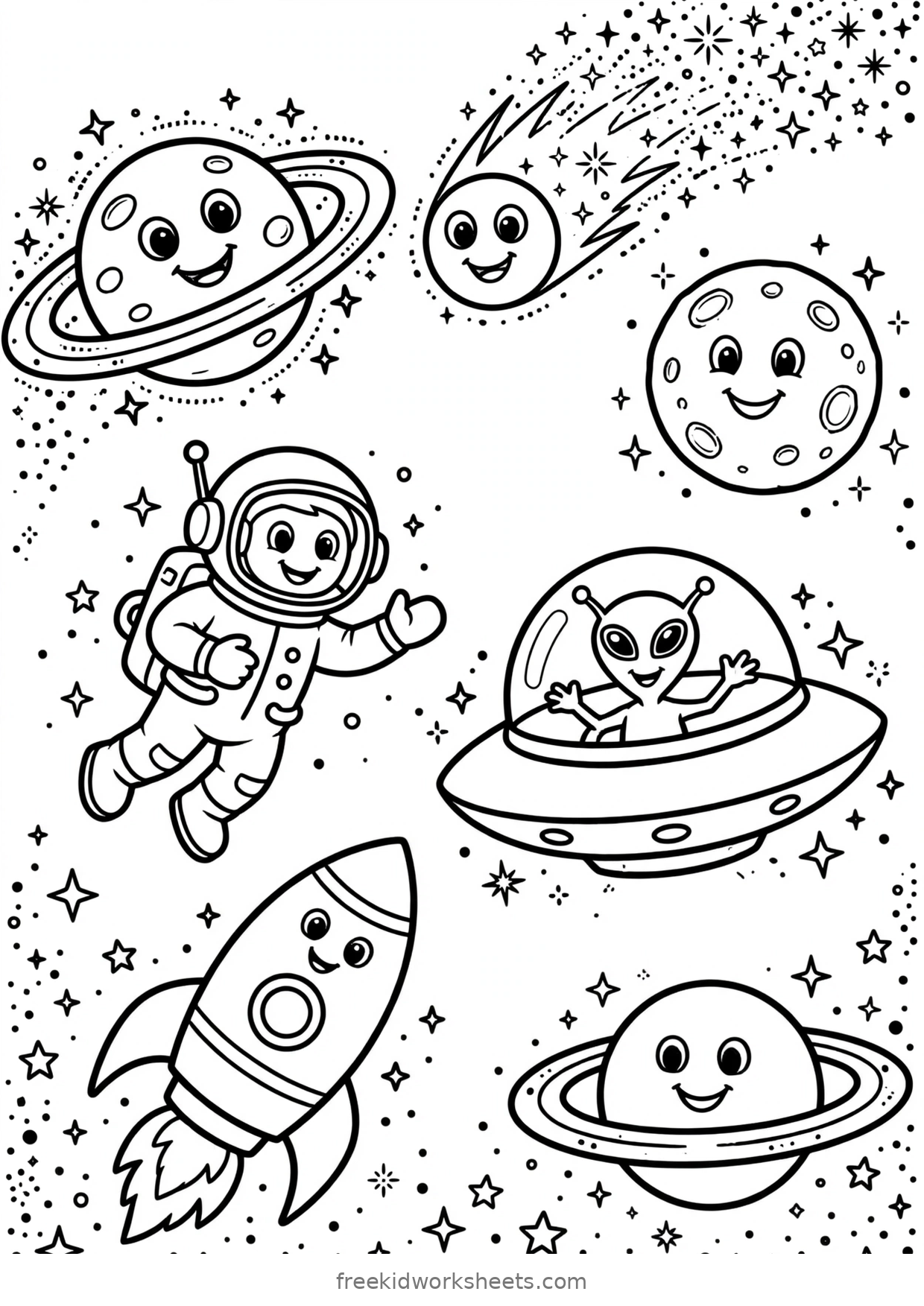
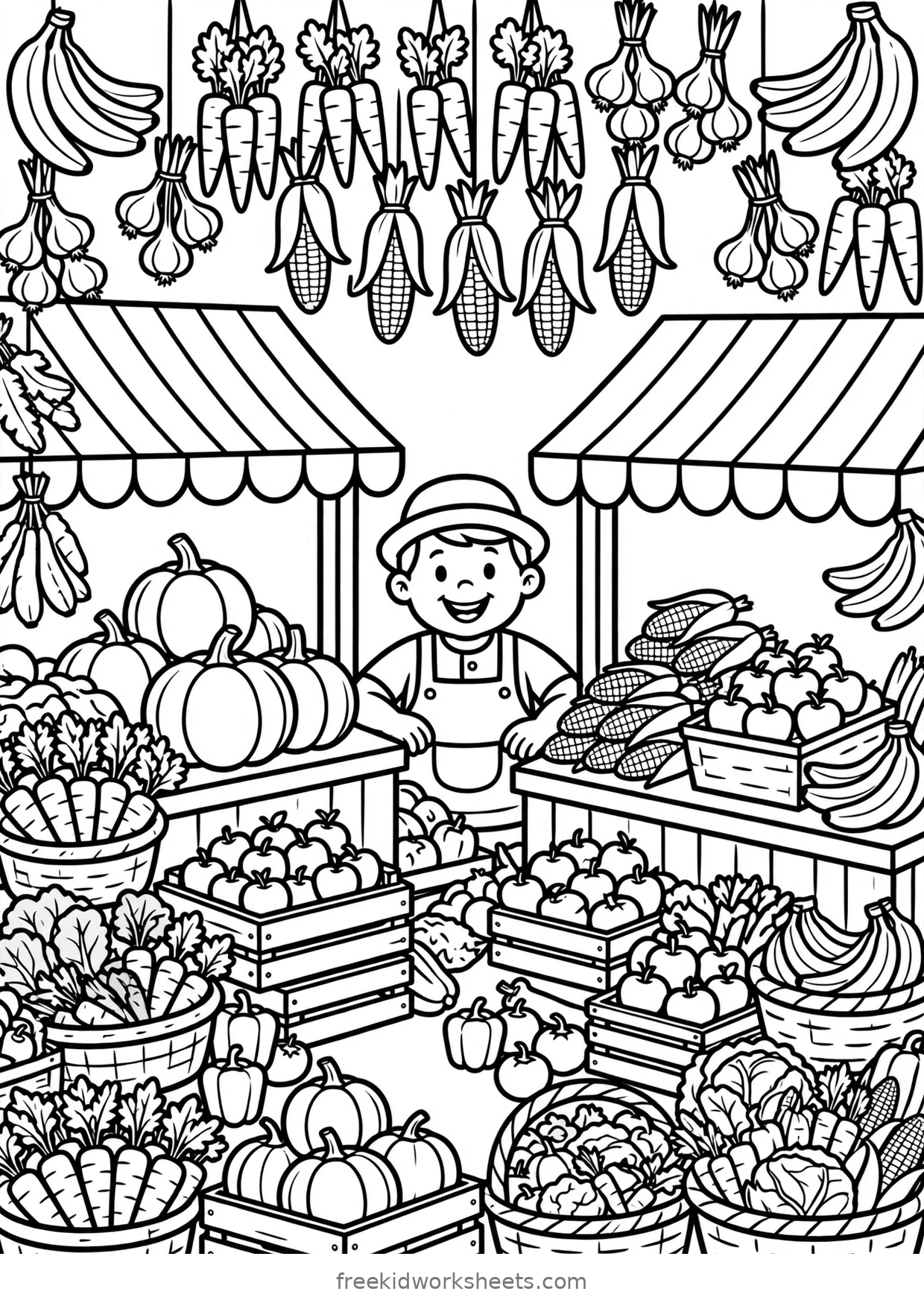
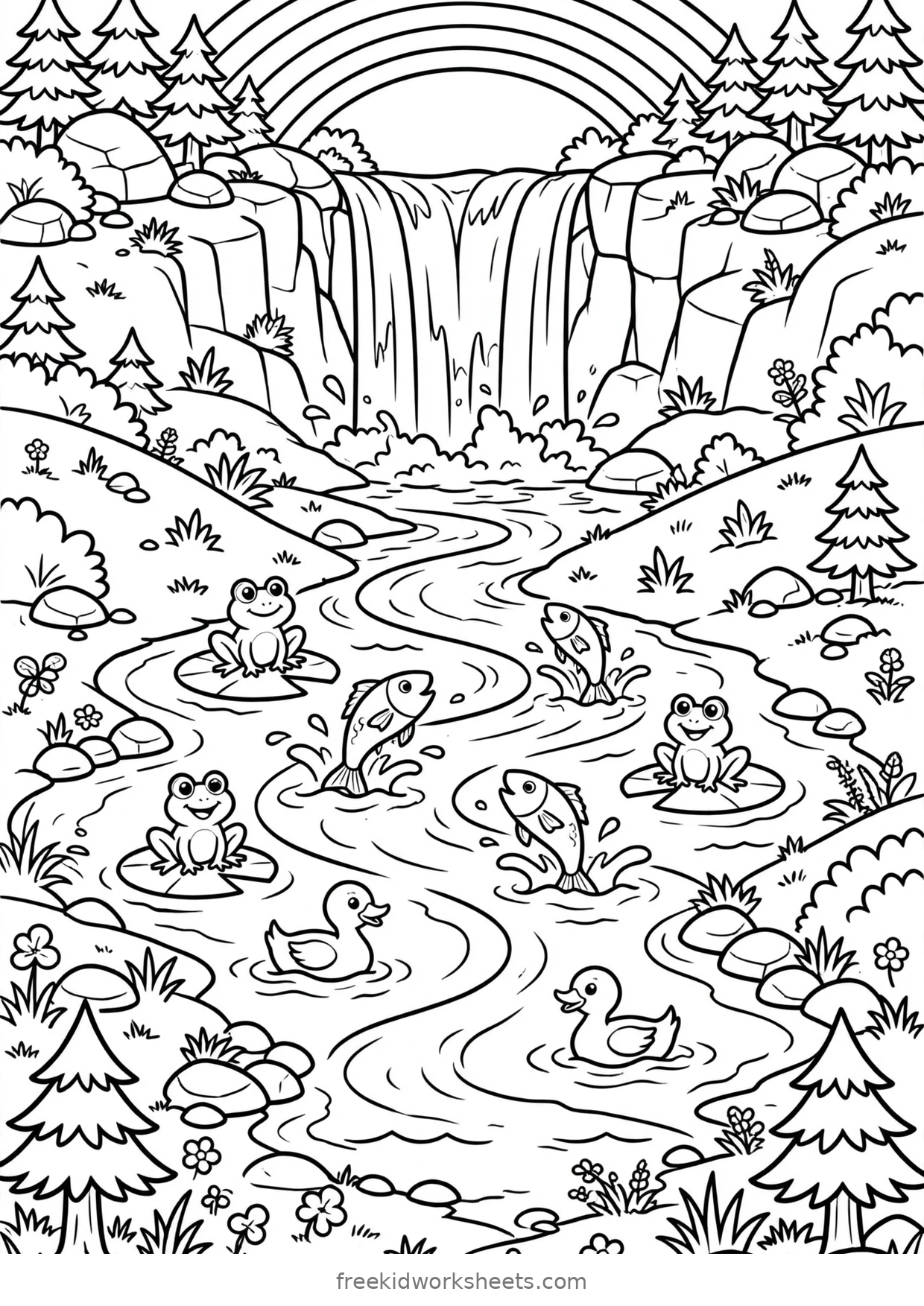
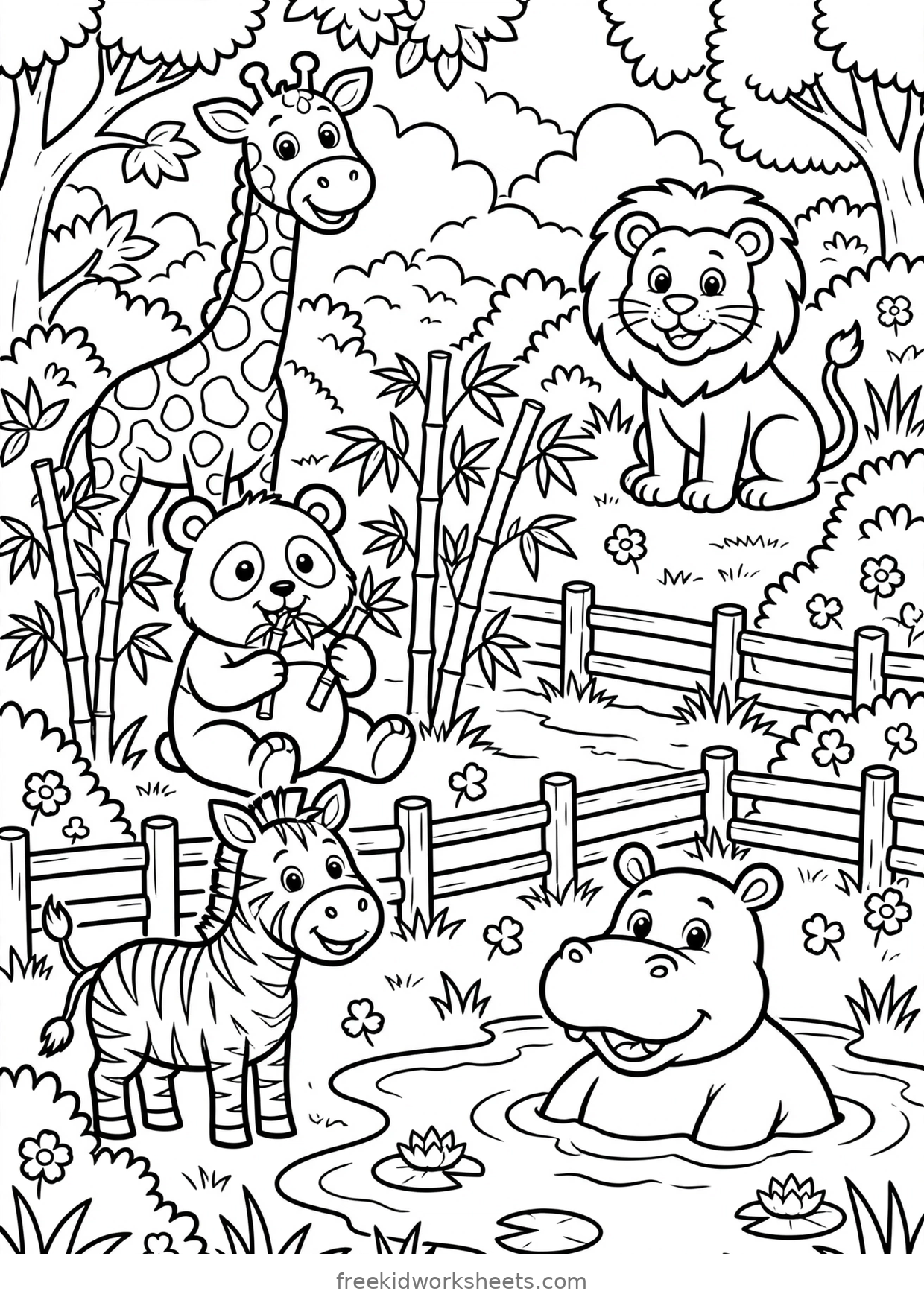
Sixty scenes, drawn at A4 size so they print exactly as they look. They are grouped the way kids browse them: adventures, storybook scenes, and real places.
Adventure Scenes20 pages
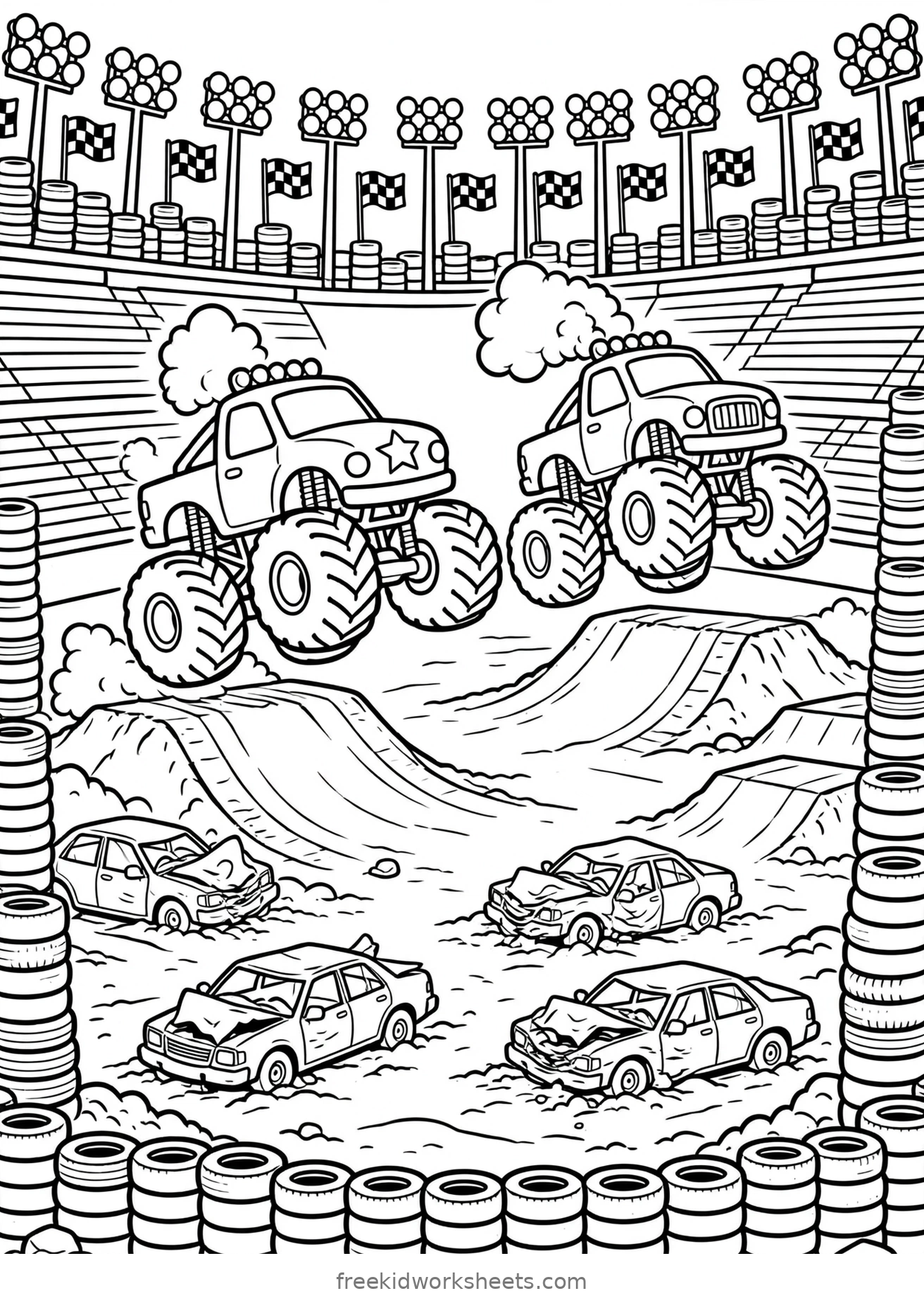
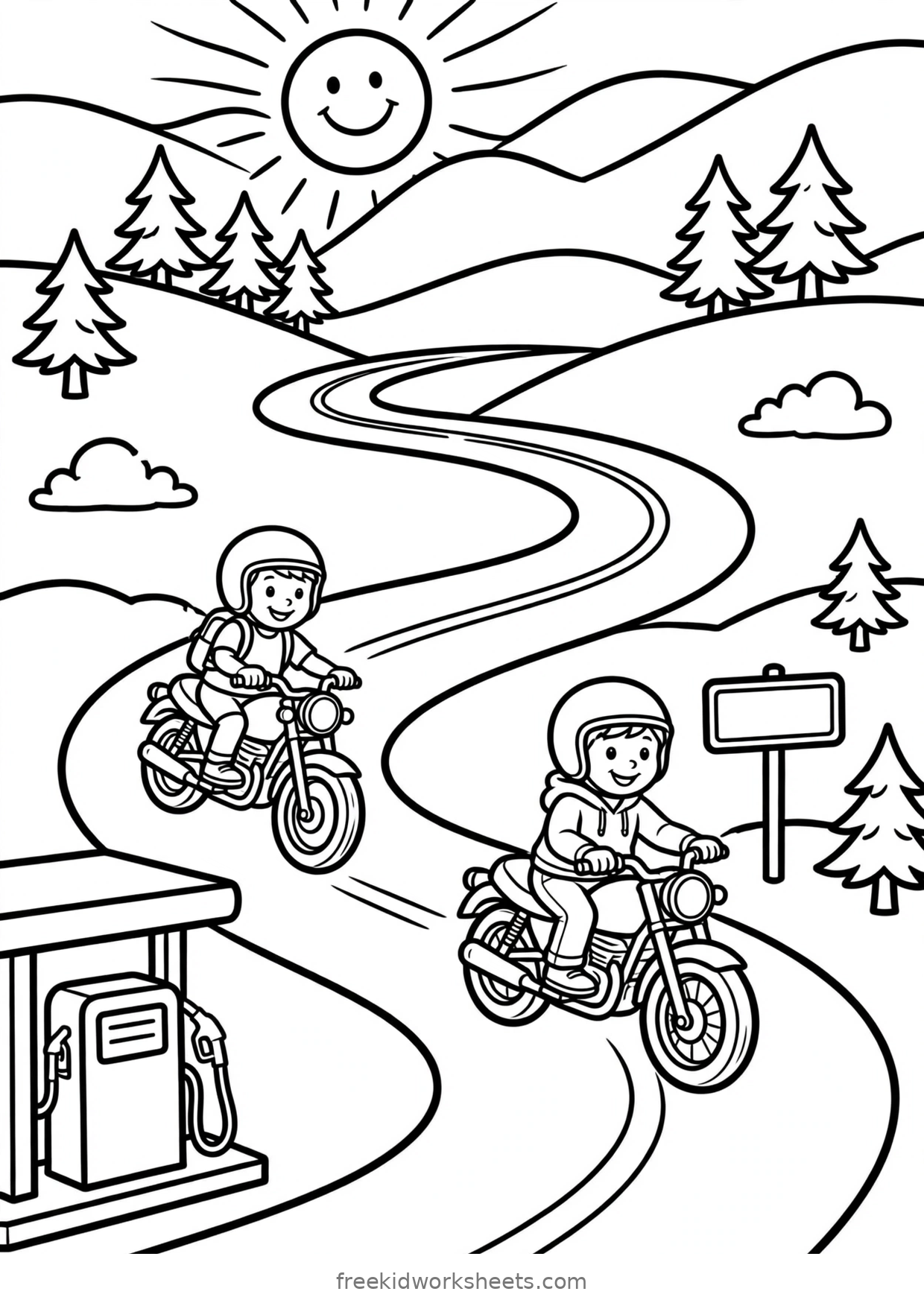
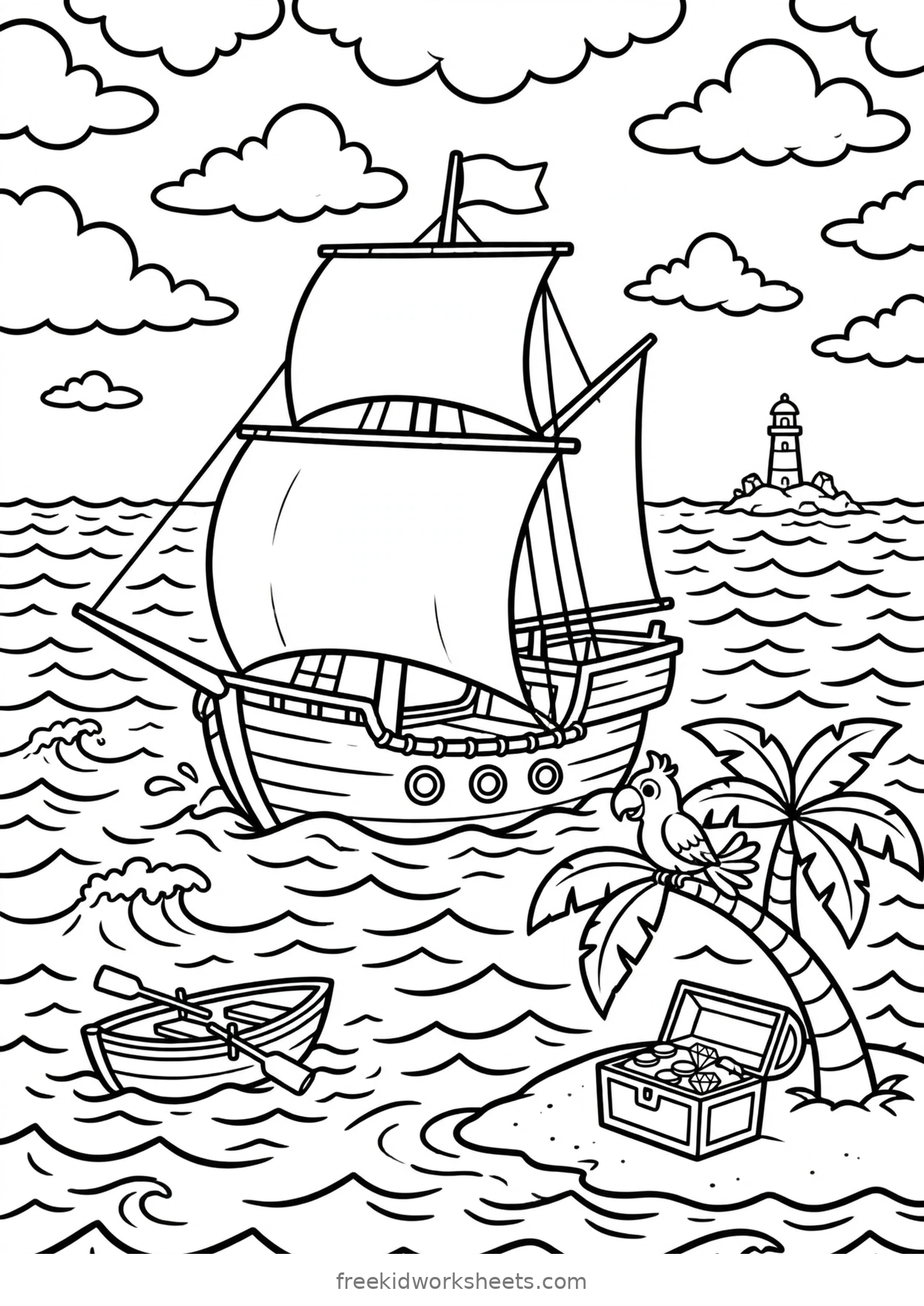
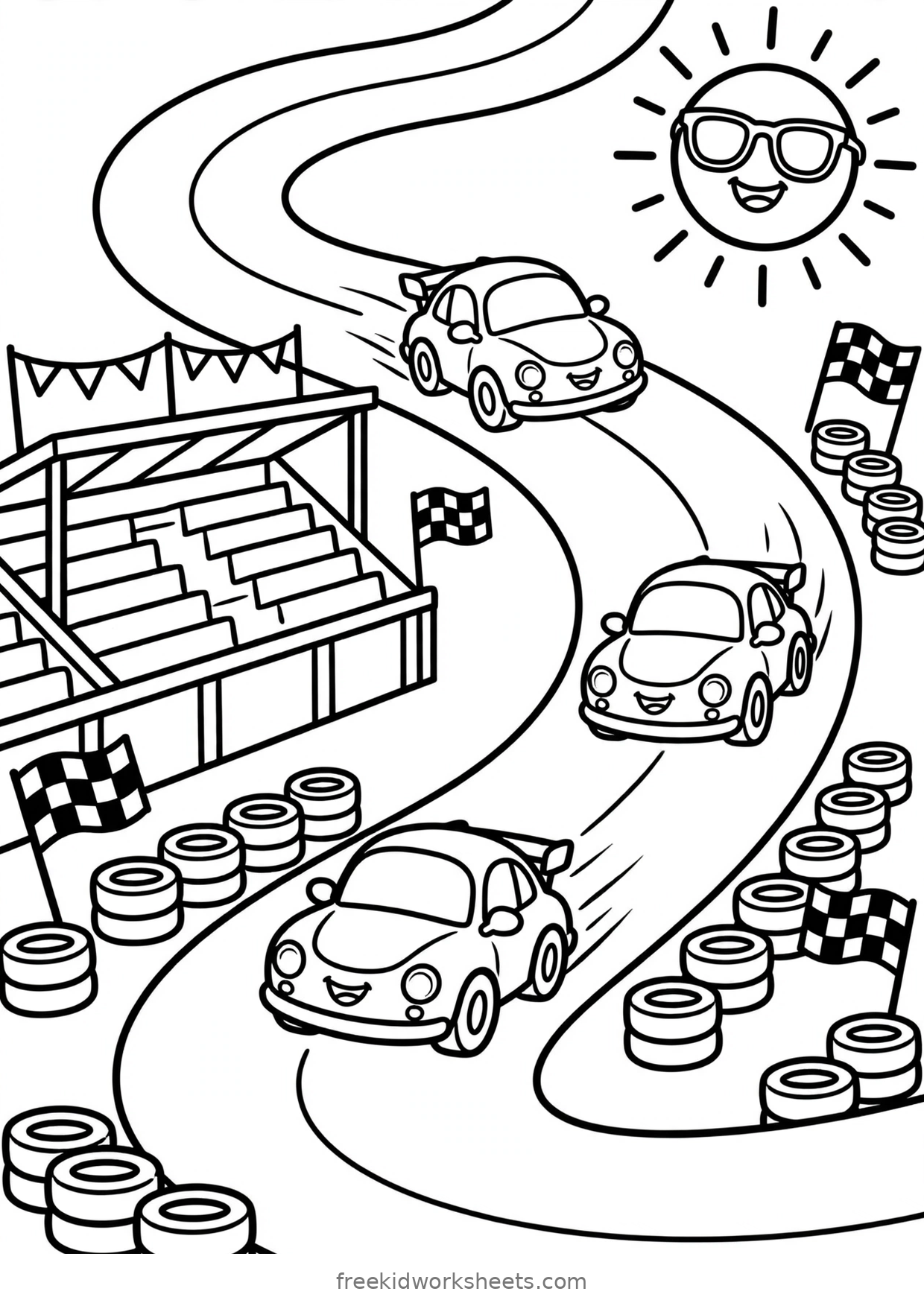
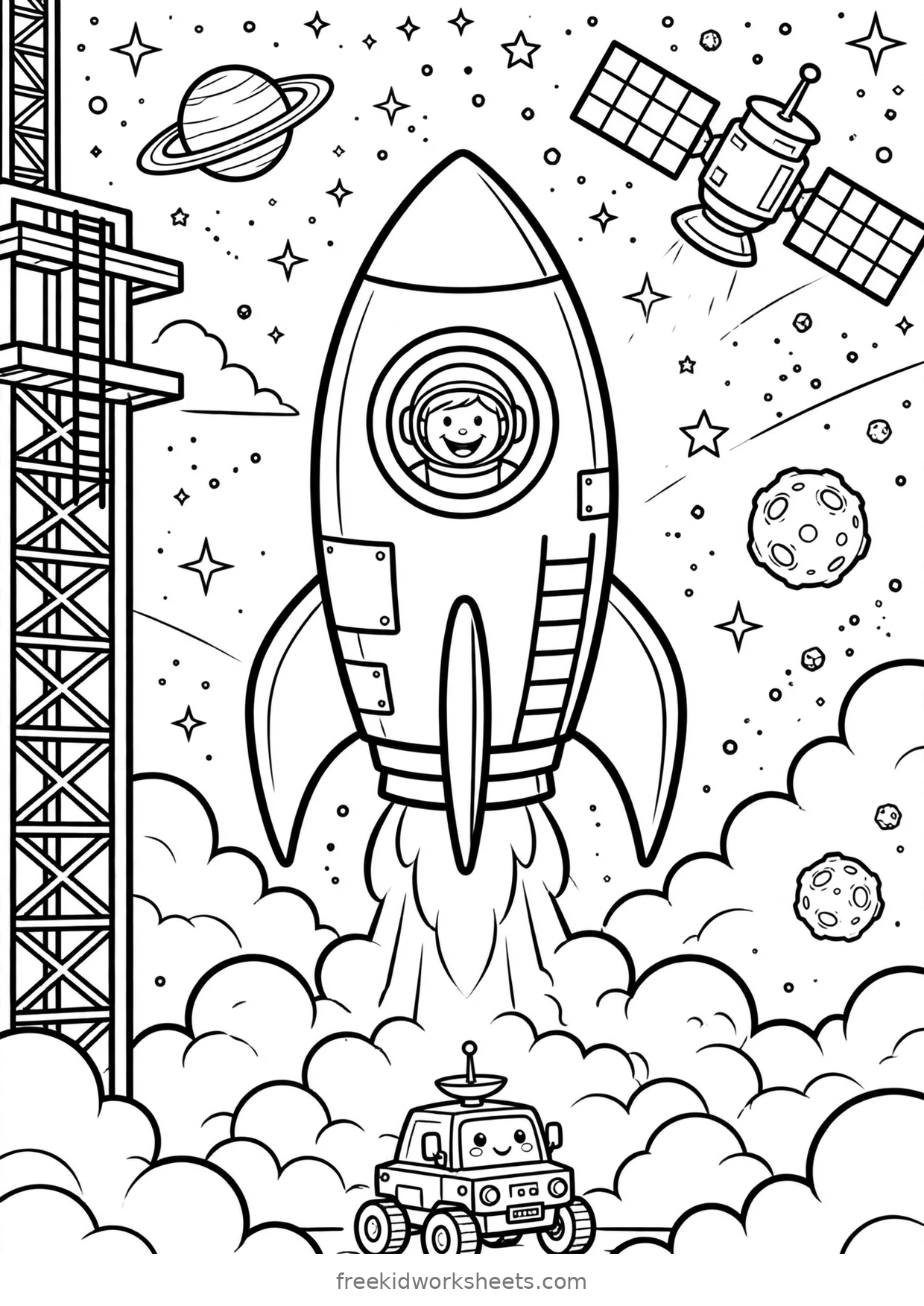
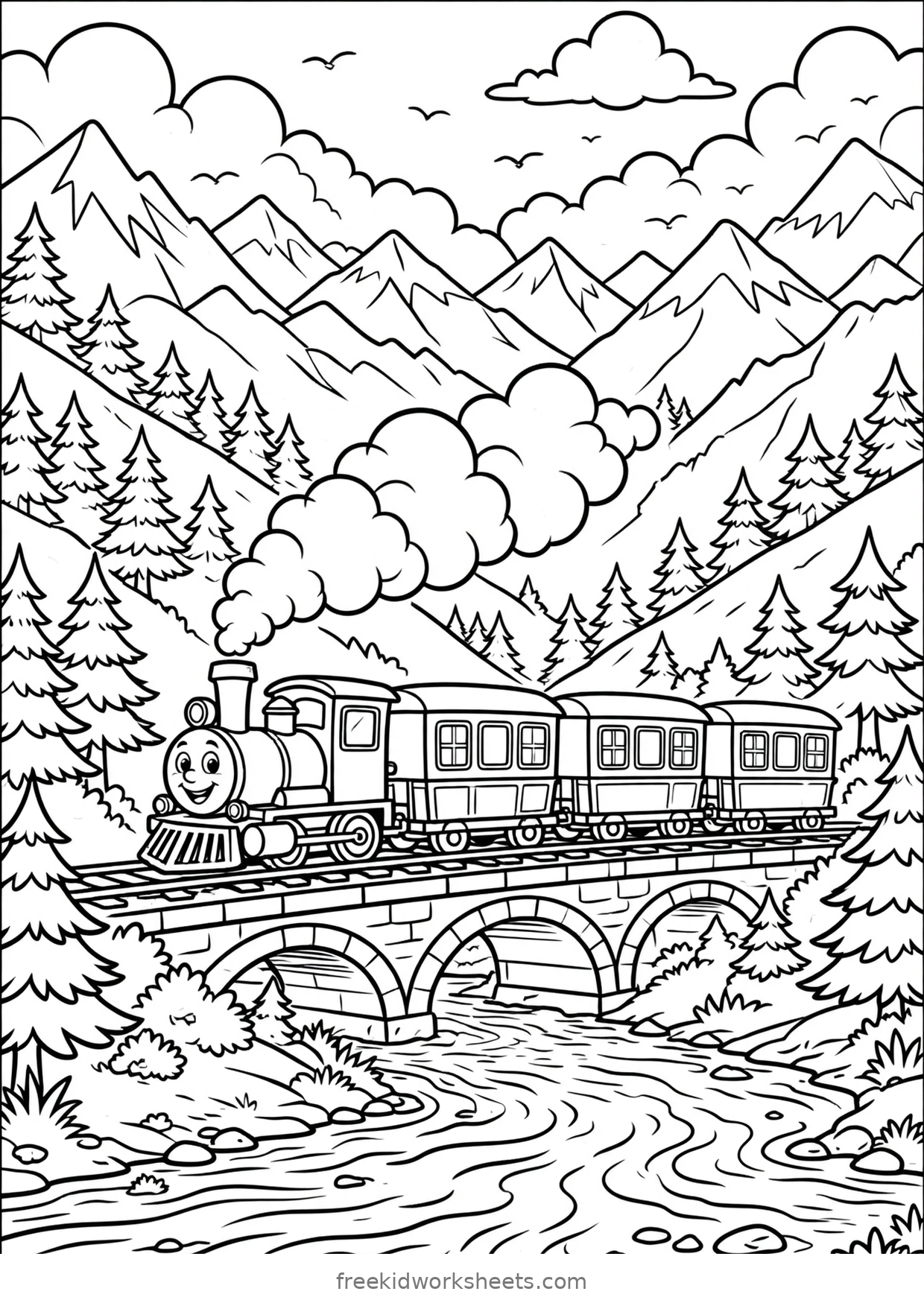
Dinosaurs, pirates, rockets and race cars. Busy pages that keep older kids busy for a good long sitting.
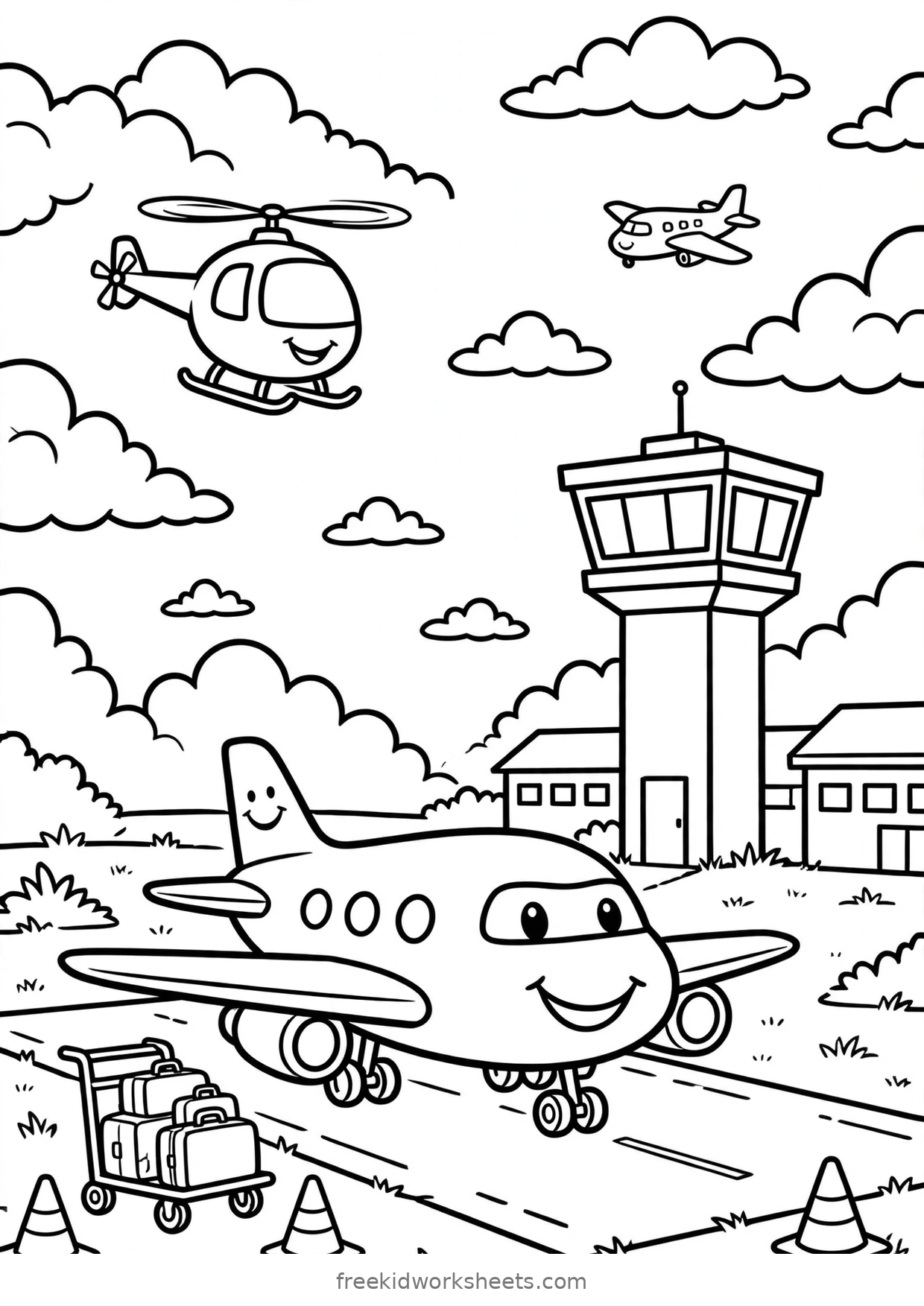 Detailed
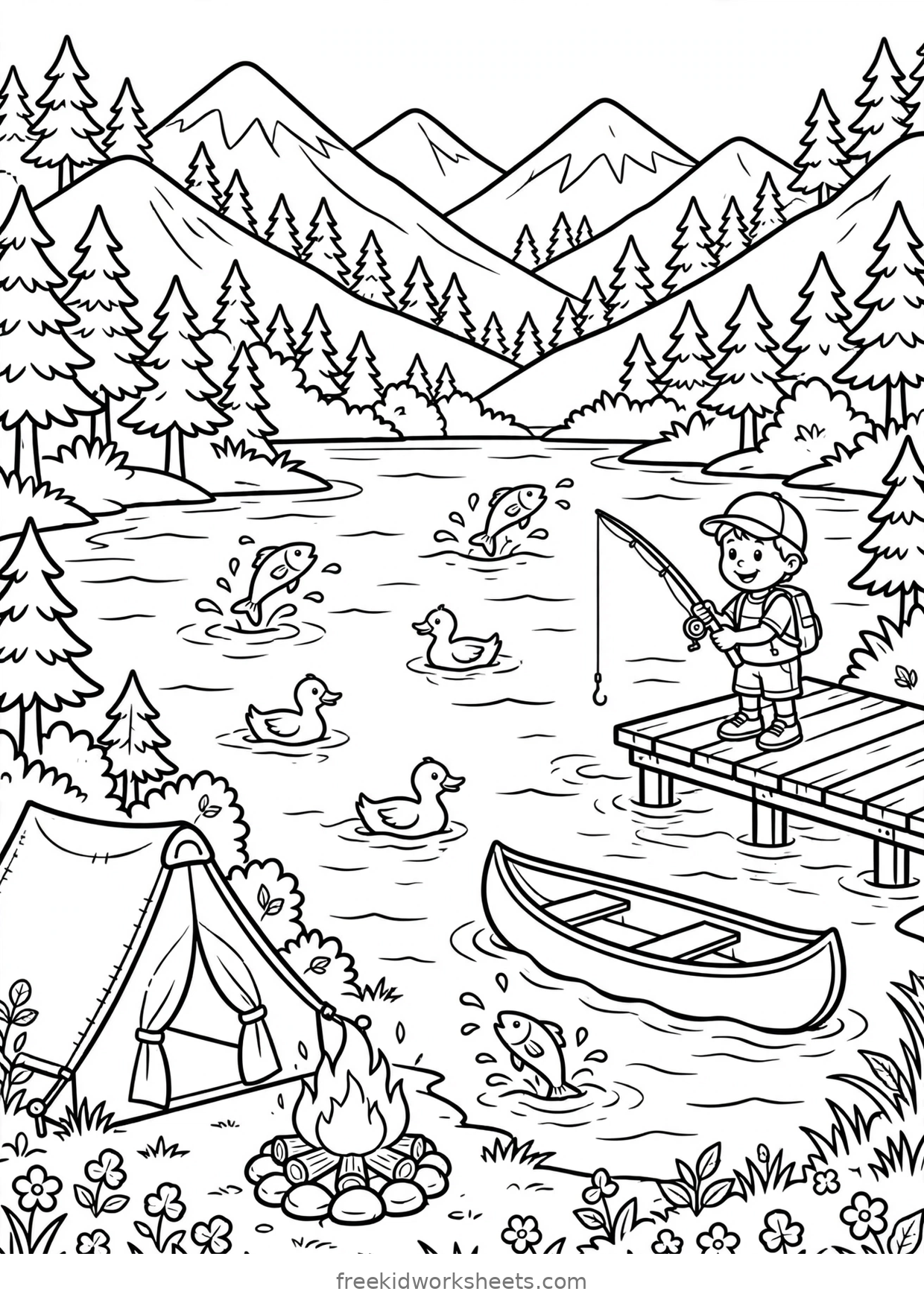 Detailed
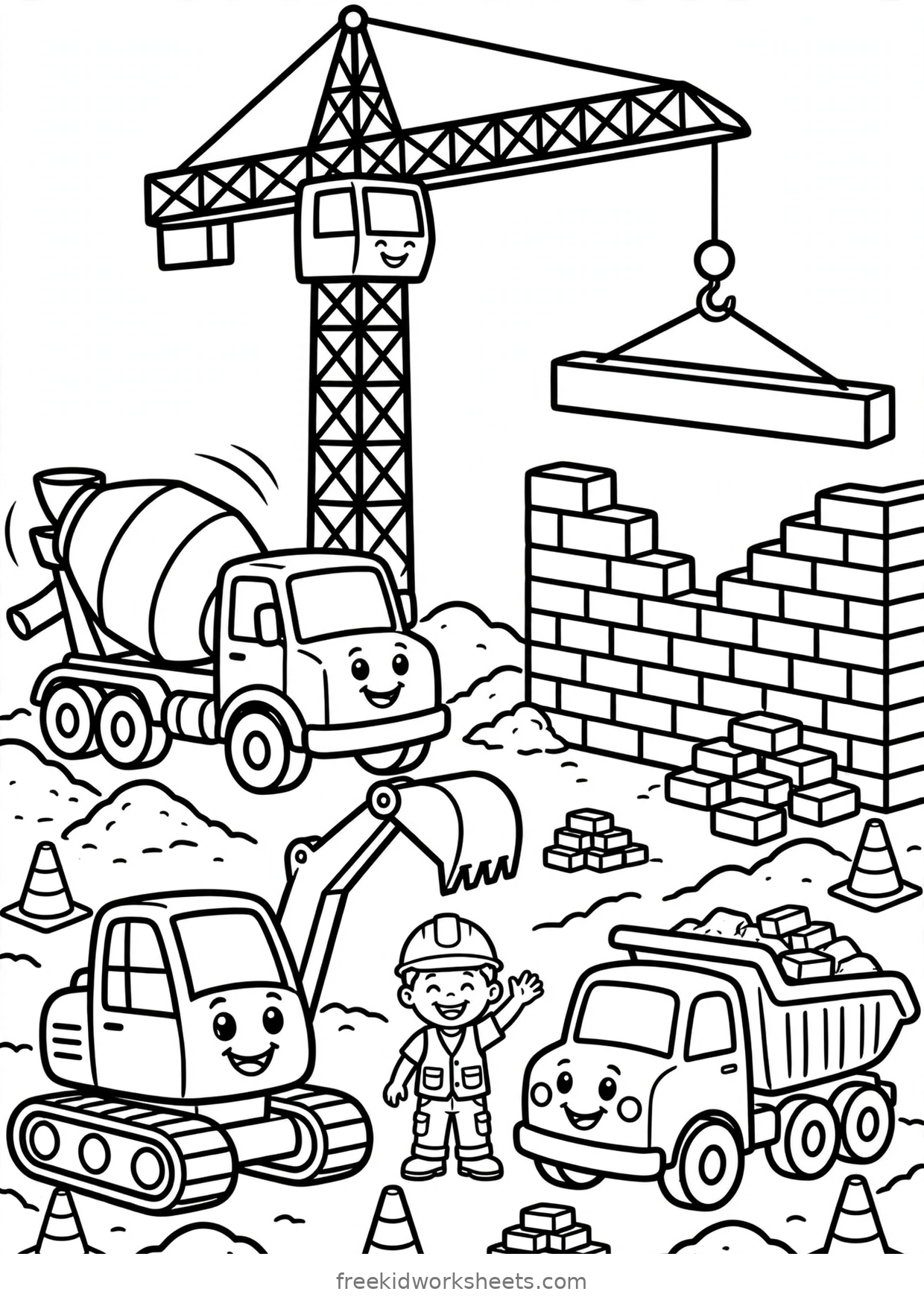 Detailed
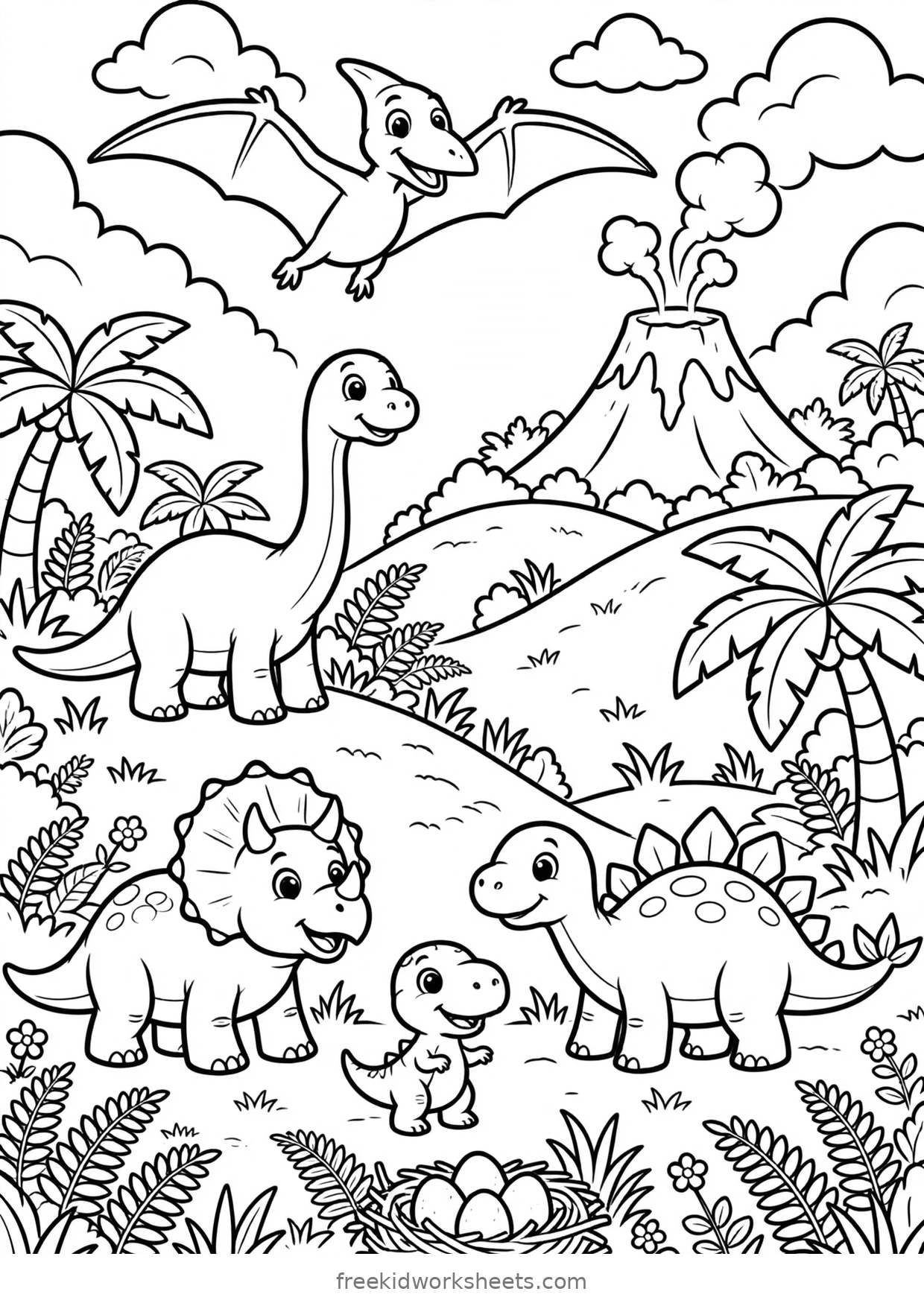 Detailed
 Detailed
 Detailed
 Detailed
 Detailed
 Detailed
 Detailed
 Detailed
 Detailed
 Detailed
 Detailed
 Detailed
 Detailed
 Detailed
 Detailed
 Detailed
 Detailed
Storybook Scenes20 pages
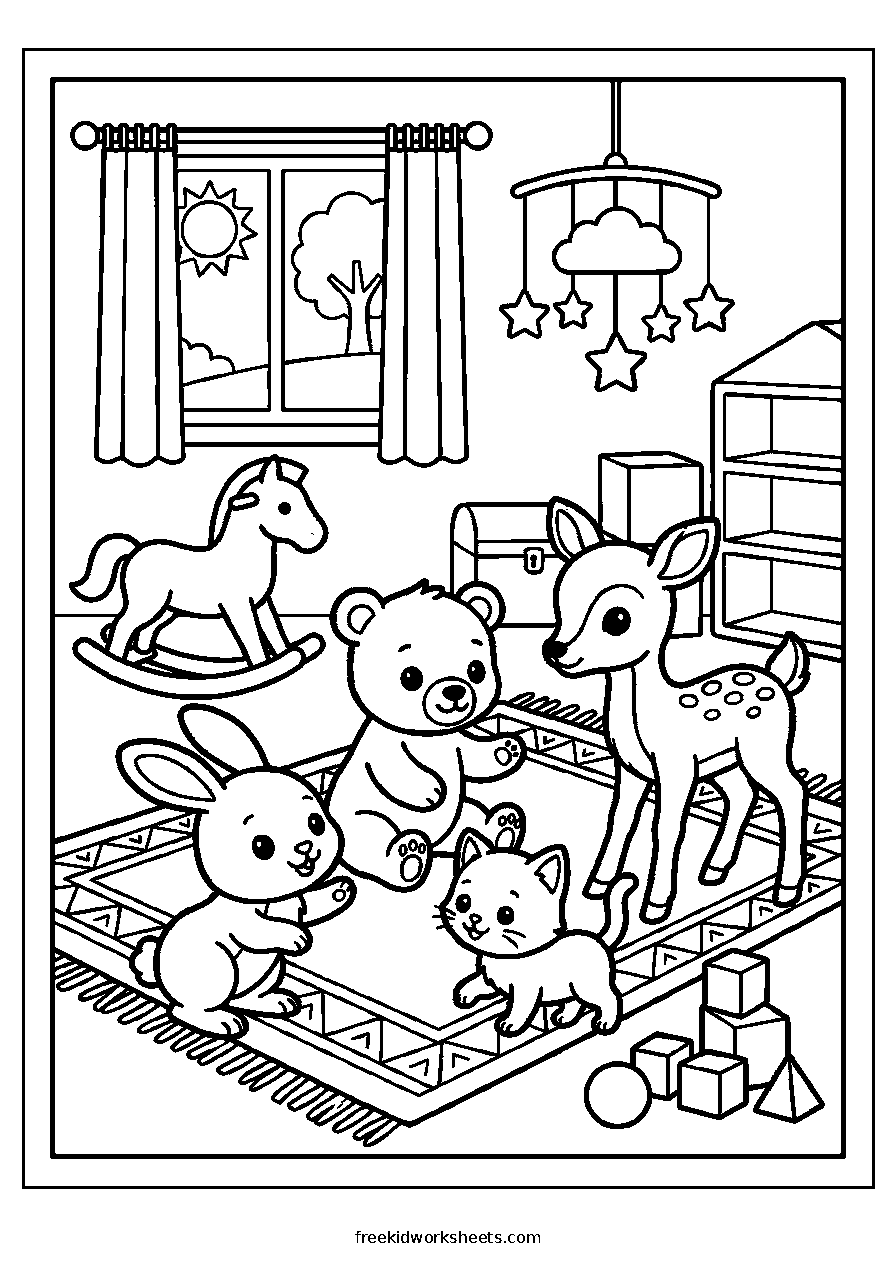
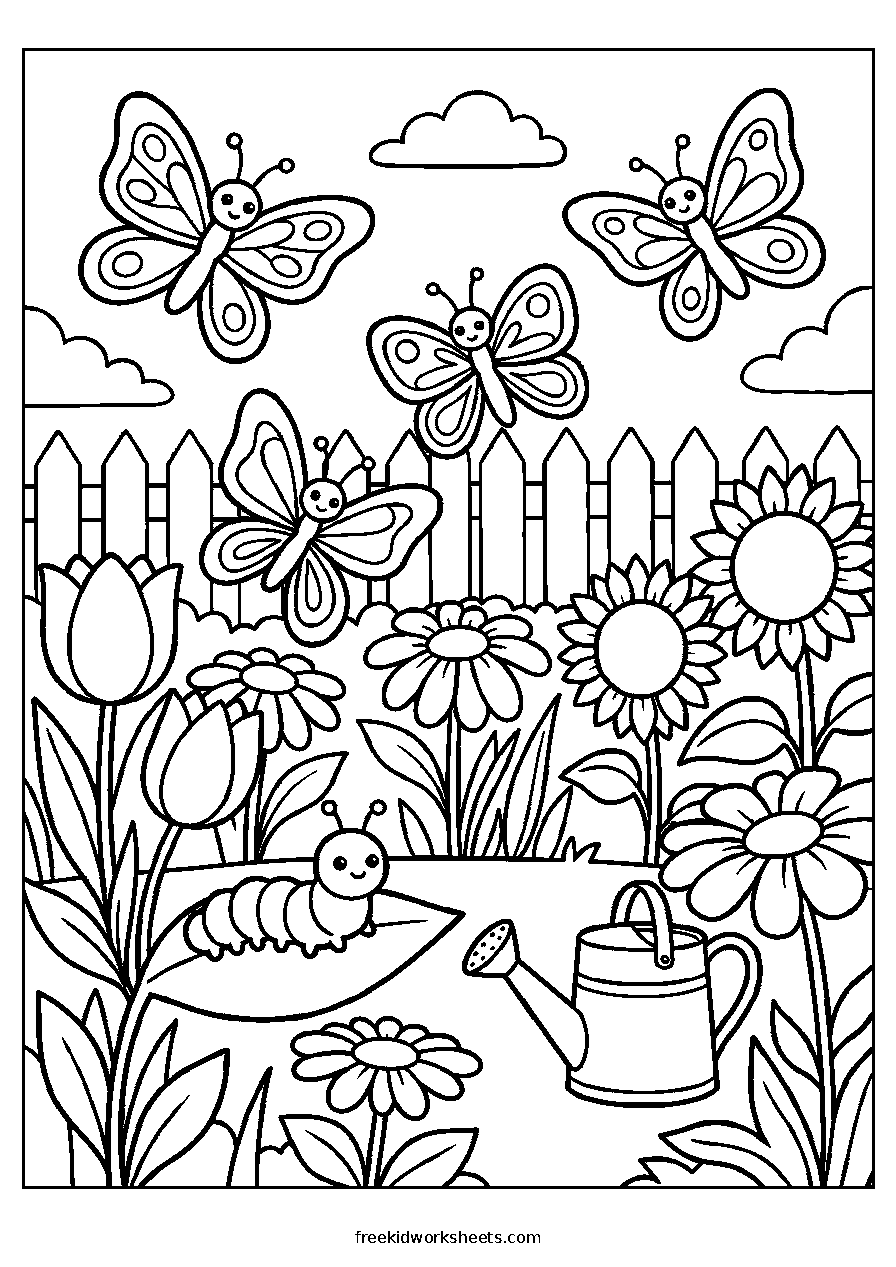
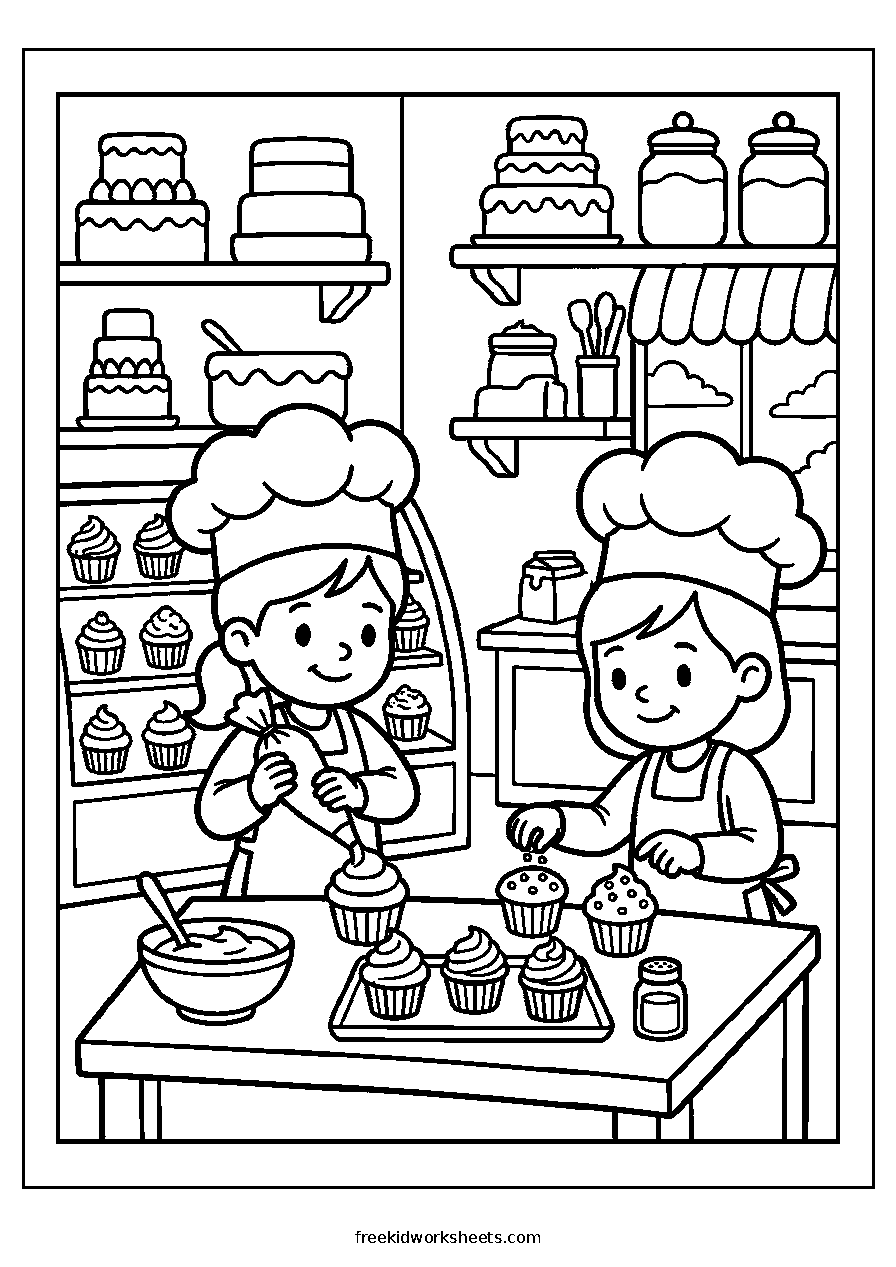
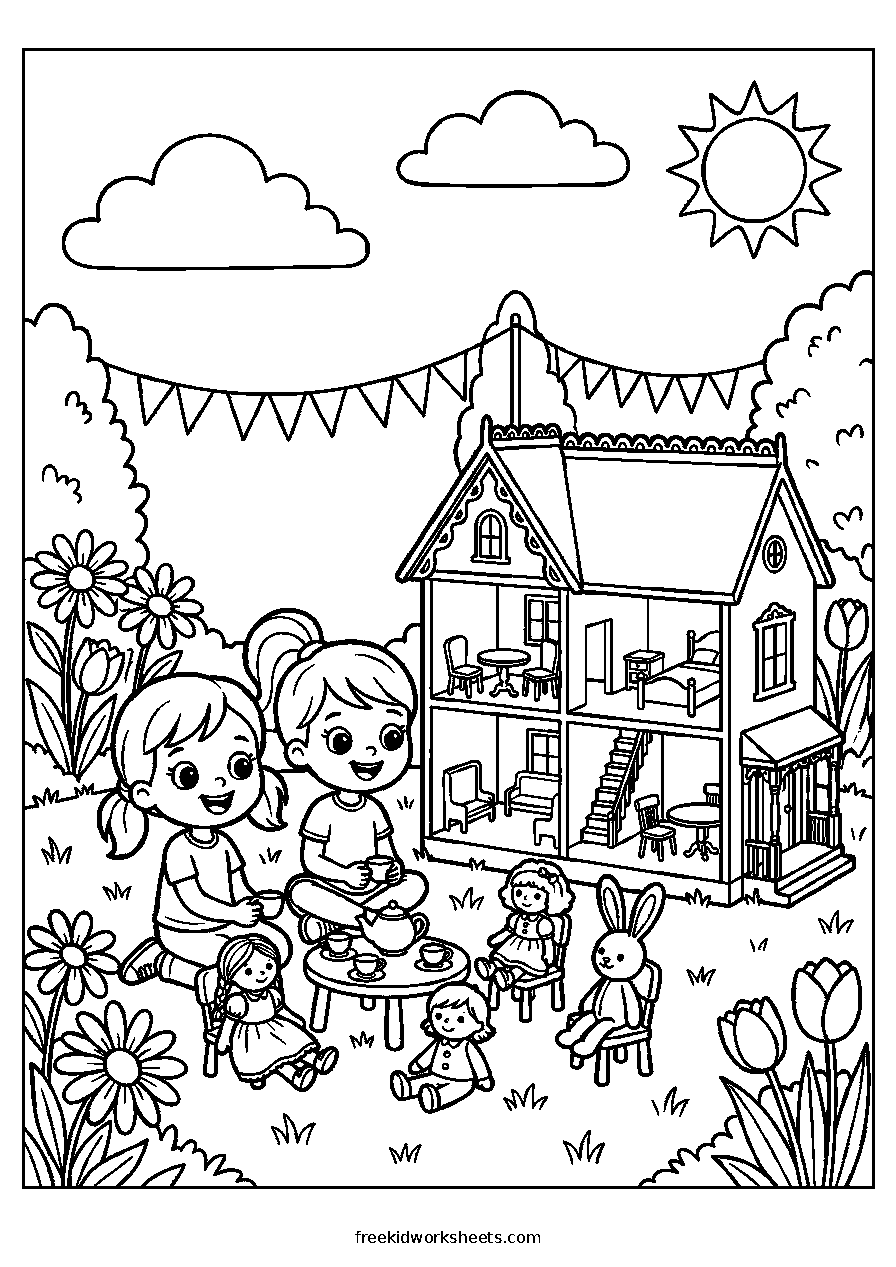
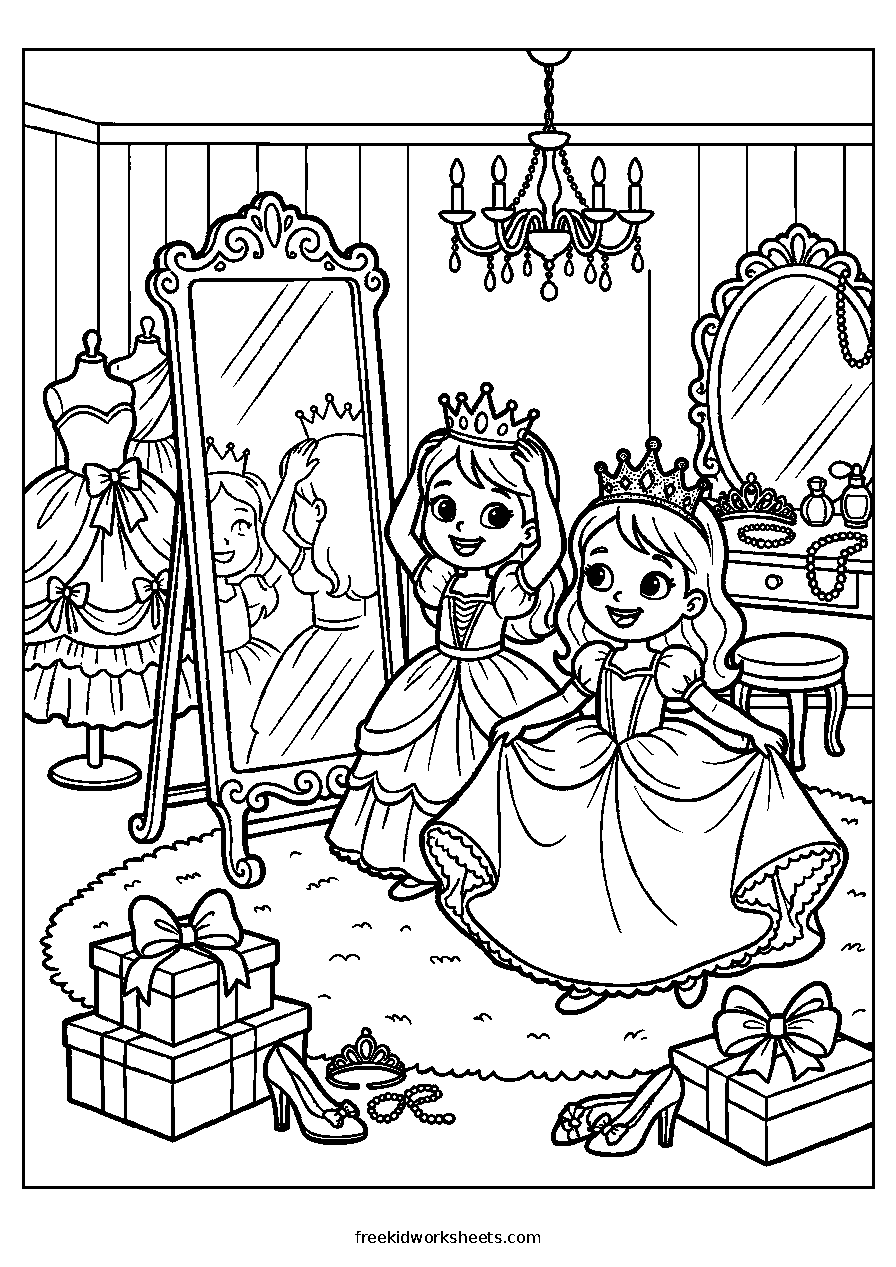
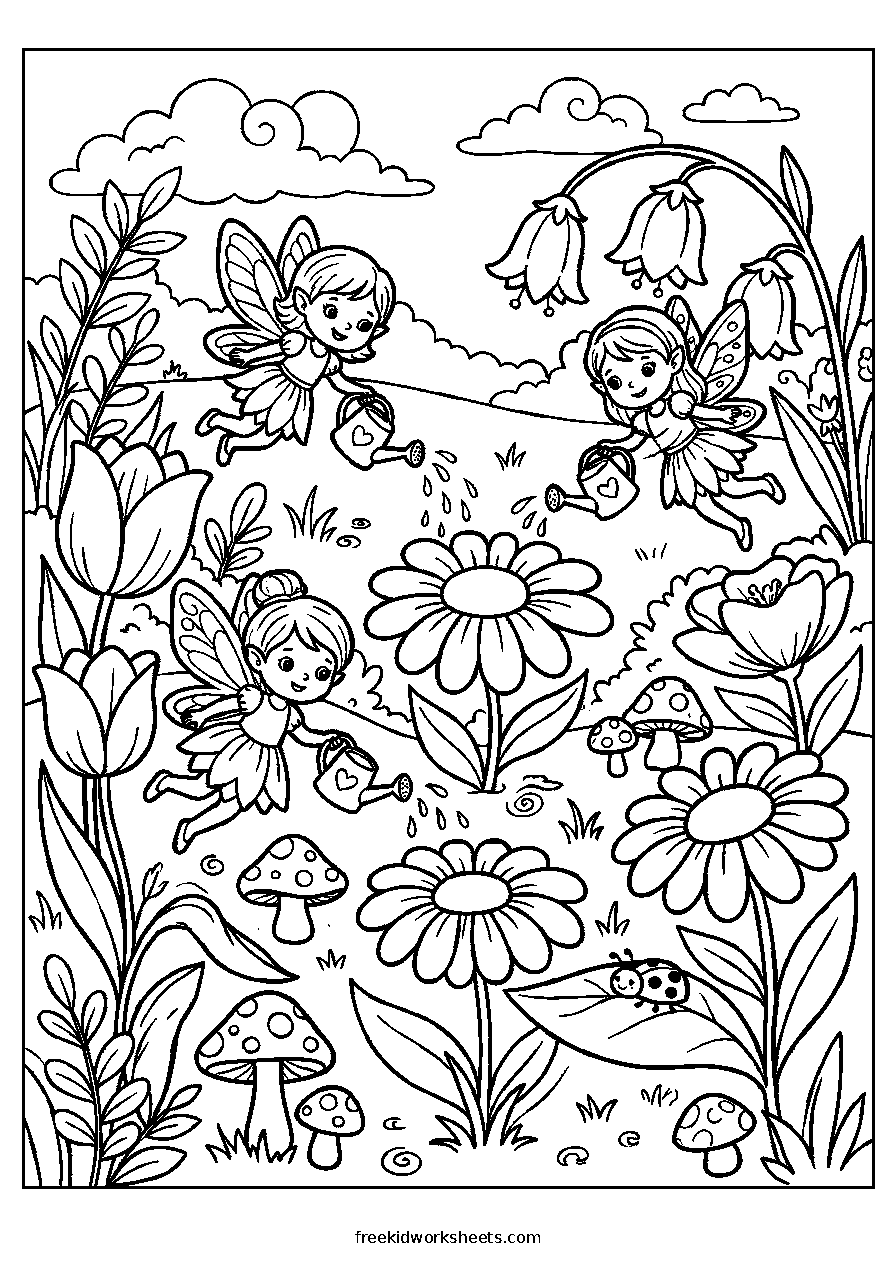
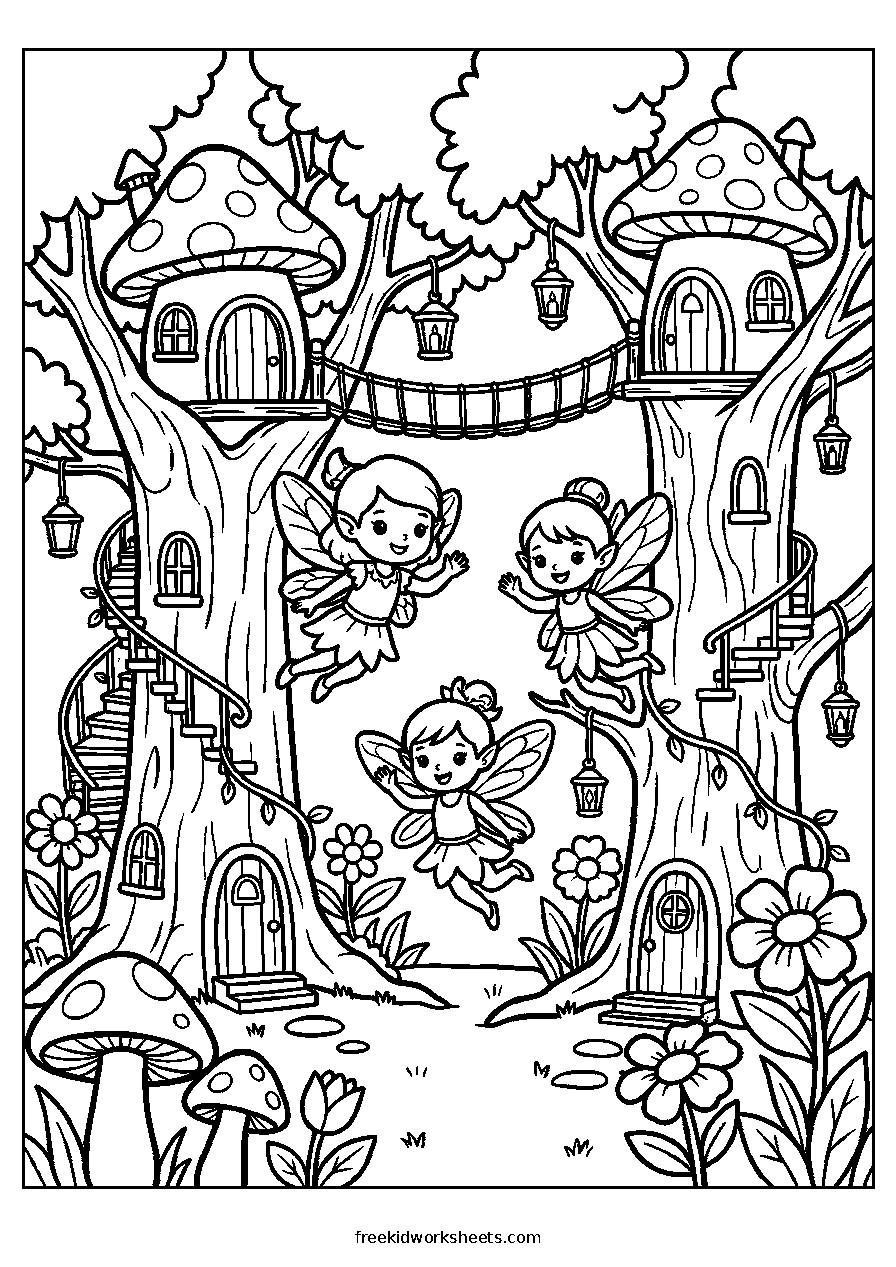
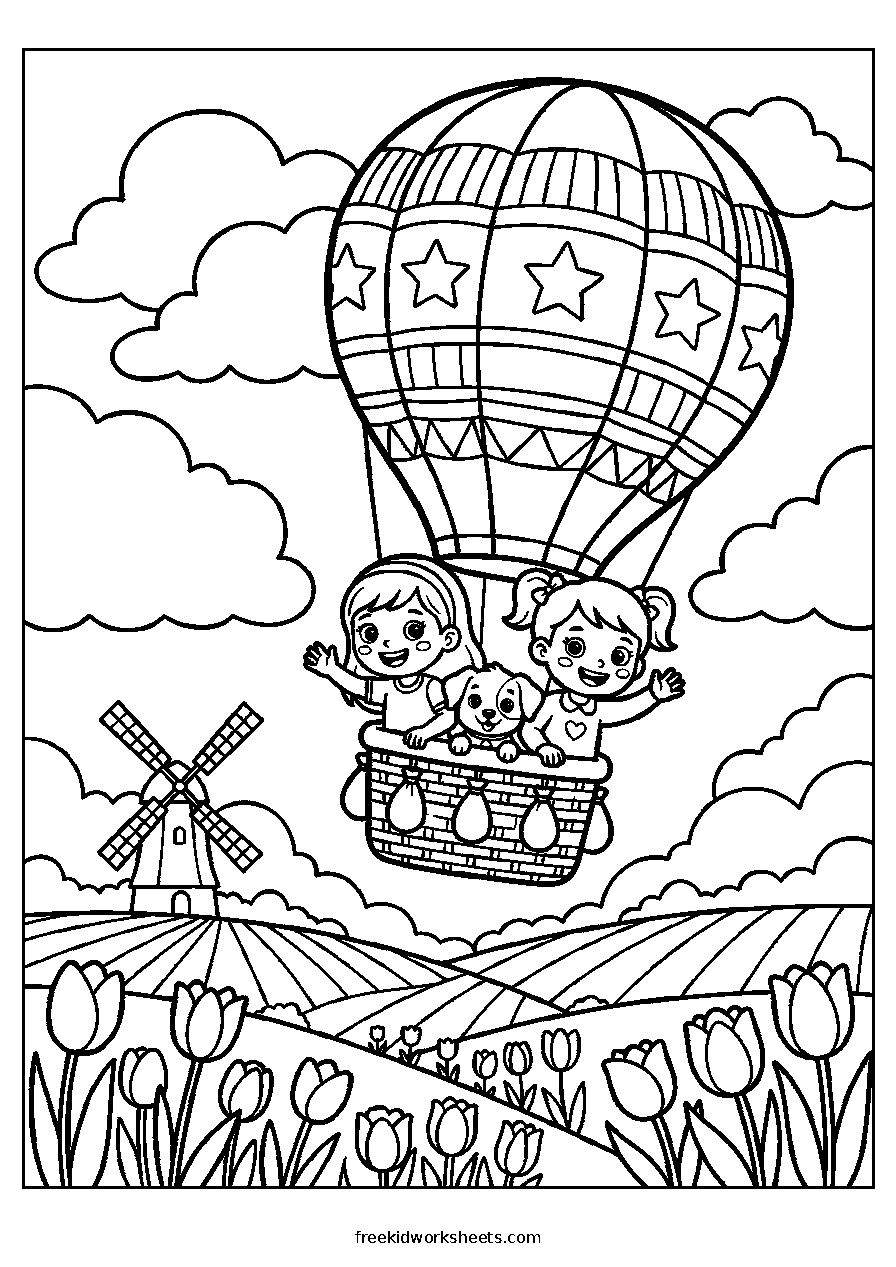
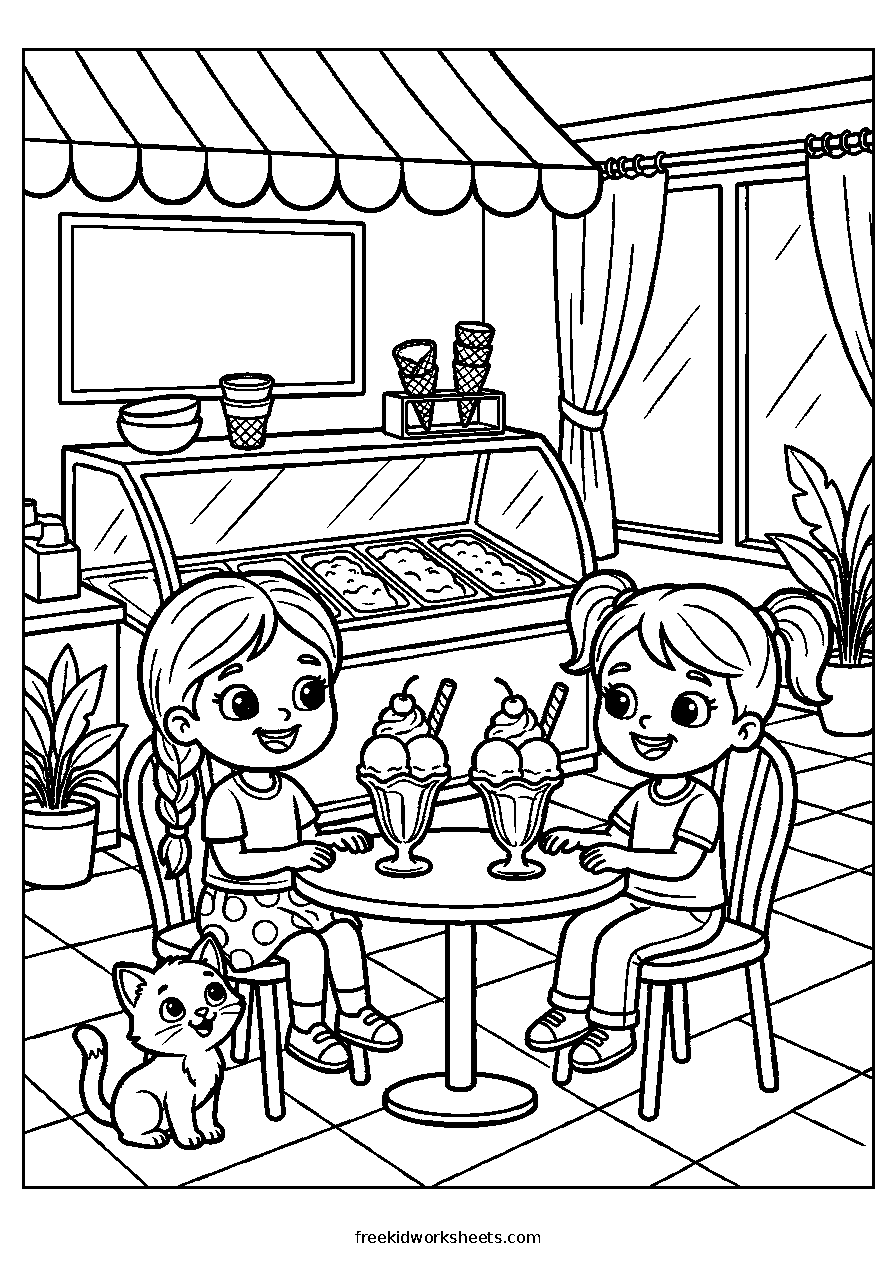
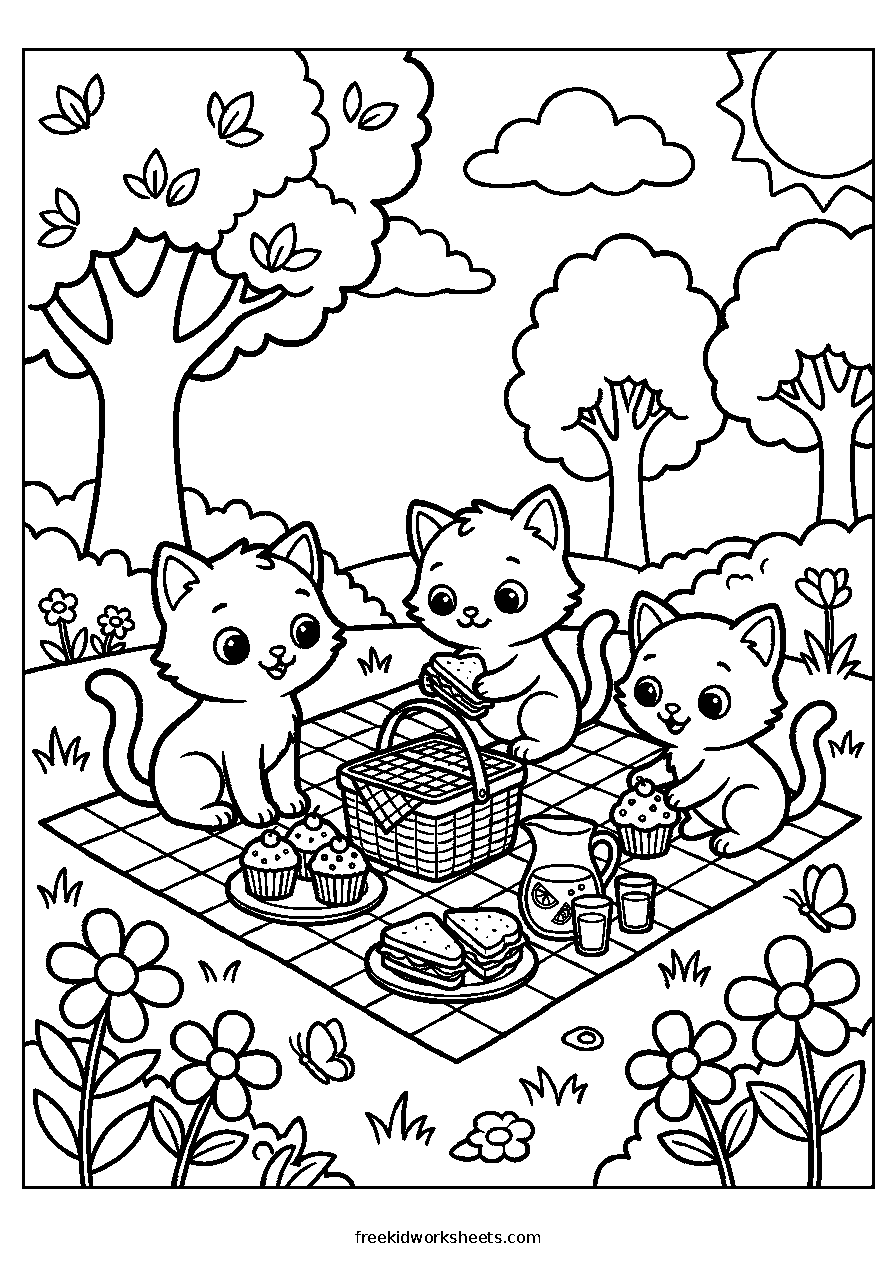
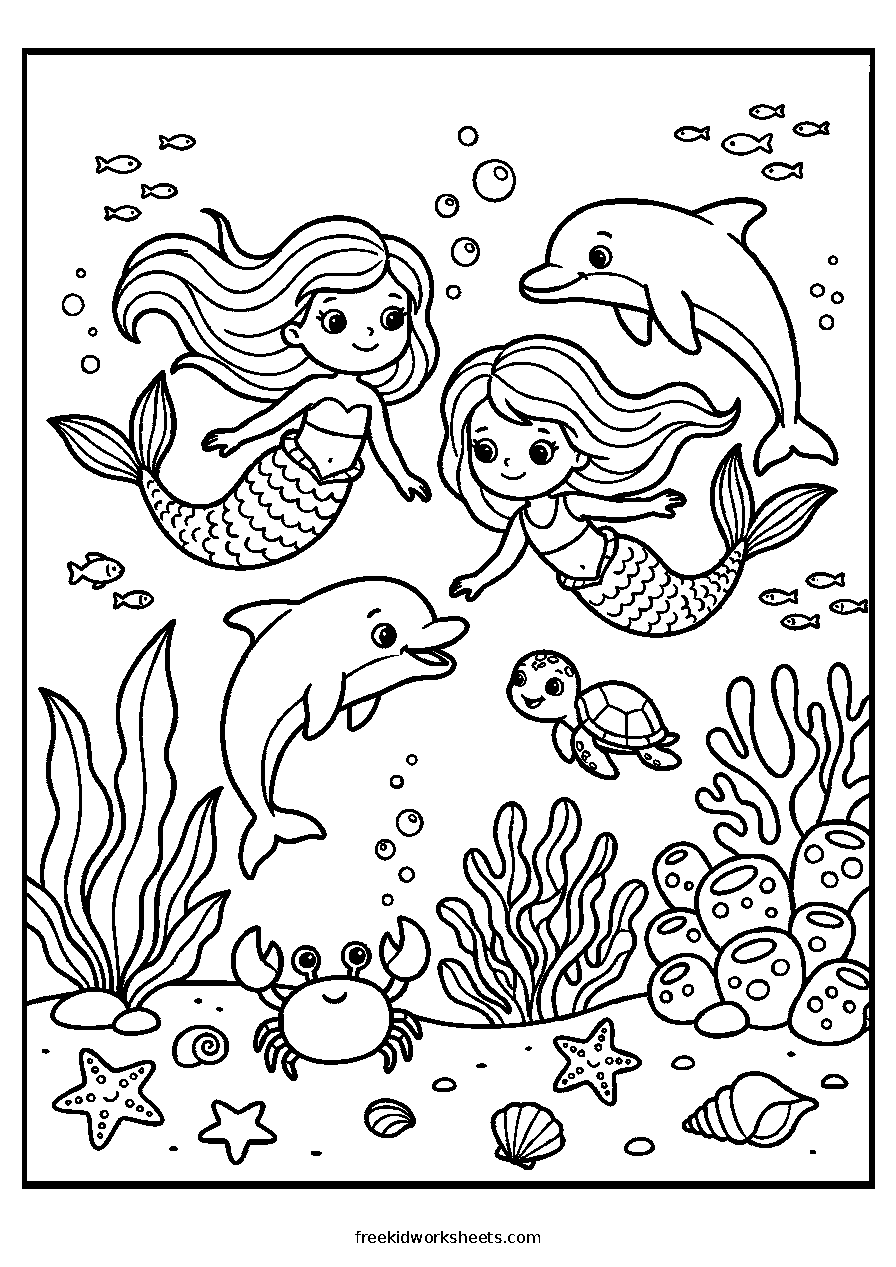
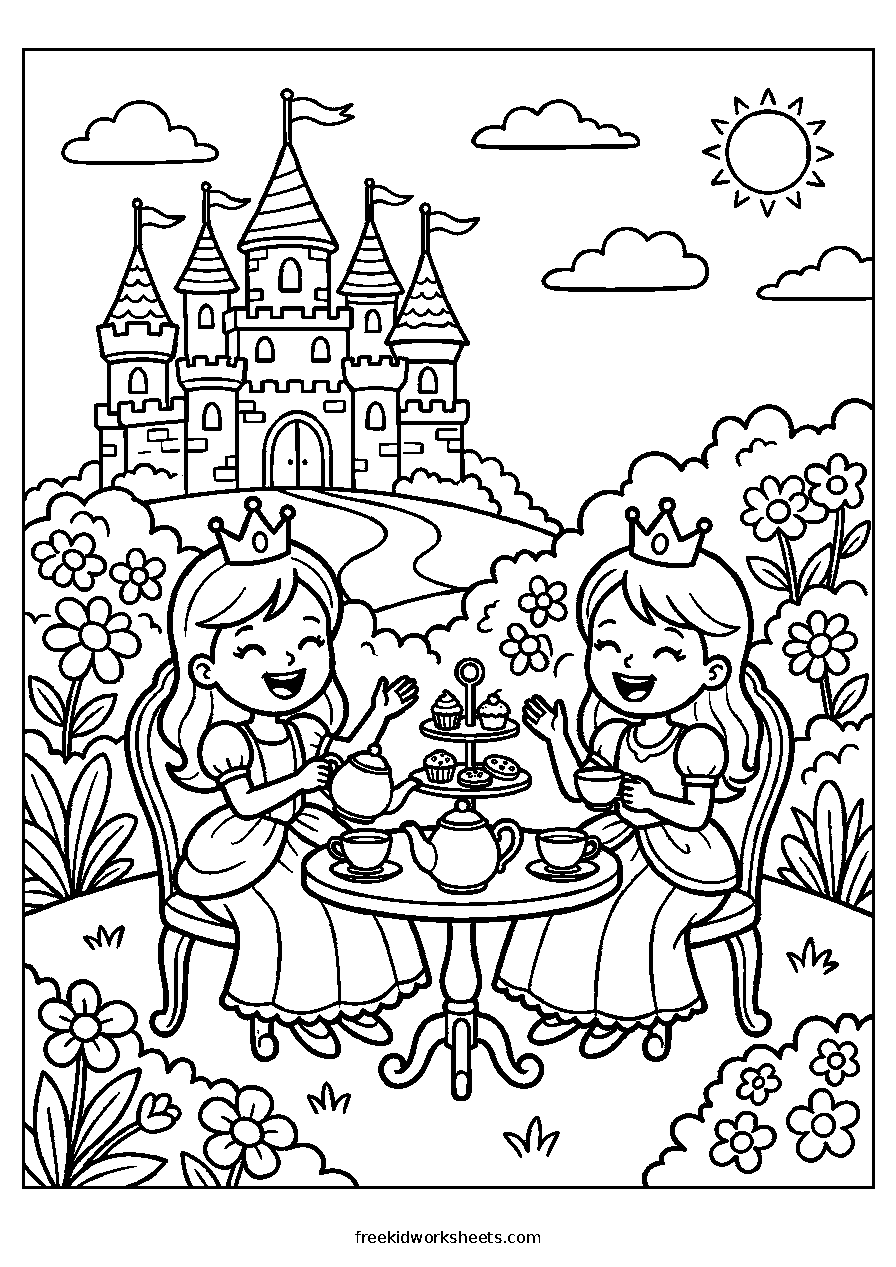
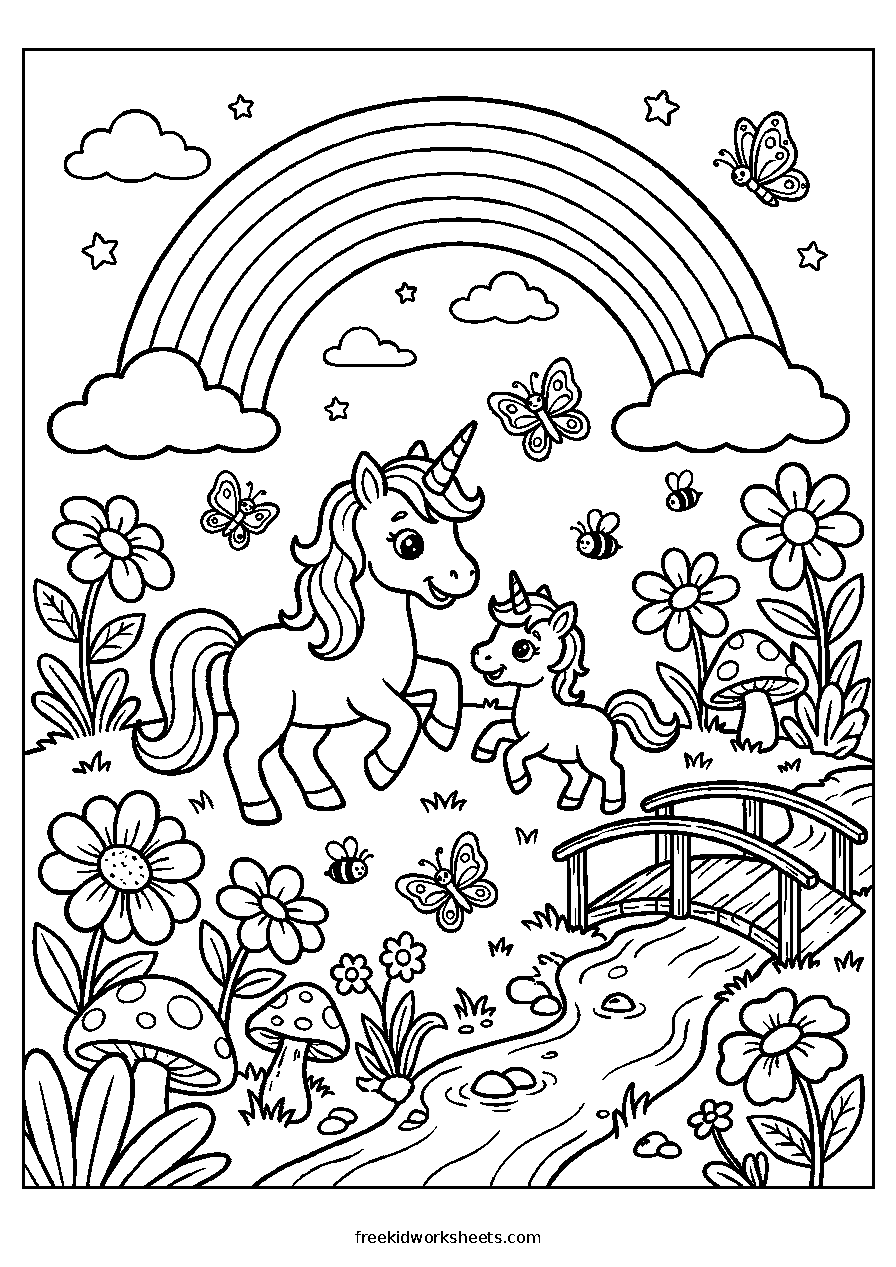
Unicorns, fairies, princesses and picnics. Gentle scenes that turn into stories while you colour them.
 Detailed
 Detailed
 Detailed
 Detailed
 Detailed
 Detailed
 Detailed
 Detailed
 Detailed
 Detailed
 Detailed
 Detailed
 Detailed
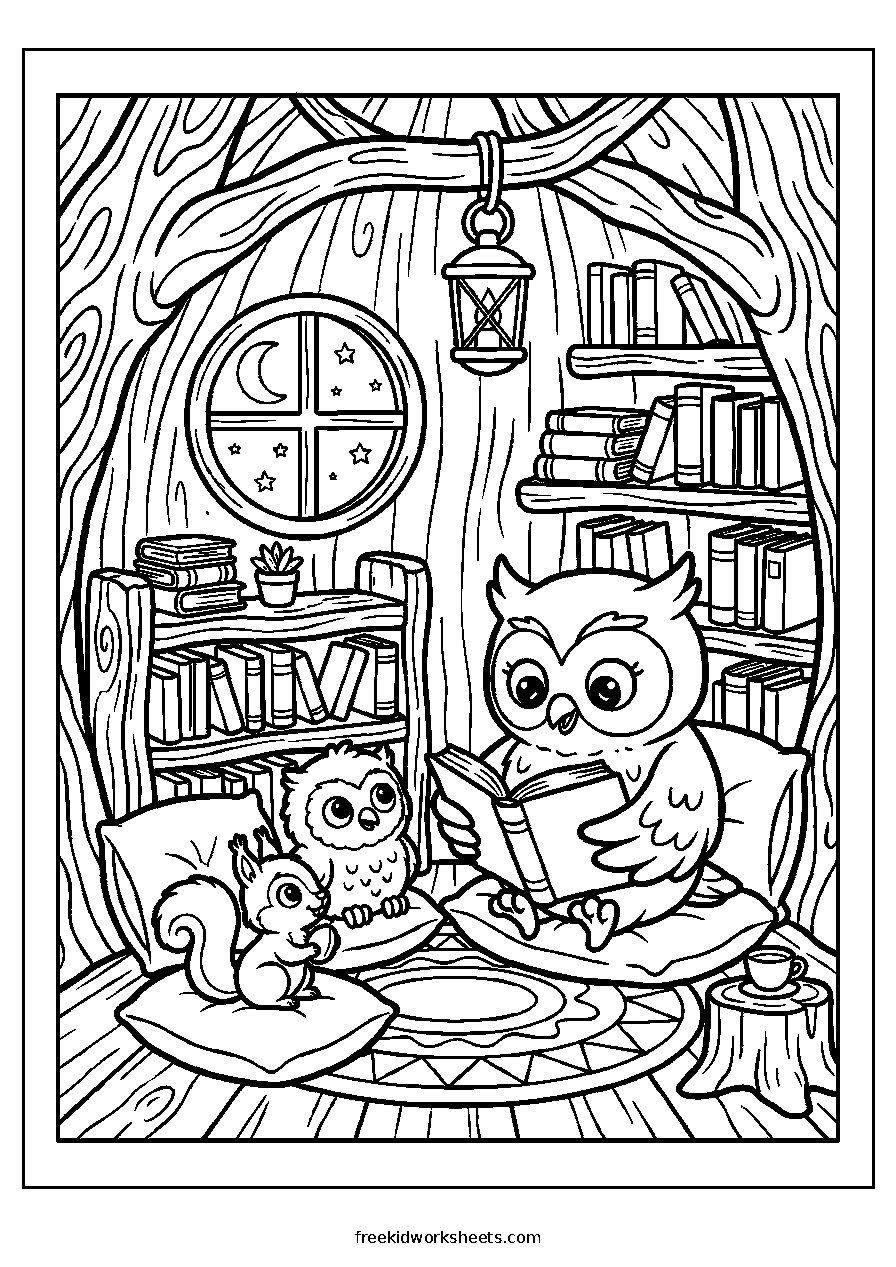 Detailed
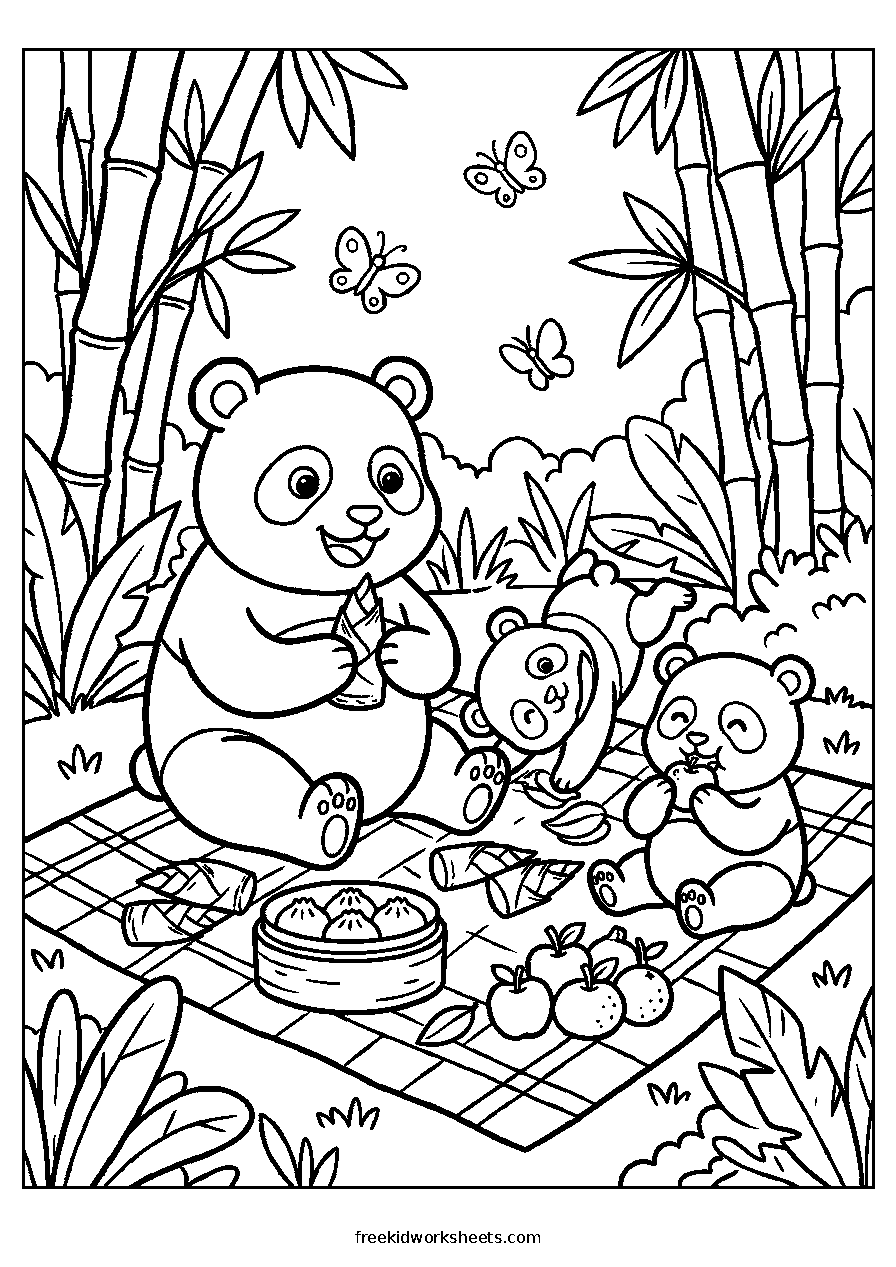 Detailed
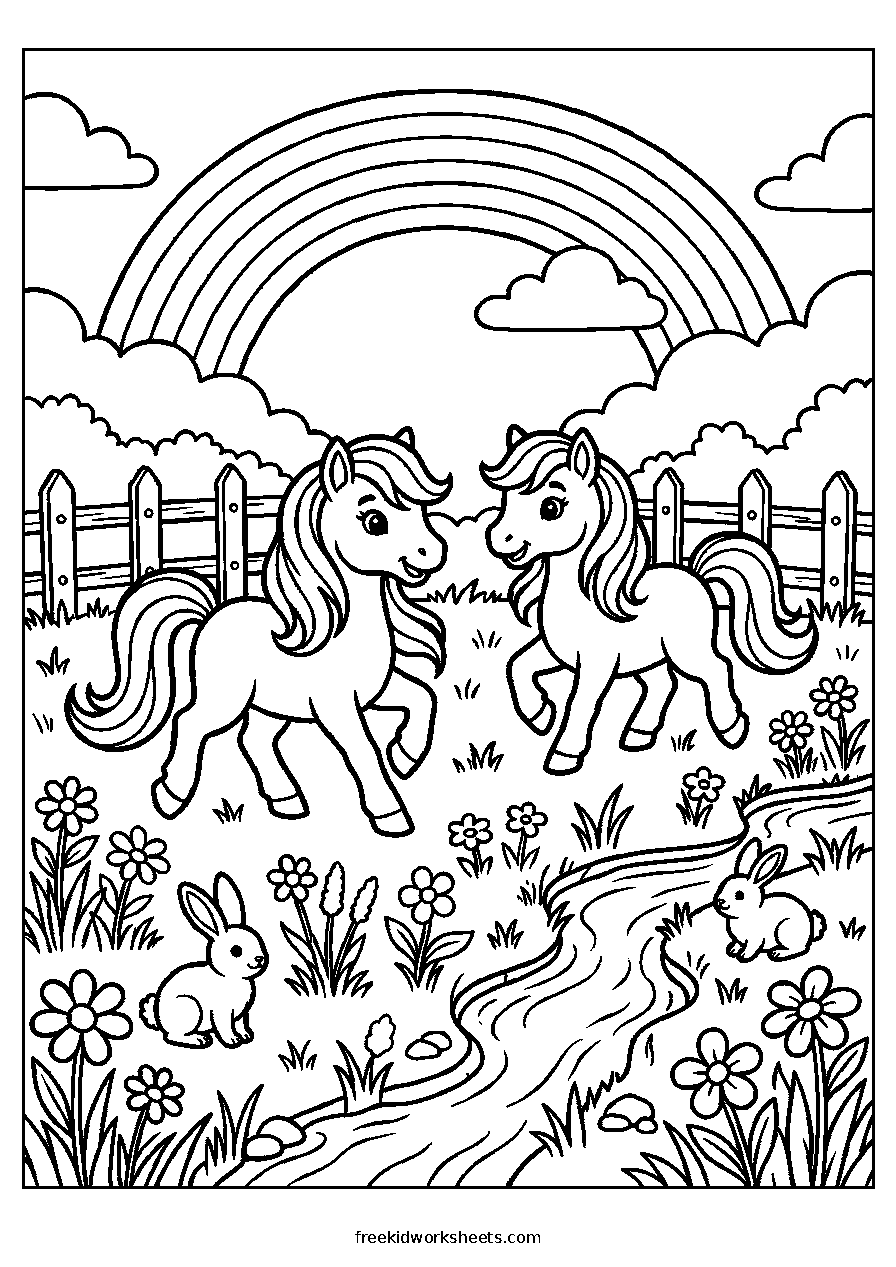 Detailed
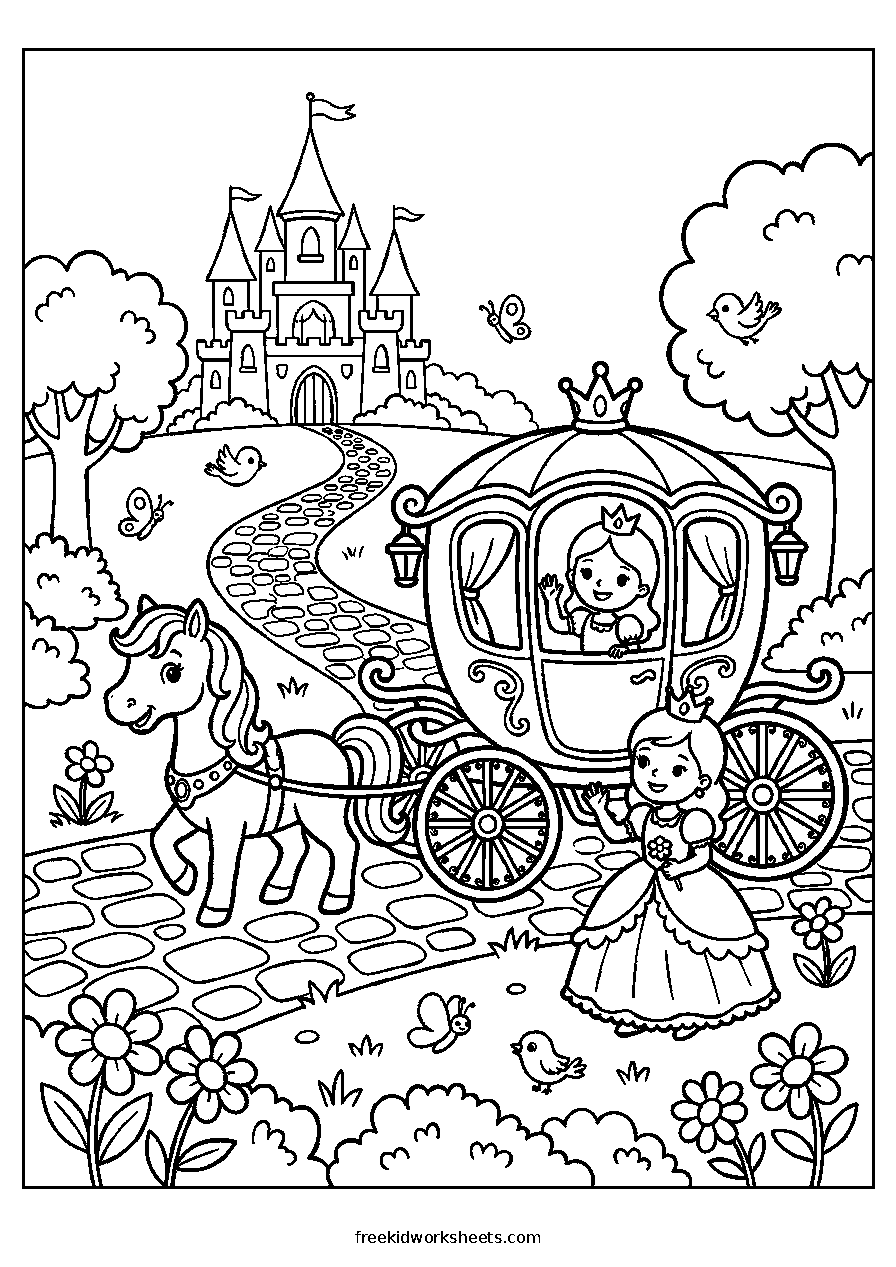 Detailed
 Detailed
 Detailed
 Detailed
Nature and Places Scenes20 pages
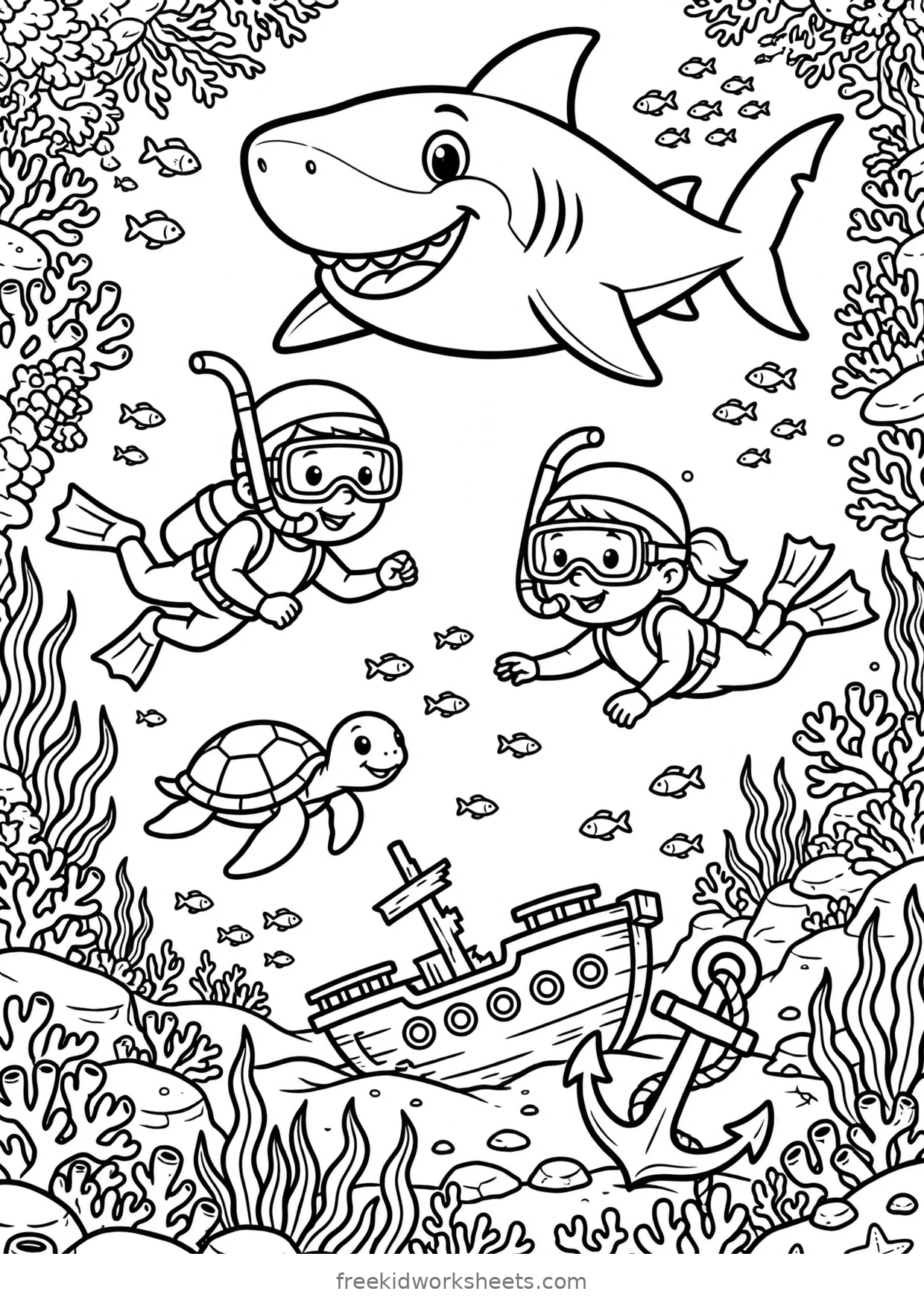
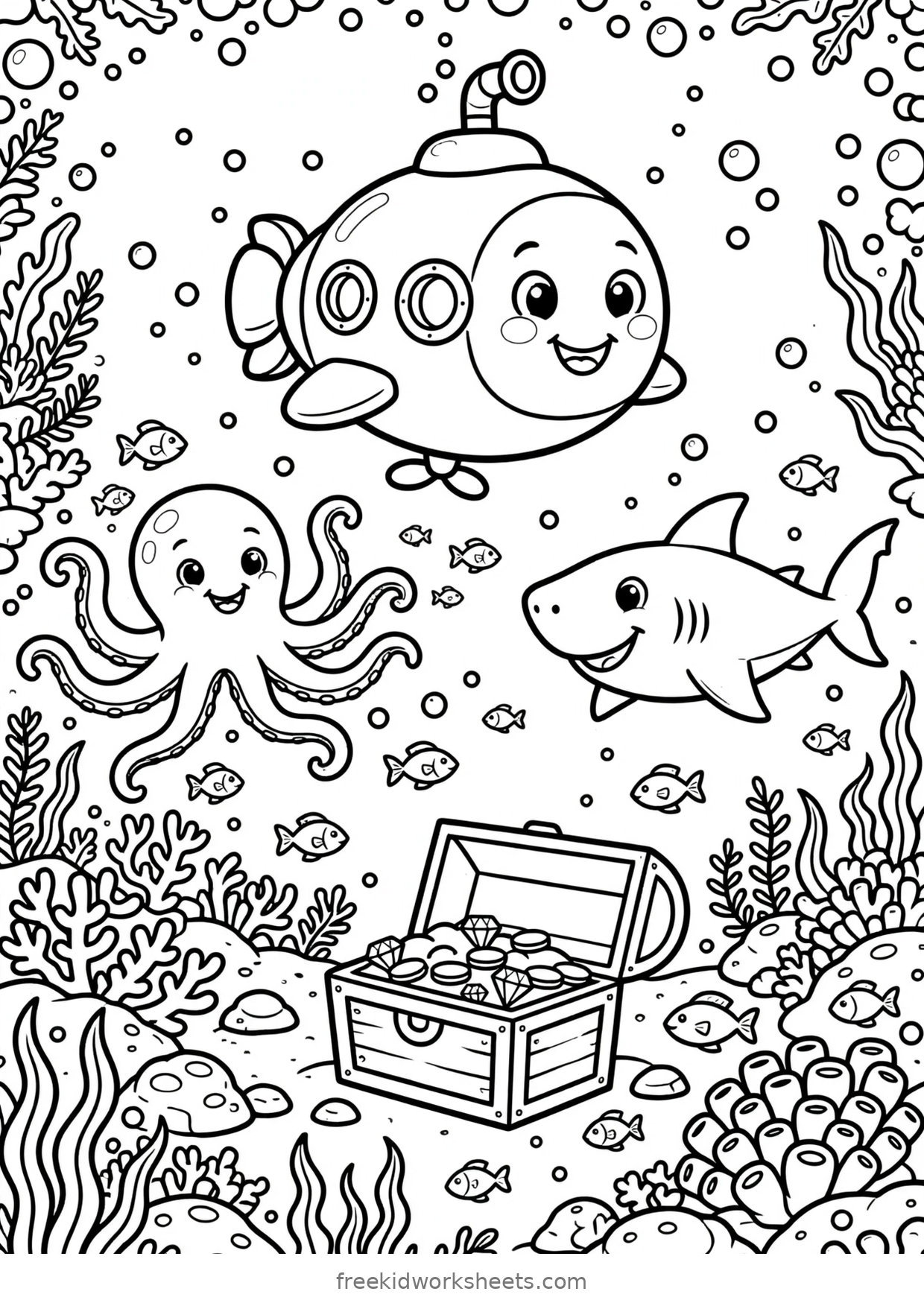
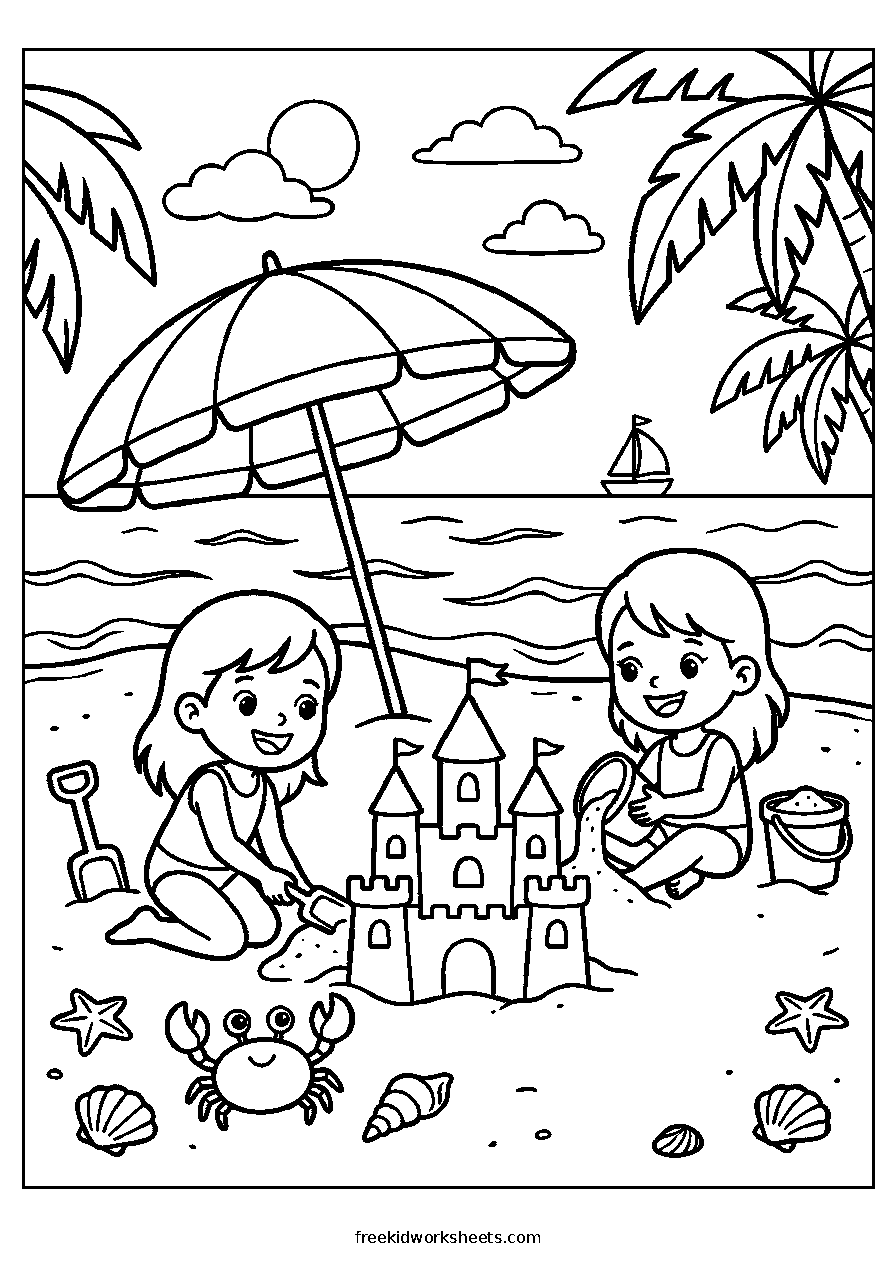
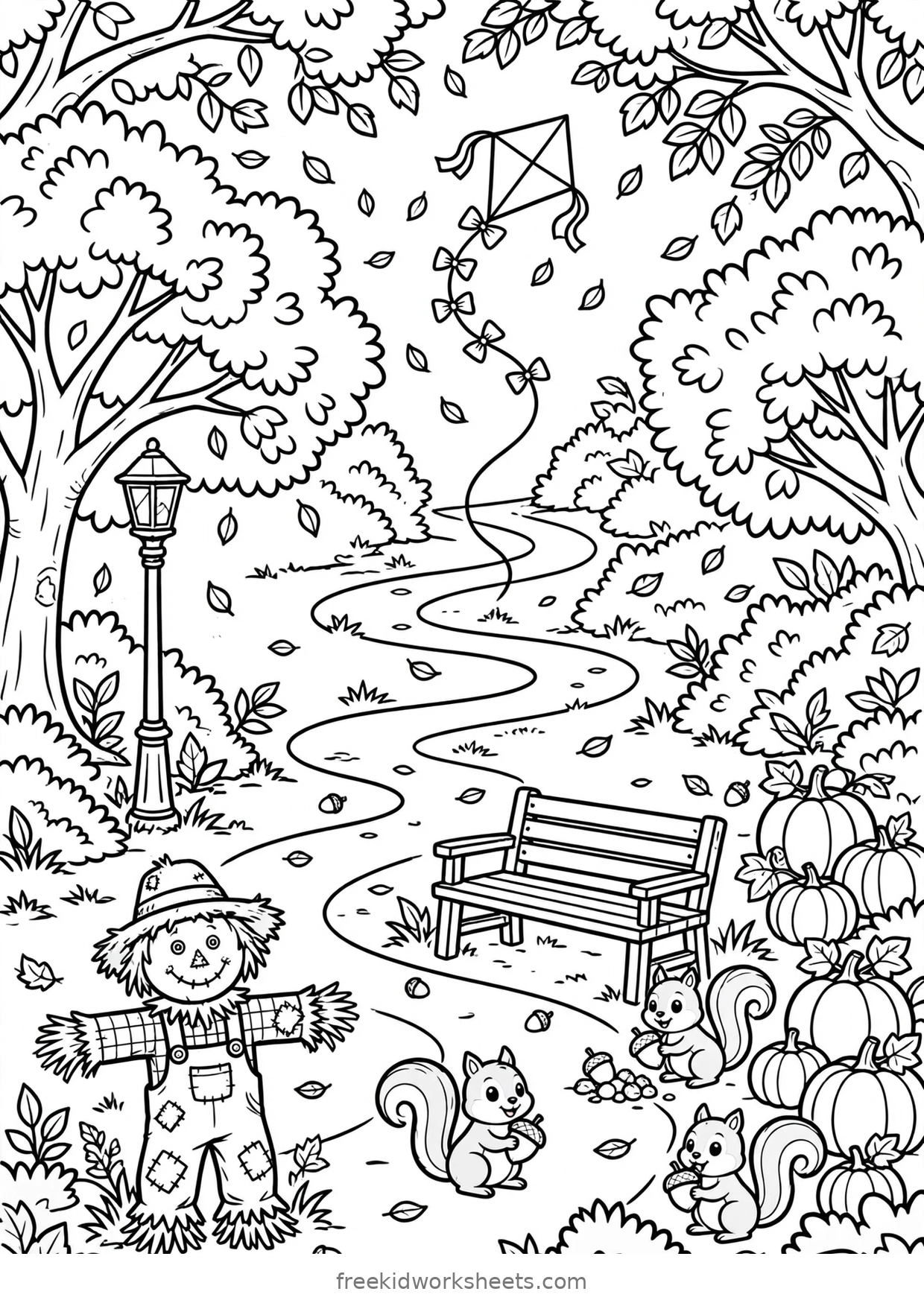
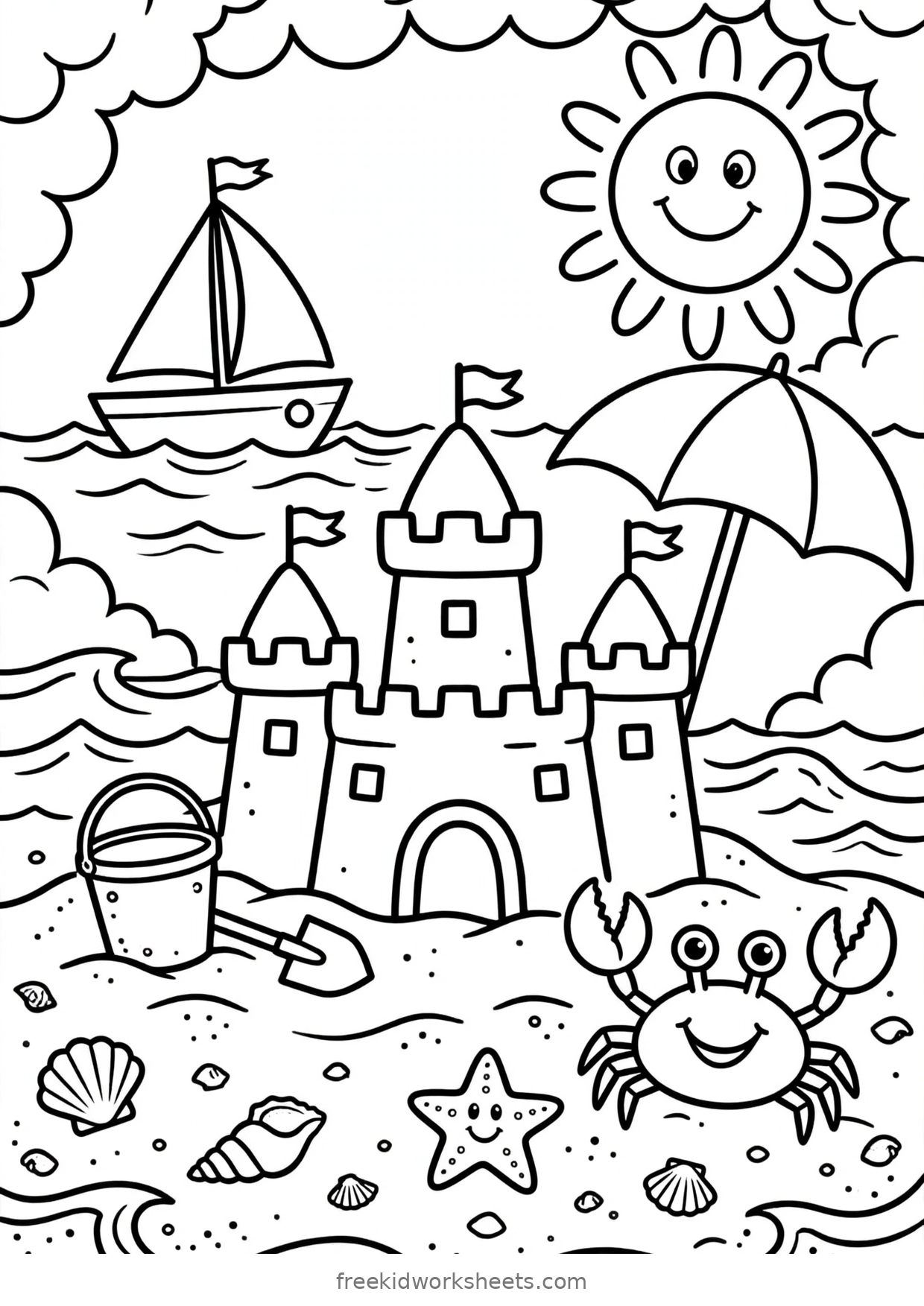
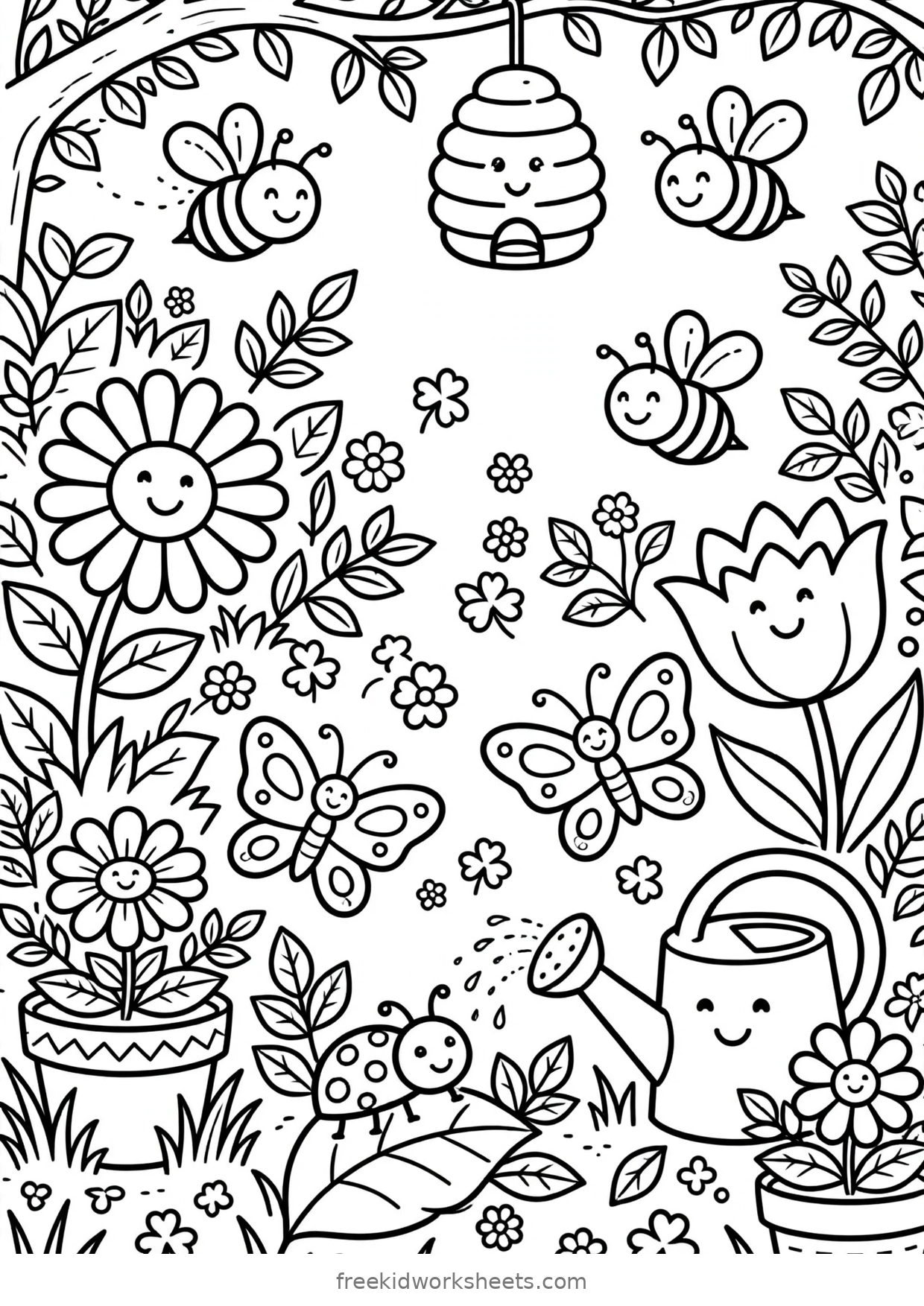
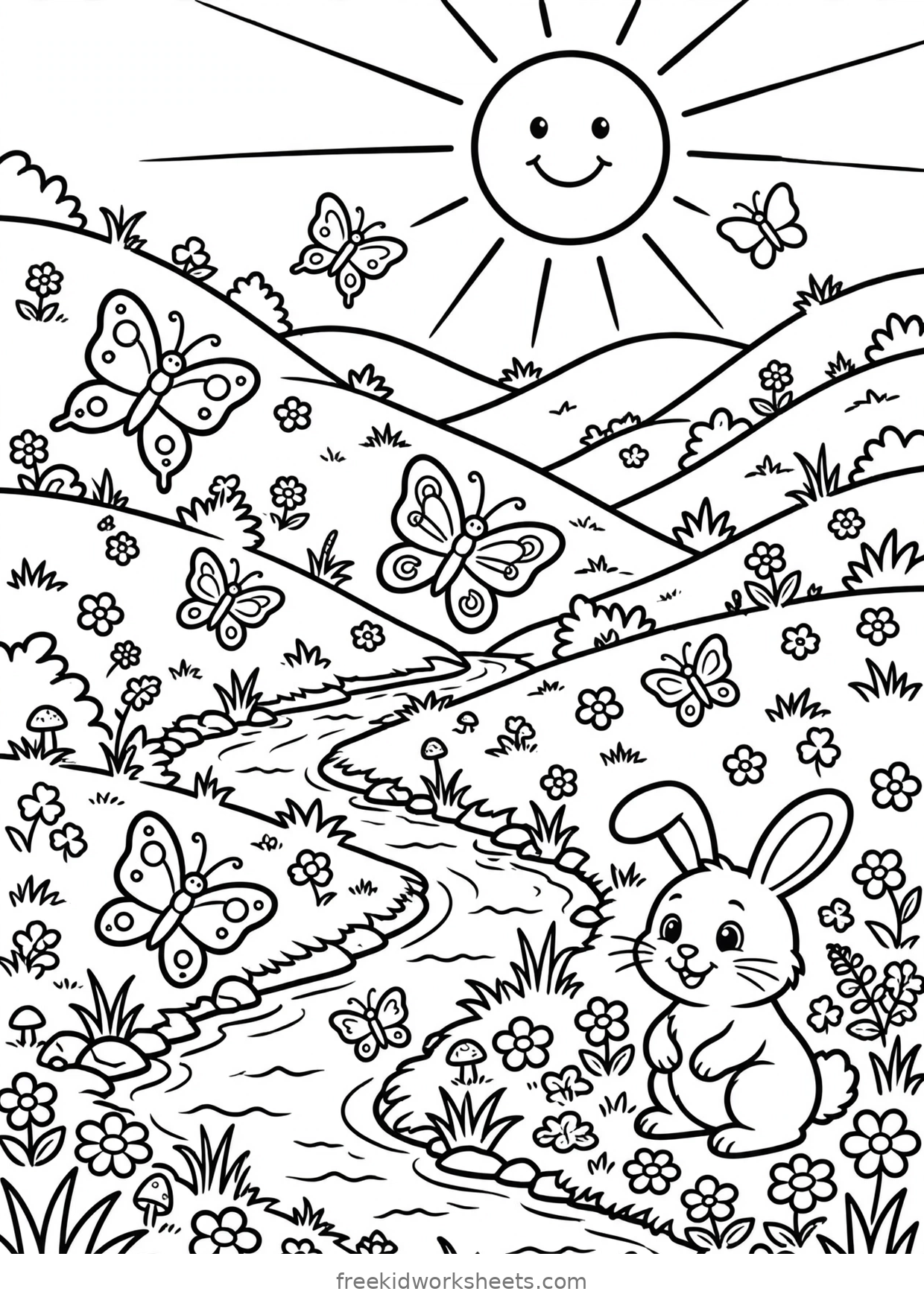
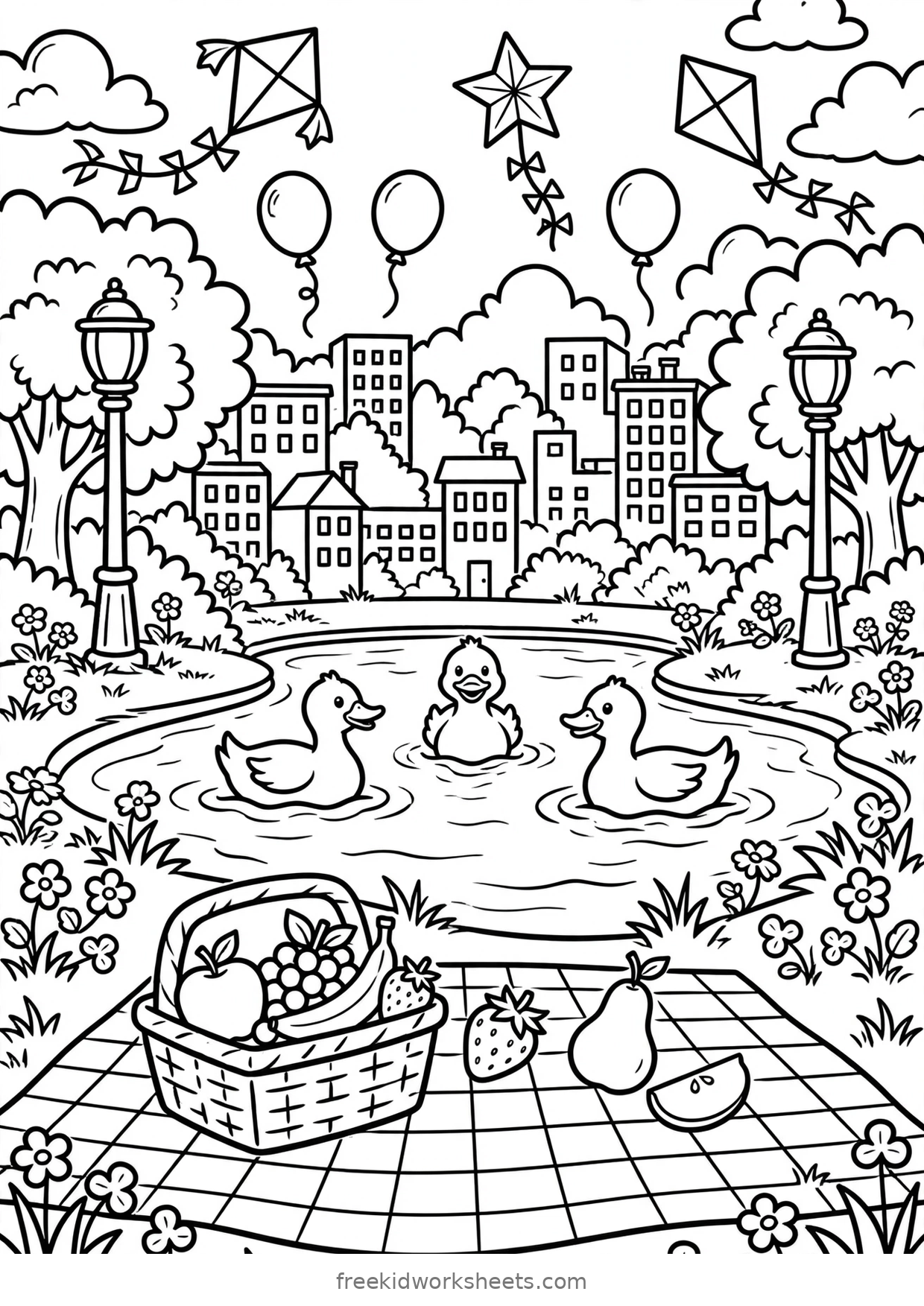
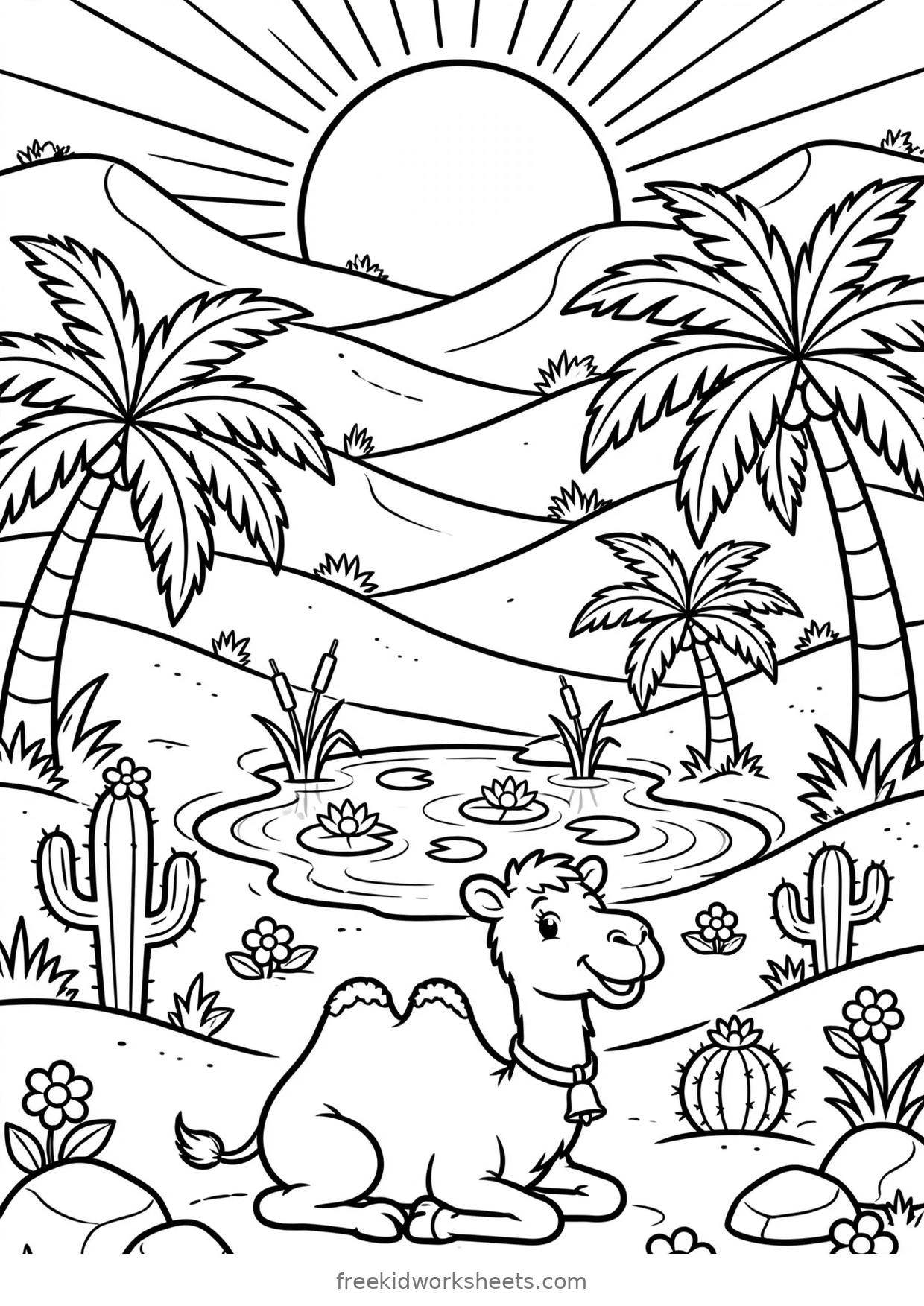
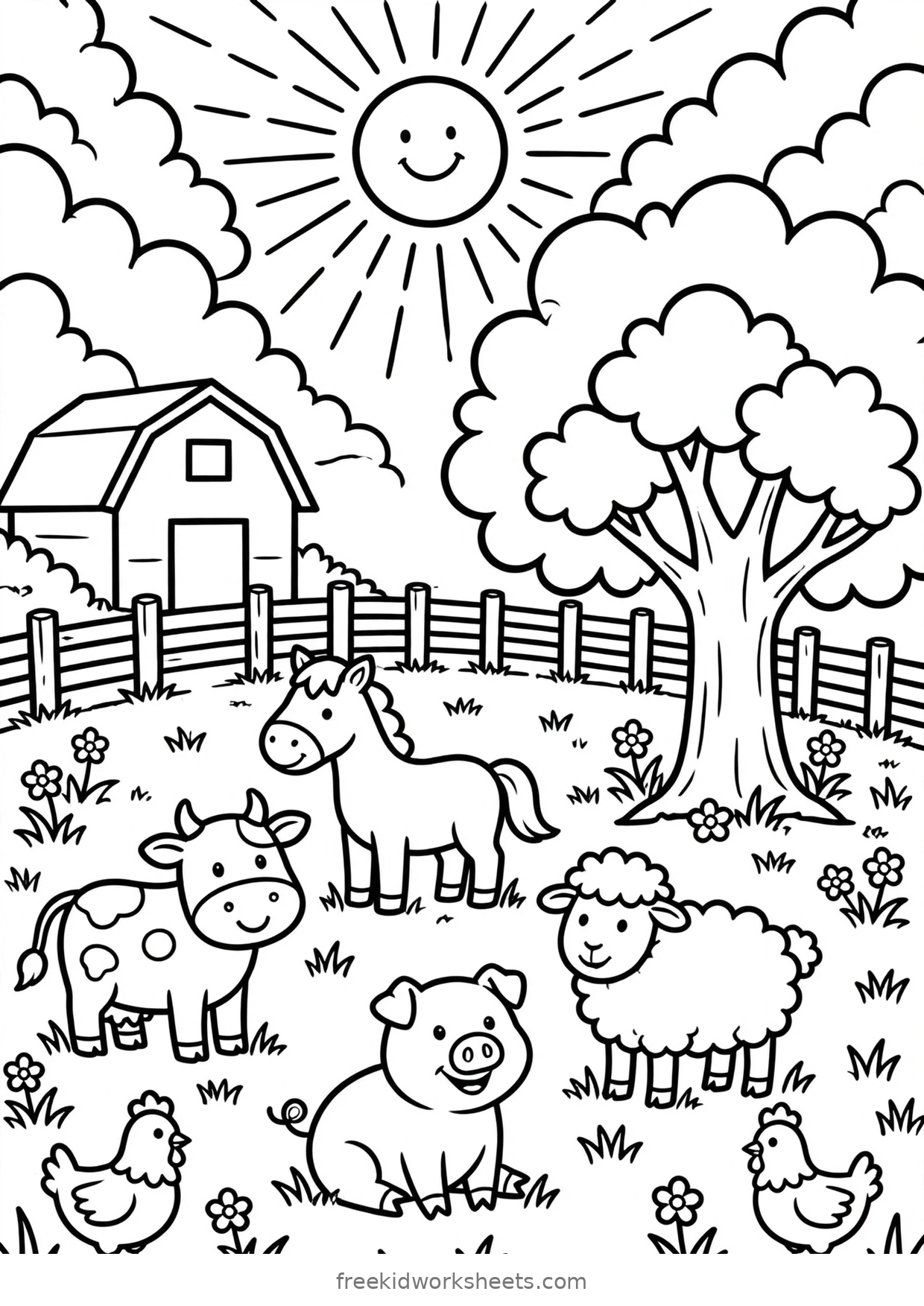
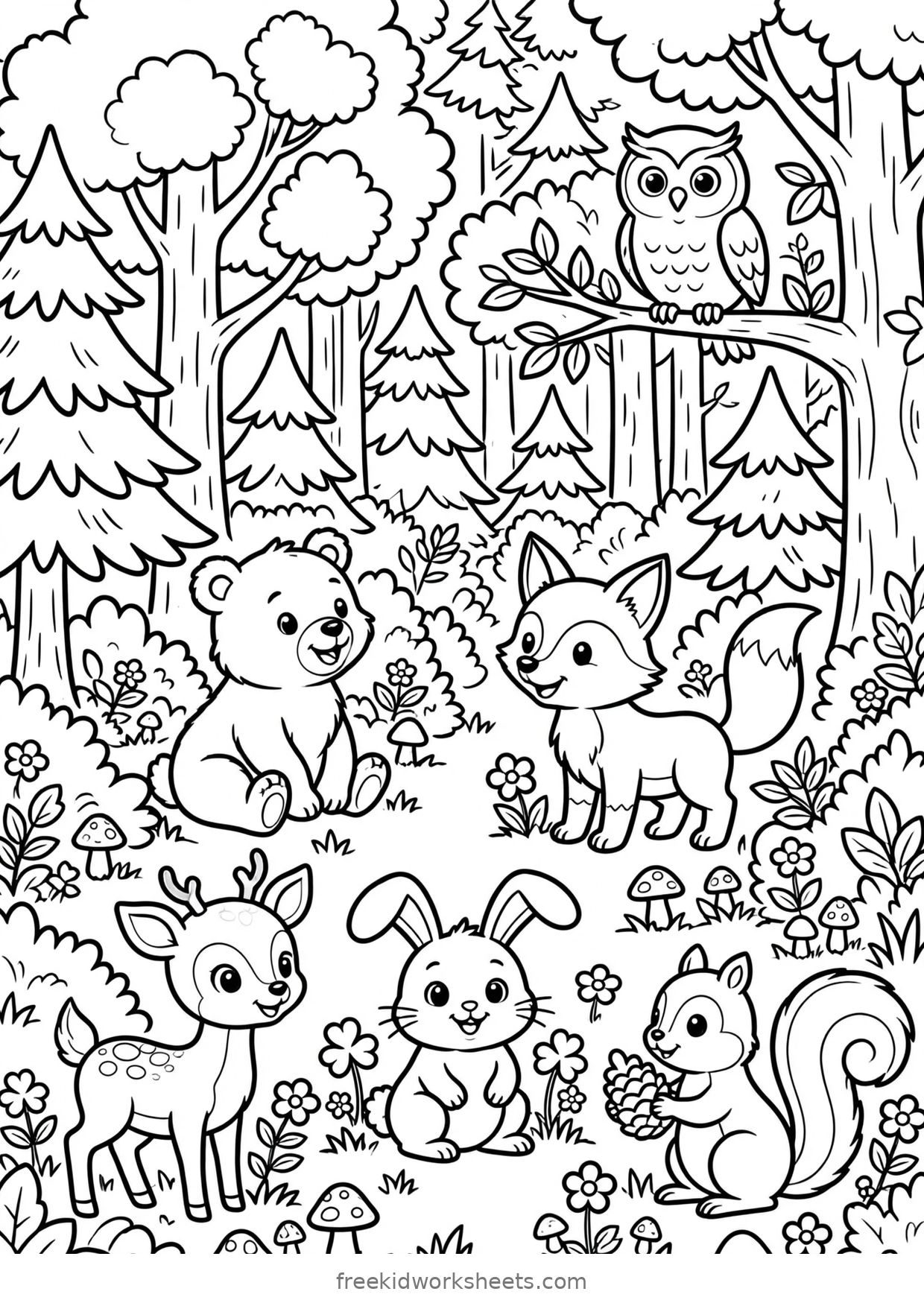
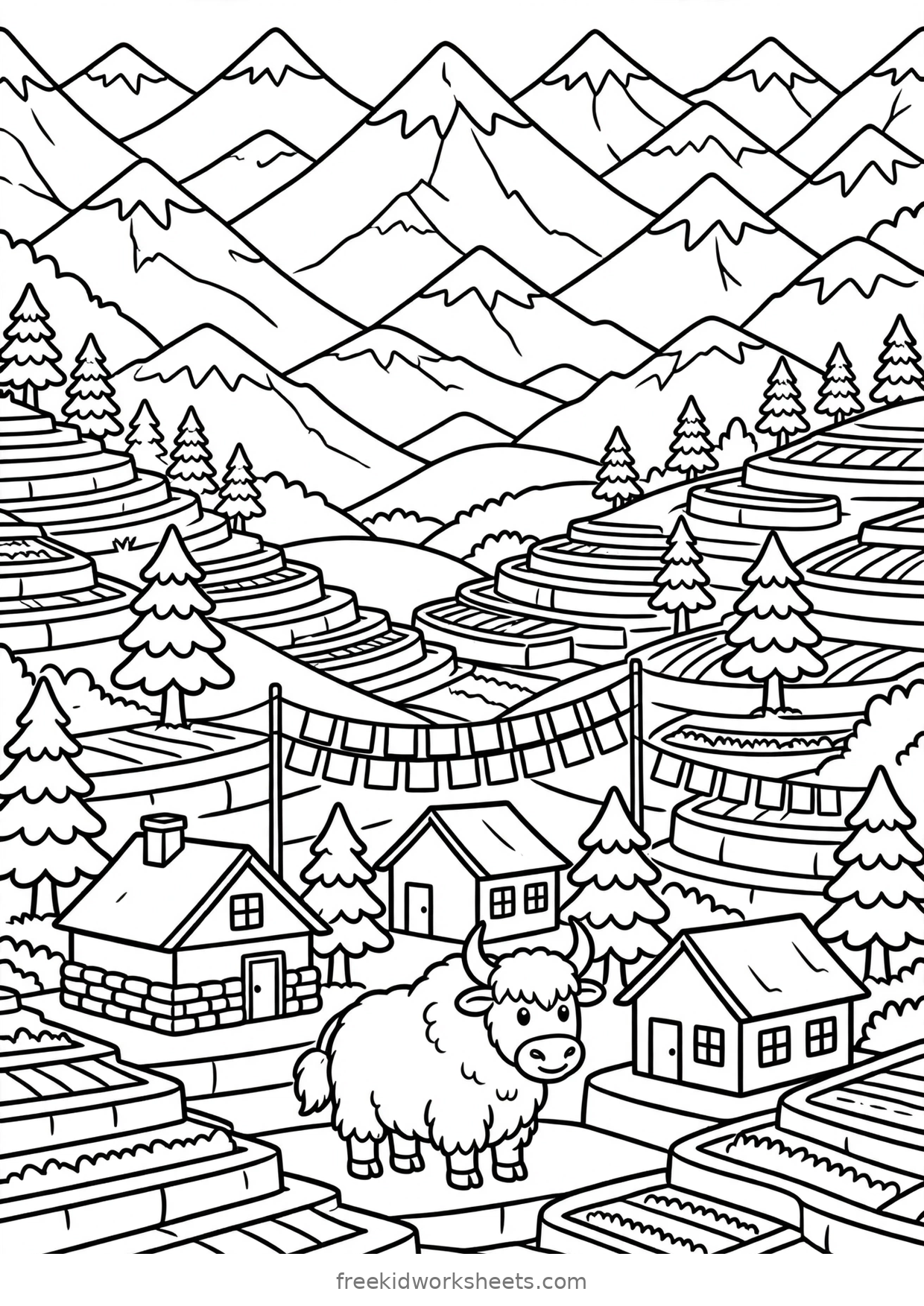
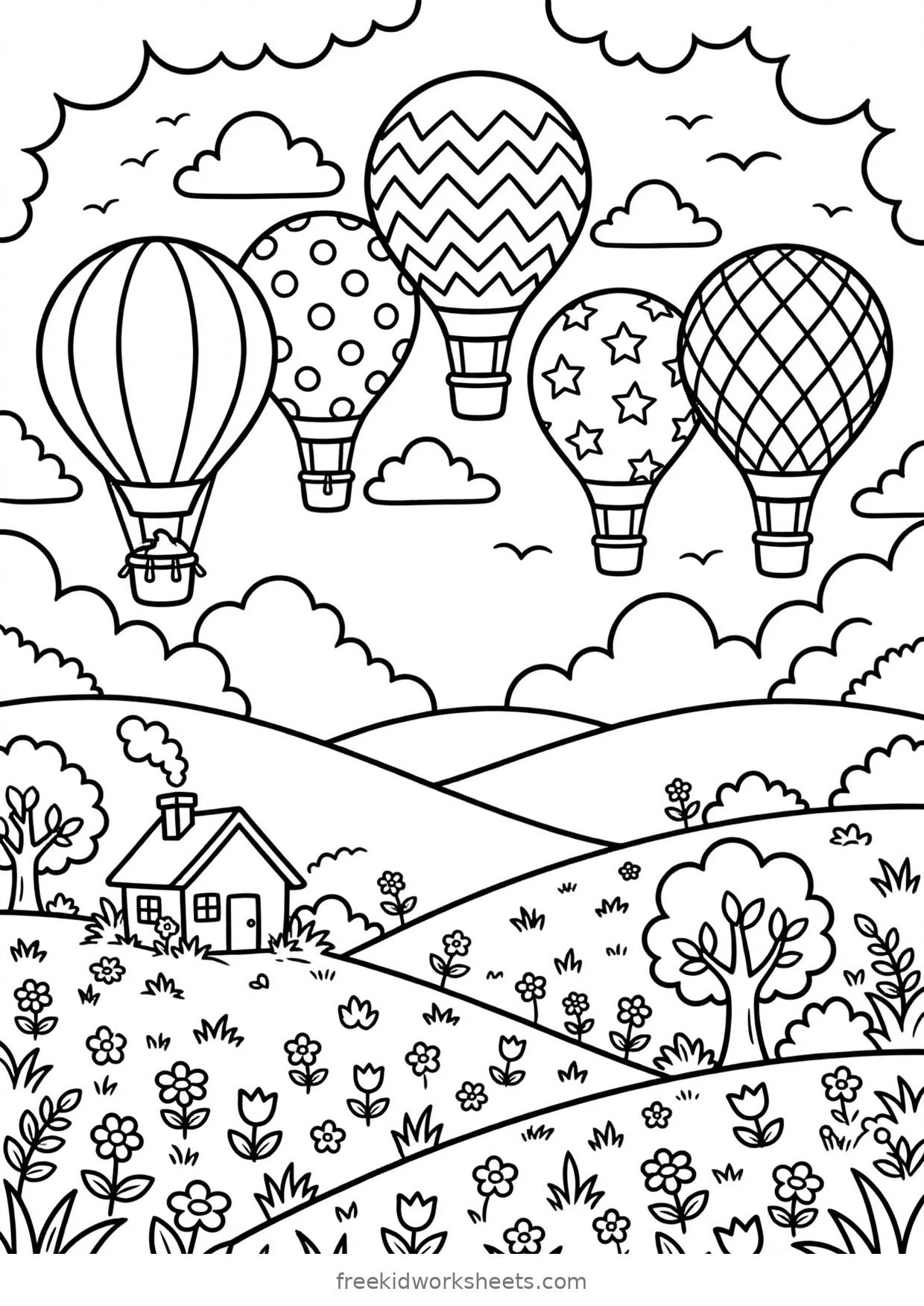
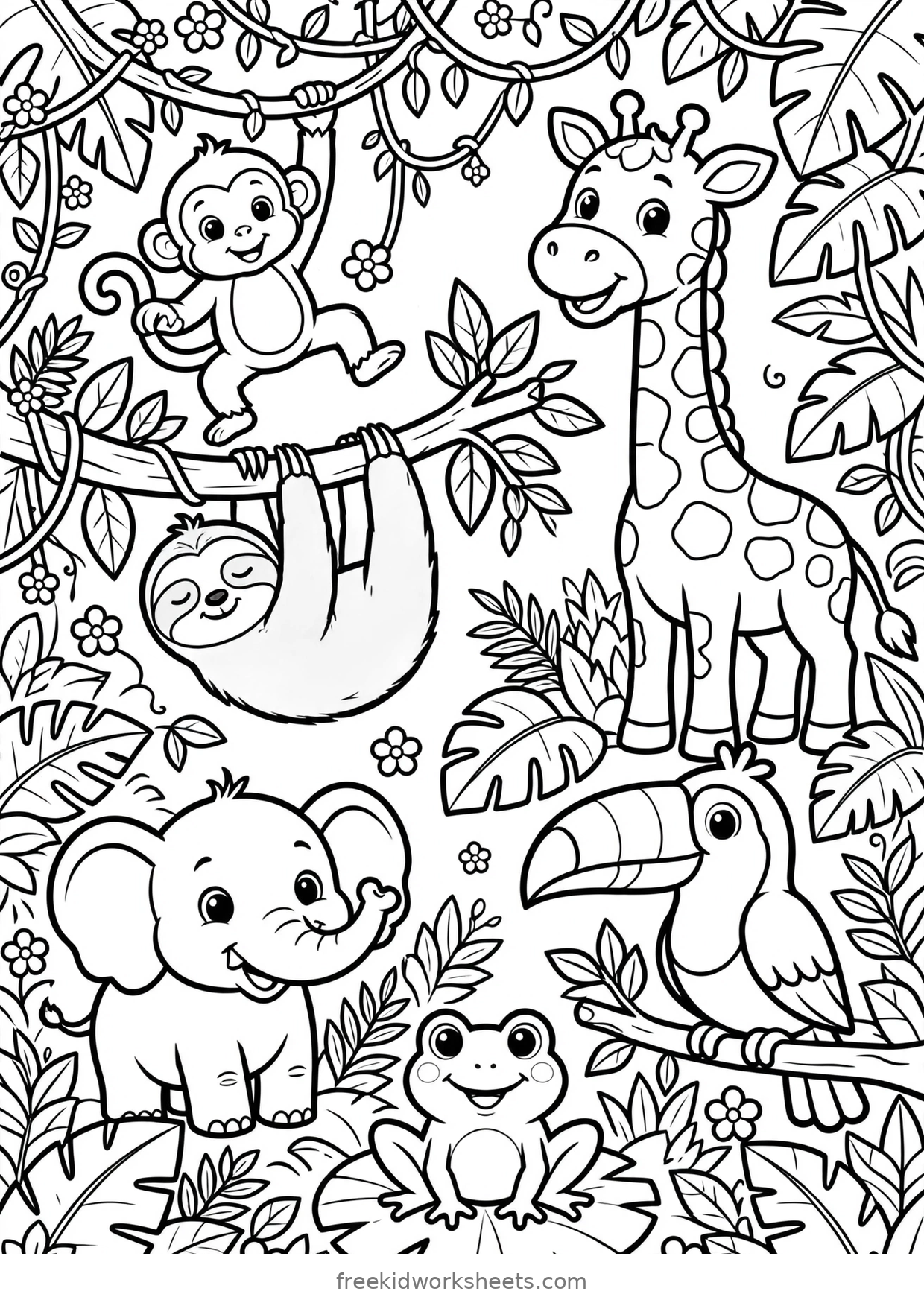
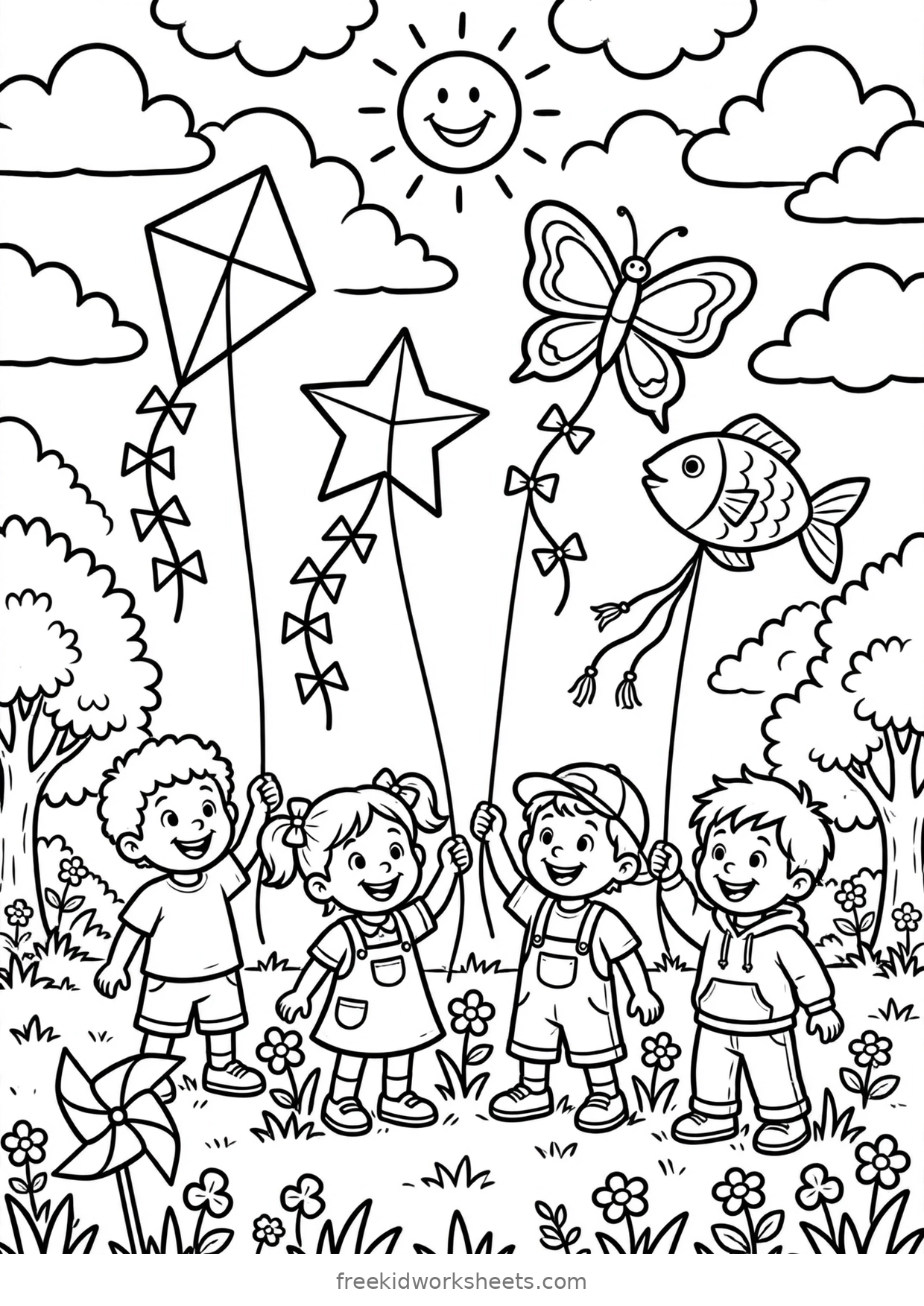
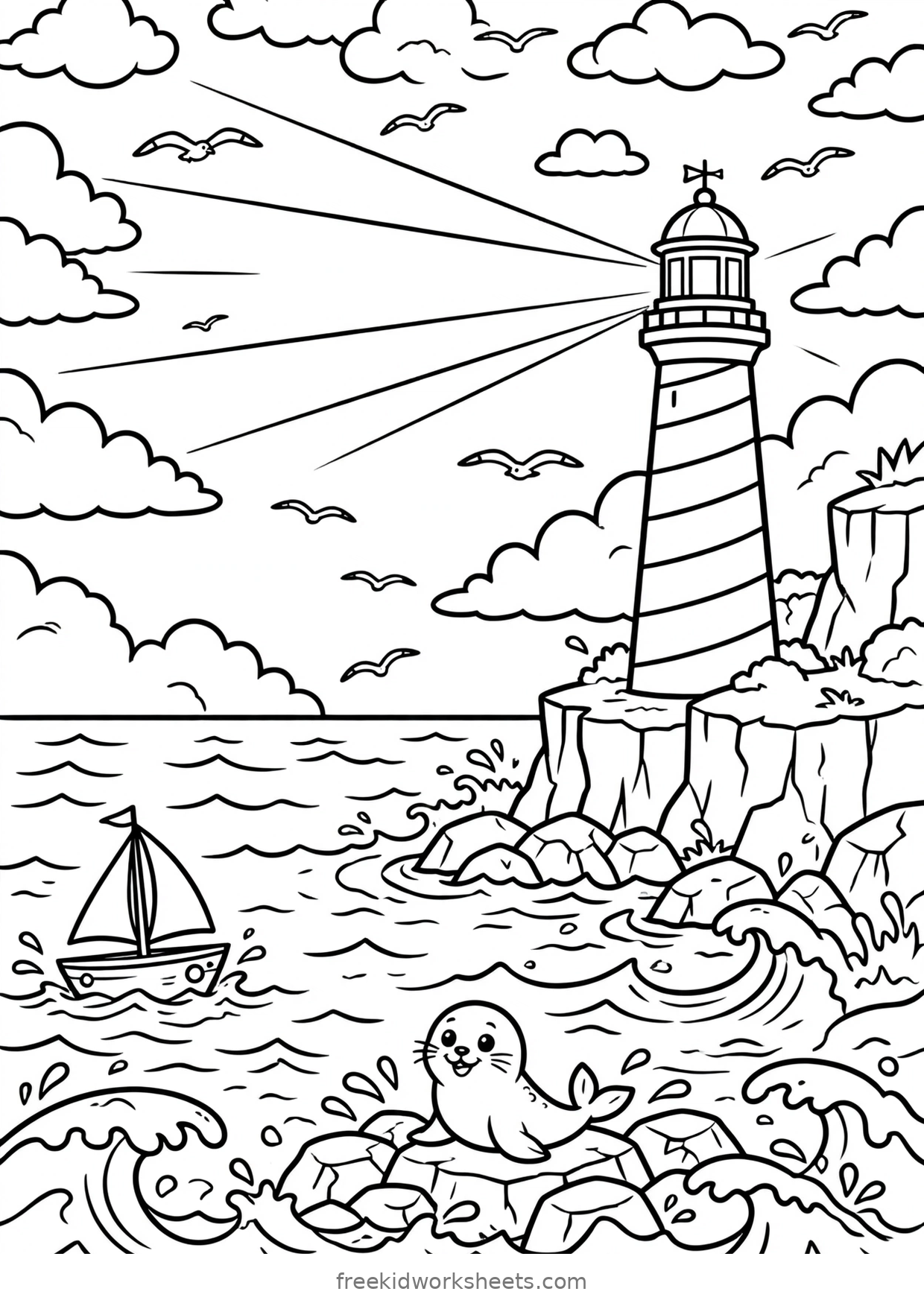
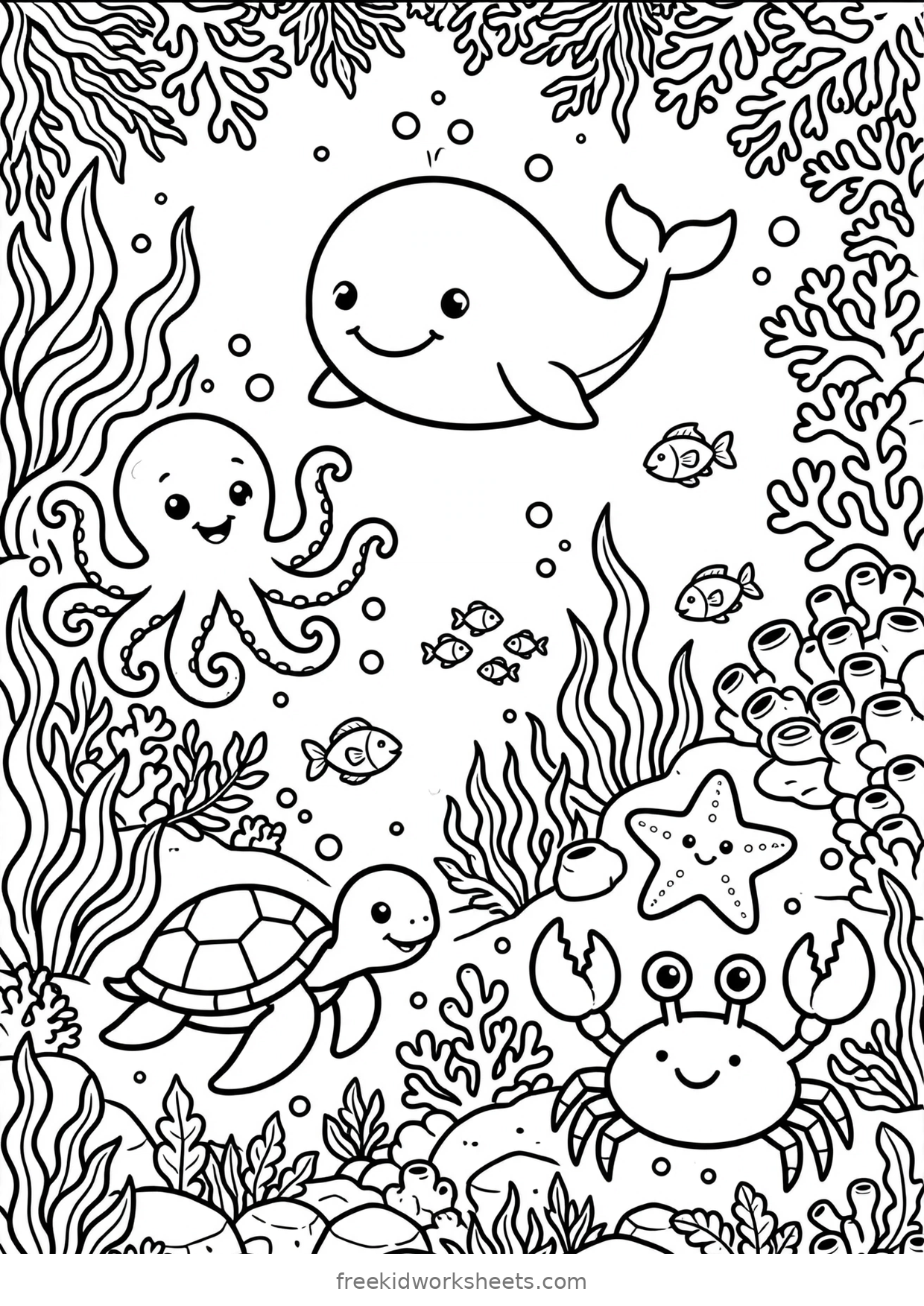
Real places drawn wide: a beach, a farm, a jungle, a zoo, and a trip under the sea.
 Detailed
 Detailed
 Detailed
 Detailed
 Detailed
 Detailed
 Detailed
 Detailed
 Detailed
 Detailed
 Detailed
 Detailed
 Detailed
 Detailed
 Detailed
 Detailed
 Detailed
 Detailed
 Detailed
 Detailed
Simple coloring outlines
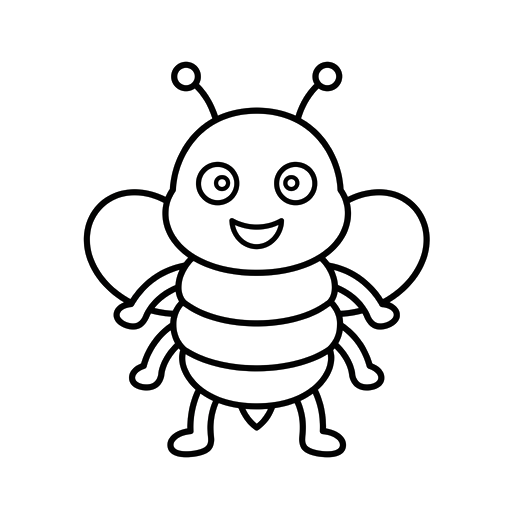
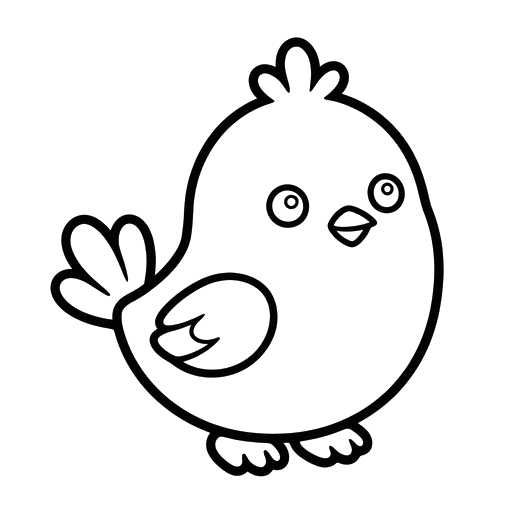
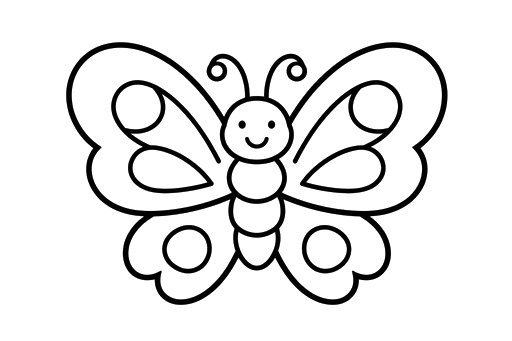
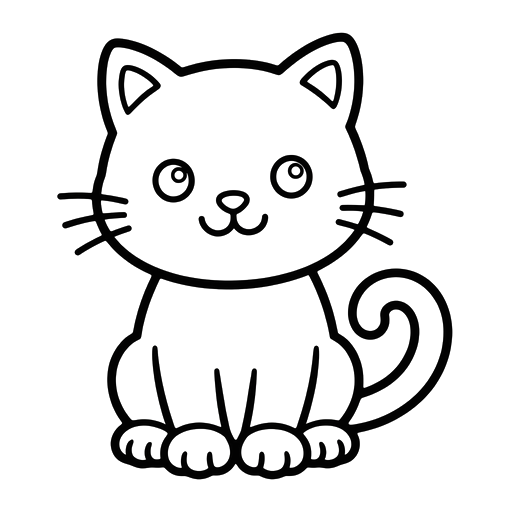
Eighty-eight single pictures. In the app you can stamp an outline onto any canvas, resize it, and colour around it too, so these double as building blocks for pictures of your own. On paper they are the classic one-picture coloring page.
Animals31 pages
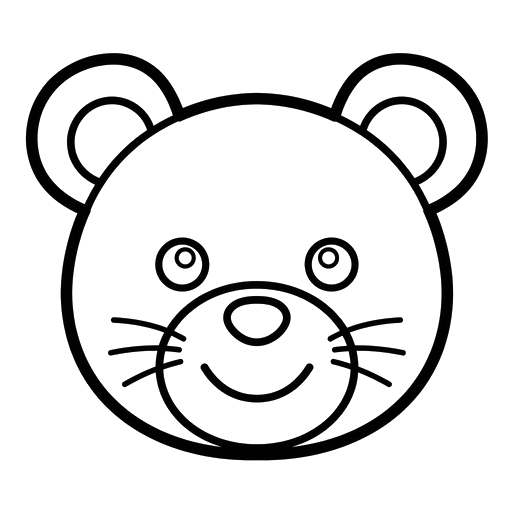
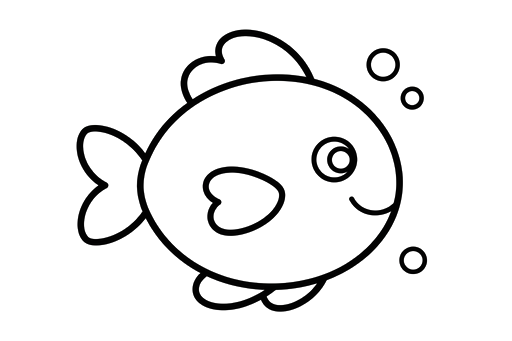
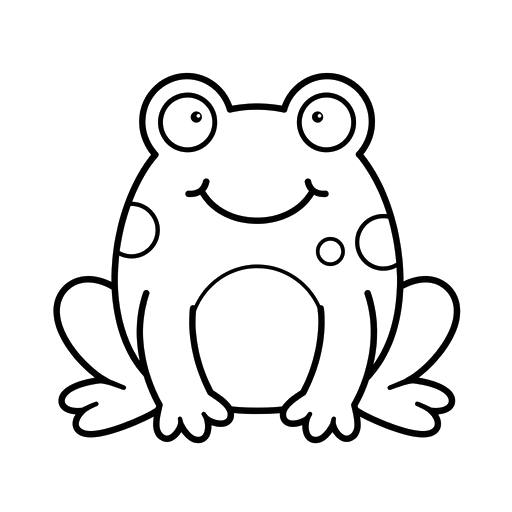
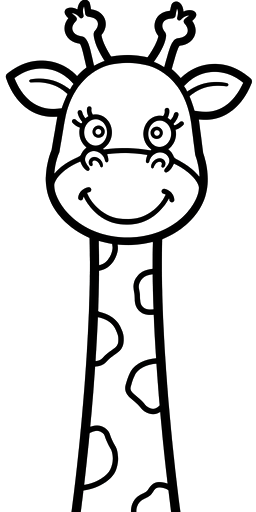
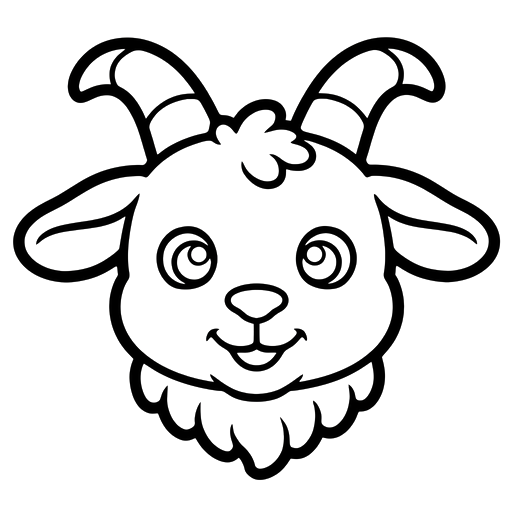
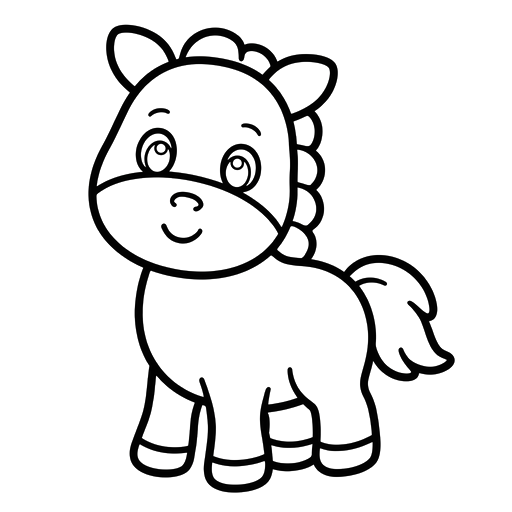
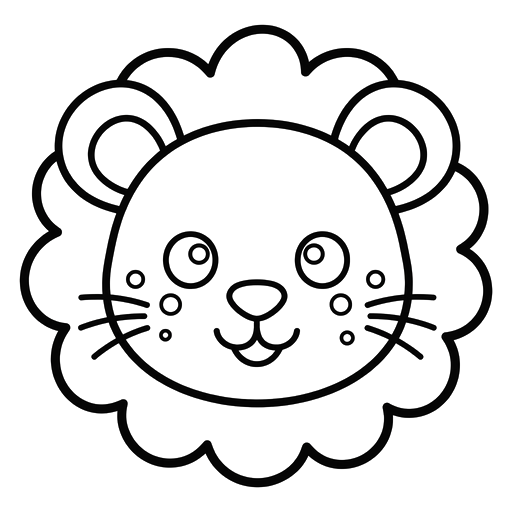
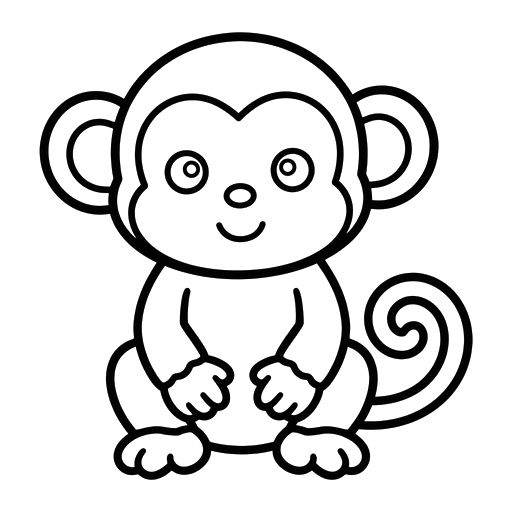
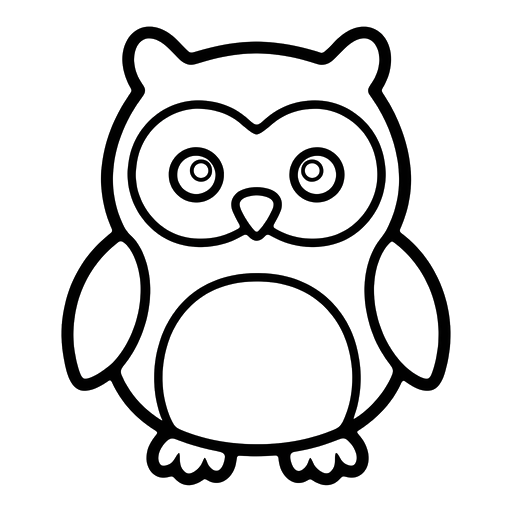
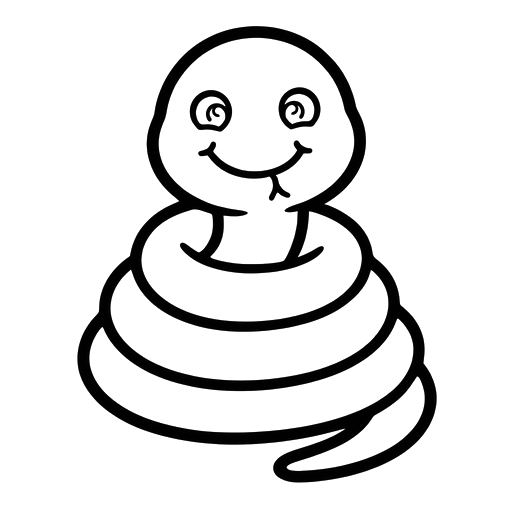
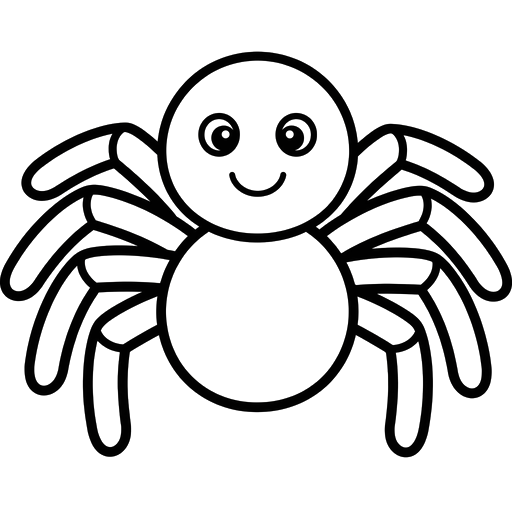
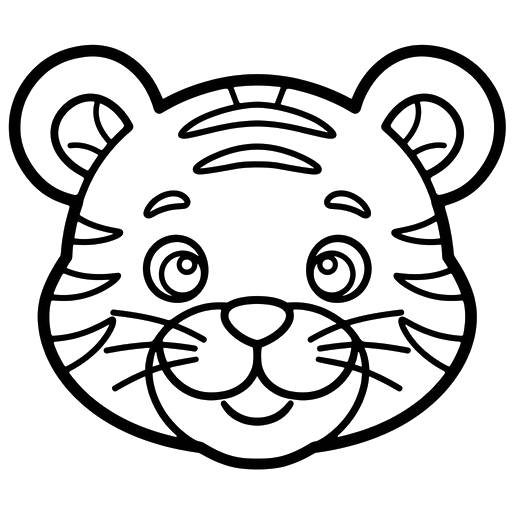
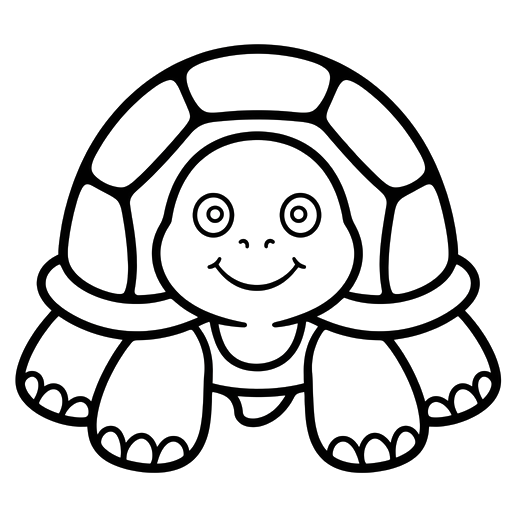
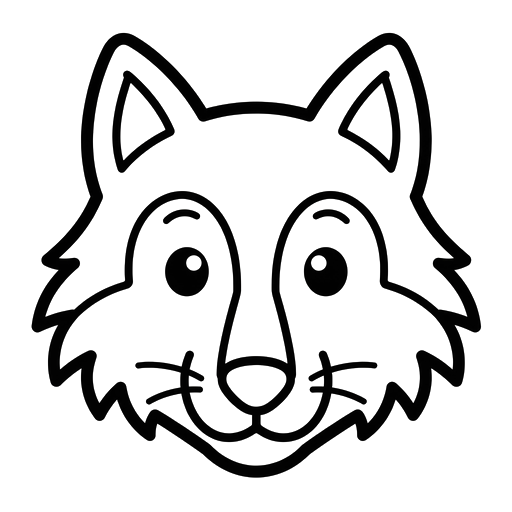
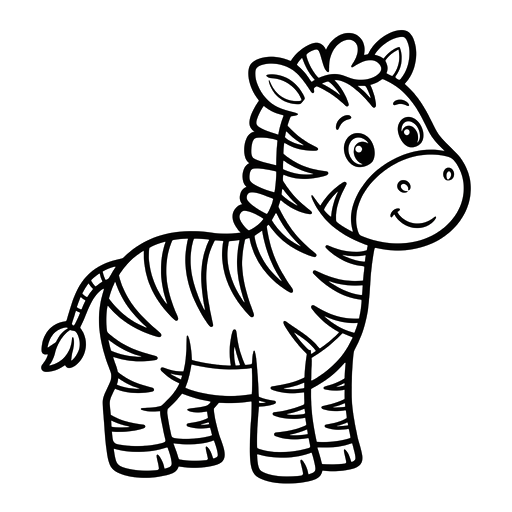
The set kids ask for first. Farm animals, wild animals, birds, bugs and sea creatures, all with thick friendly lines.
 Easy
 Normal
 Easy
 Normal
 Easy
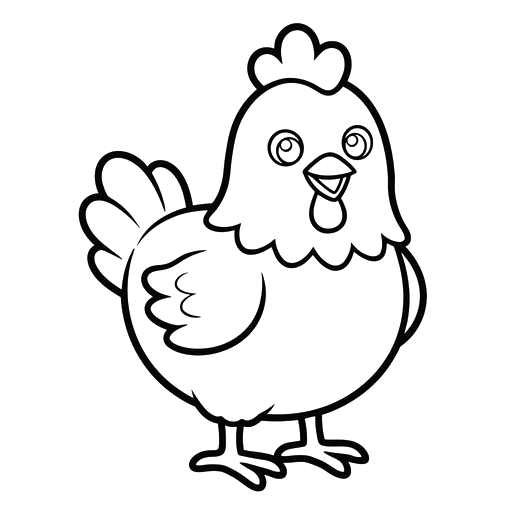 Normal
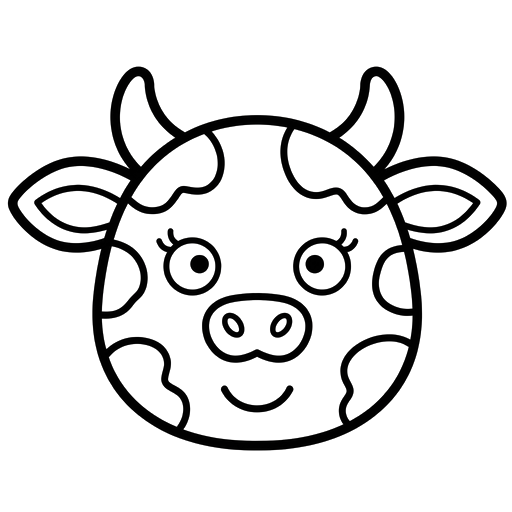 Normal
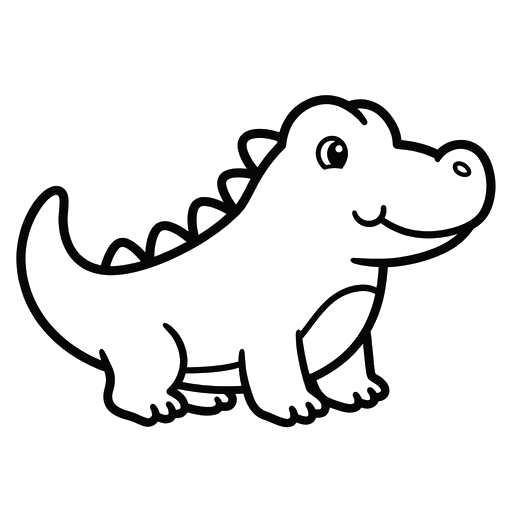 Easy
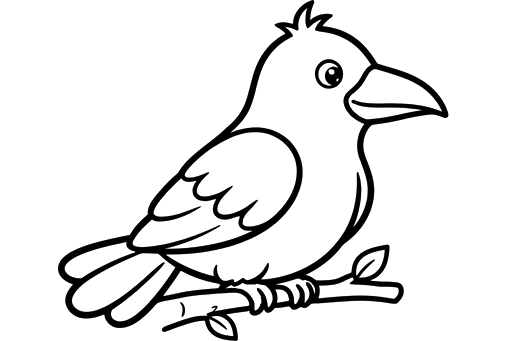 Easy
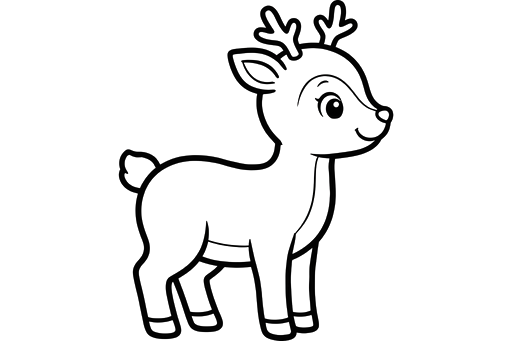 Easy
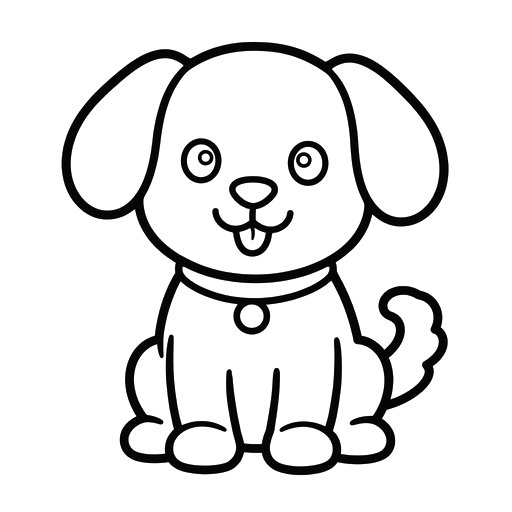 Easy
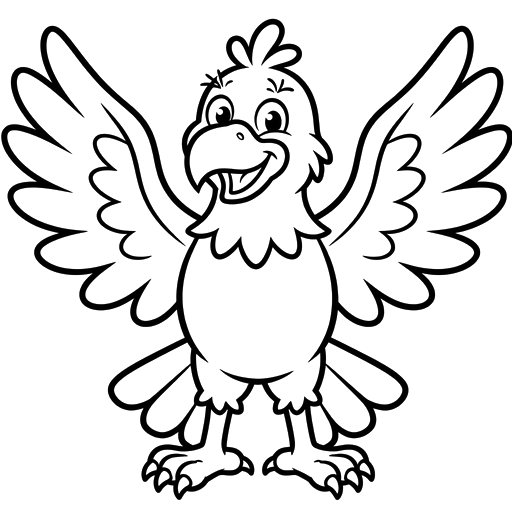 Normal
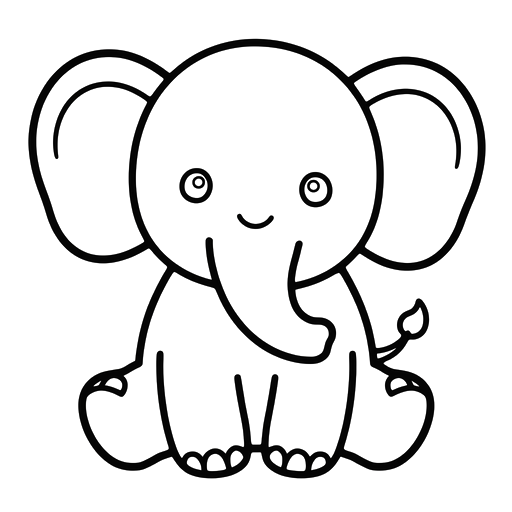 Normal
 Easy
 Easy
 Easy
 Normal
 Normal
 Normal
 Normal
 Easy
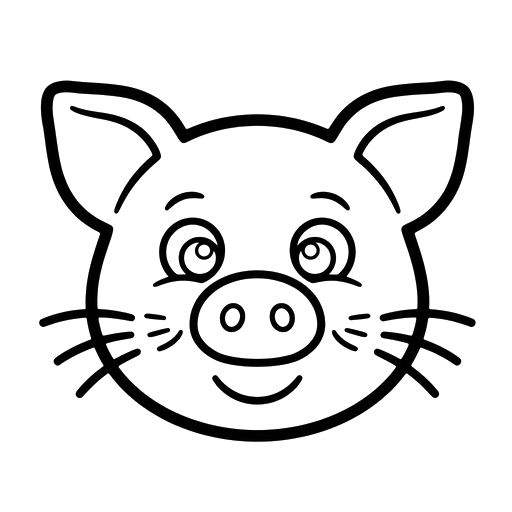 Easy
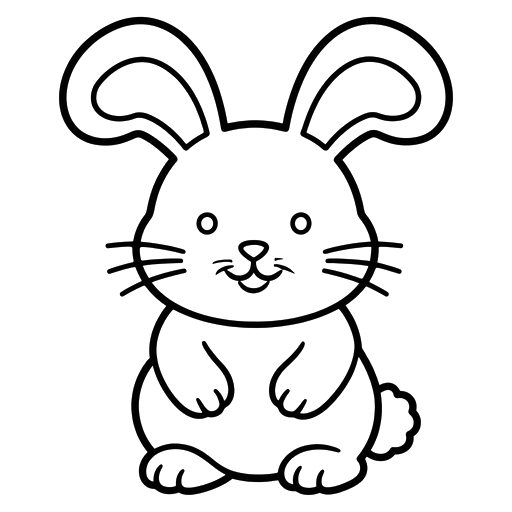 Easy
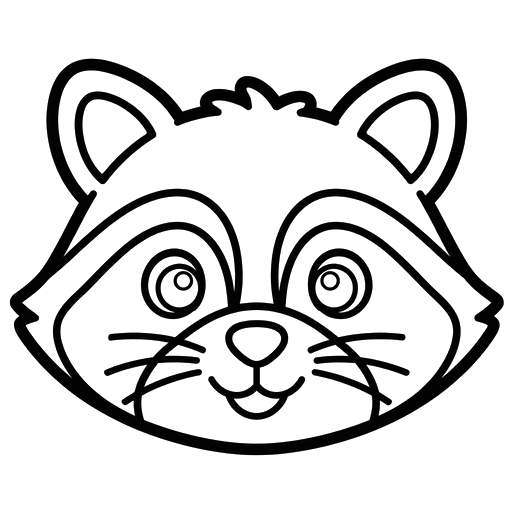 Normal
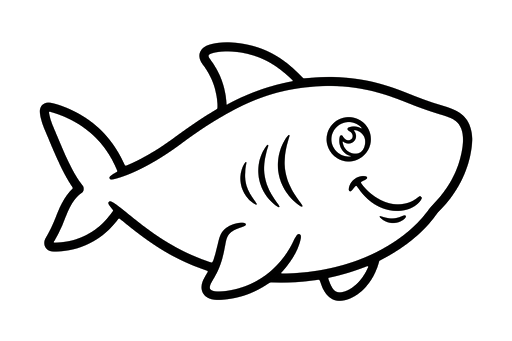 Easy
 Easy
 Normal
 Normal
 Normal
 Easy
 Normal
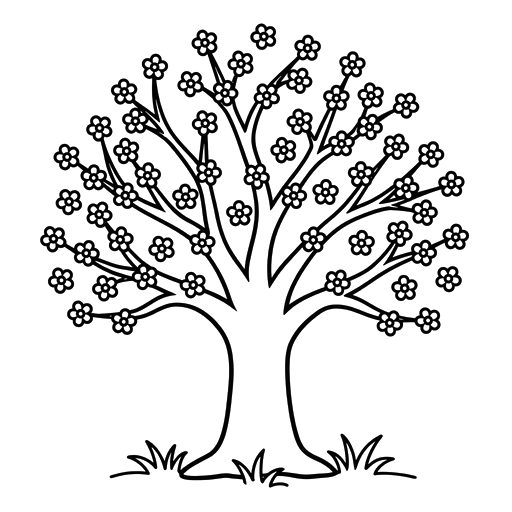
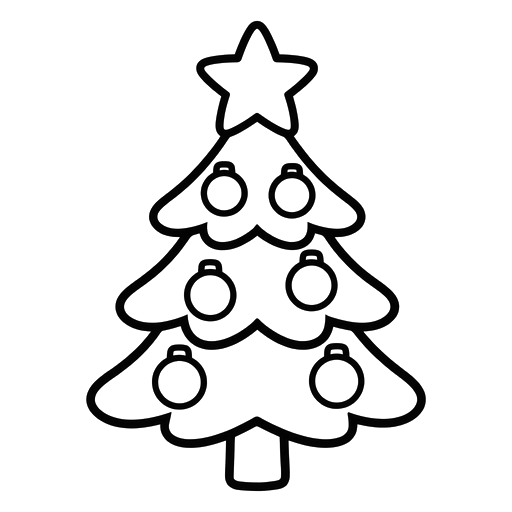
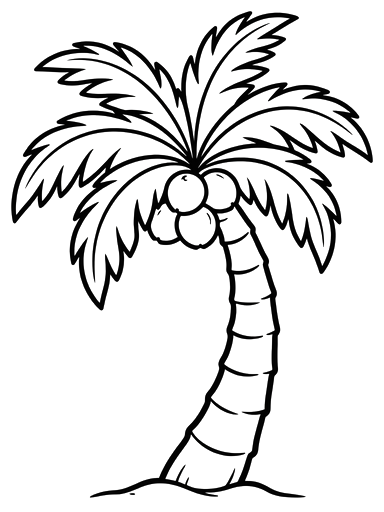
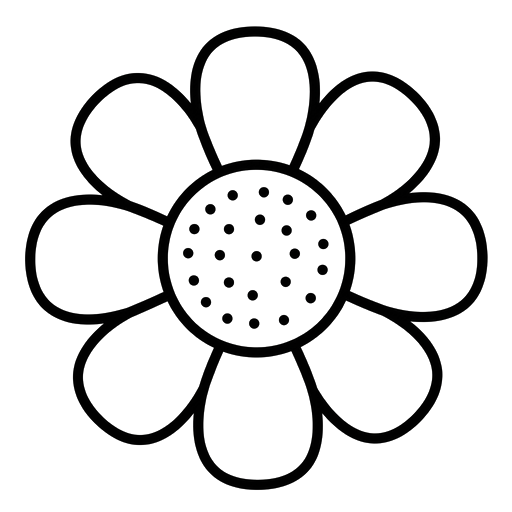
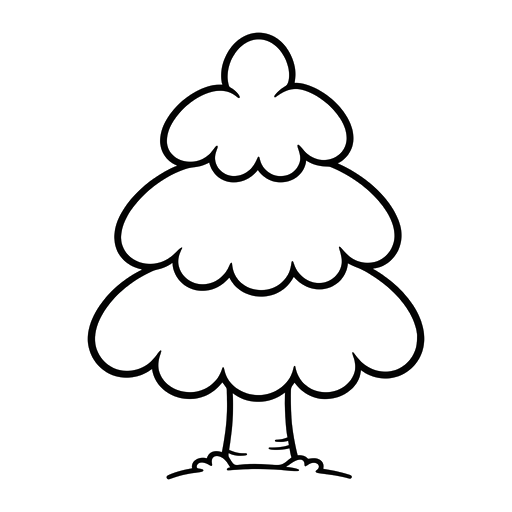
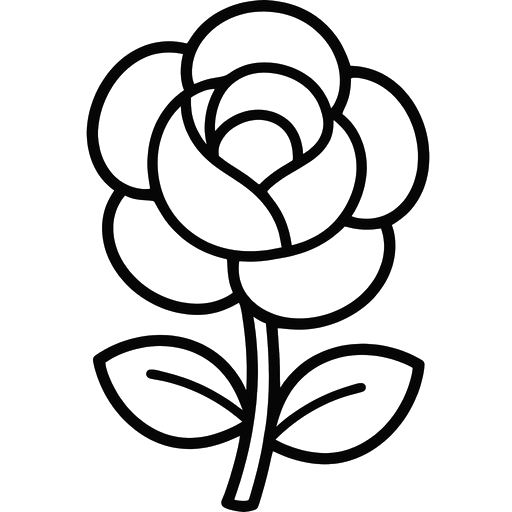
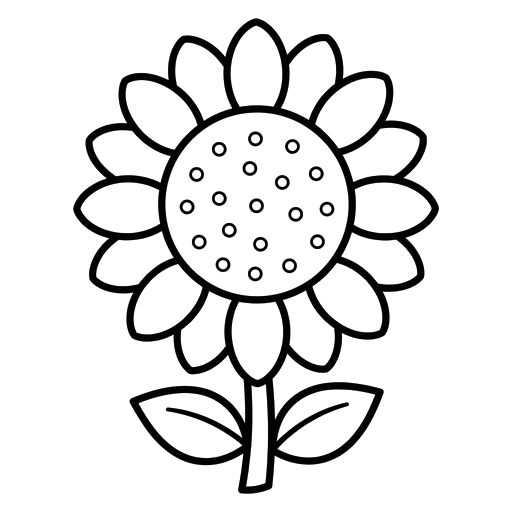
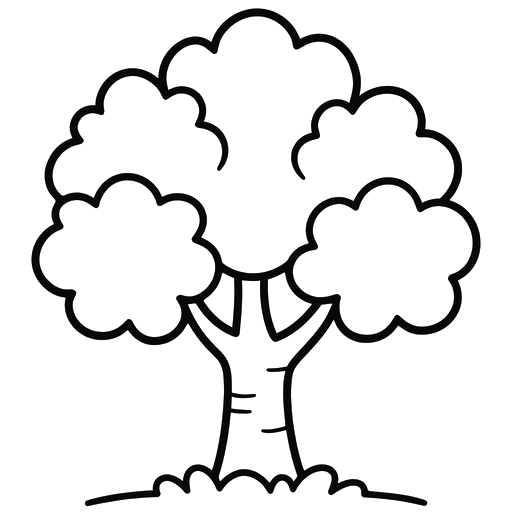
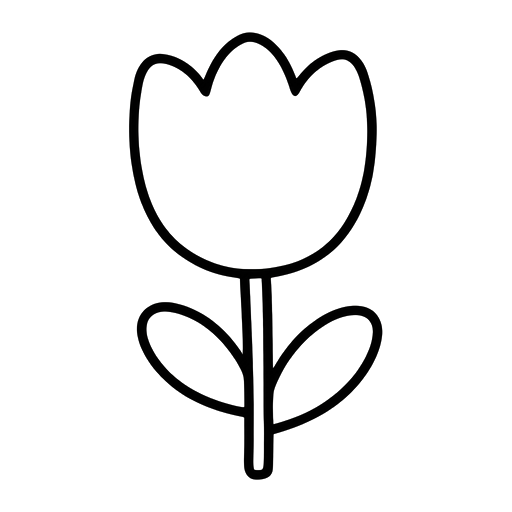
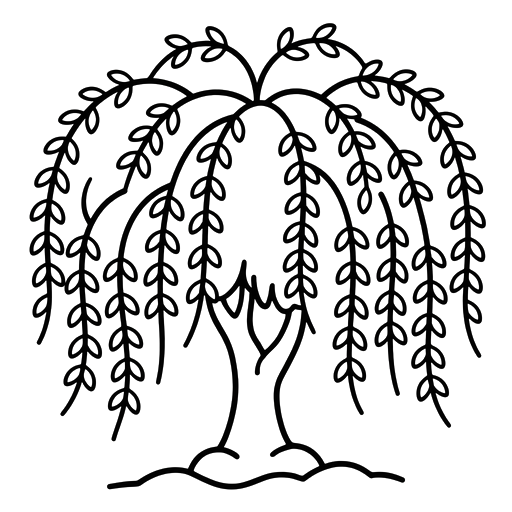
Trees, Plants and Flowers16 pages
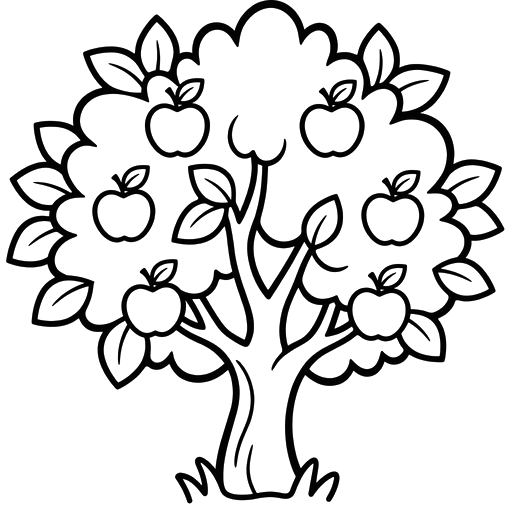
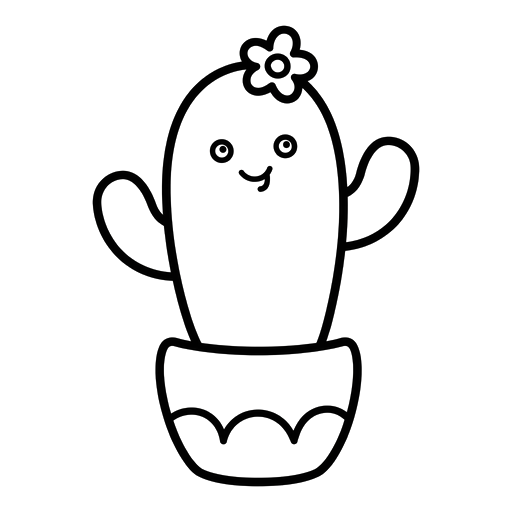
Trees for every season, flowers with big open petals, a mushroom and a cactus. No wrong colours here.
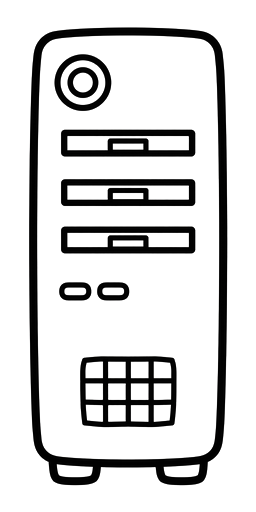
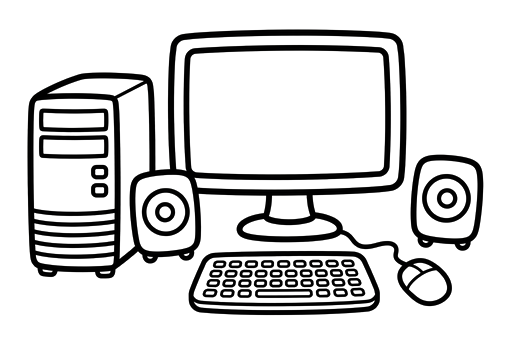
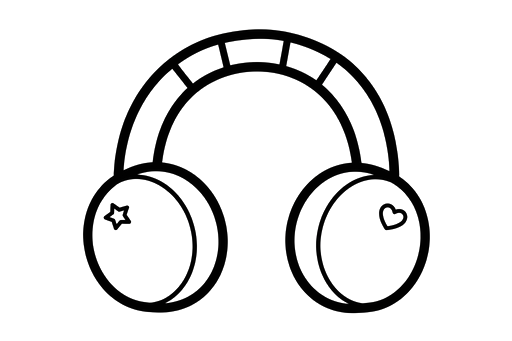
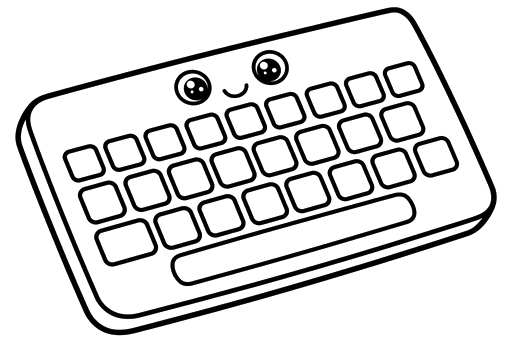
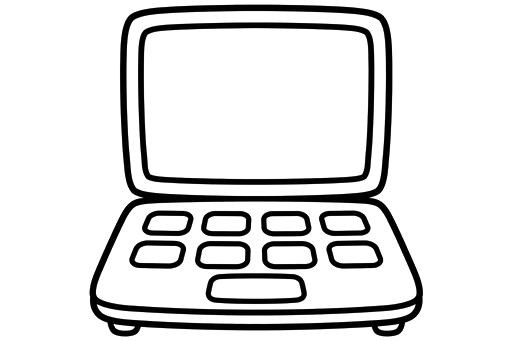
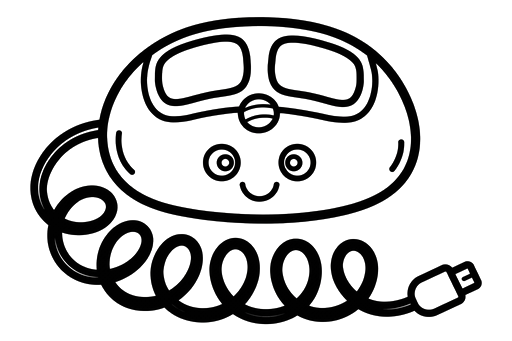
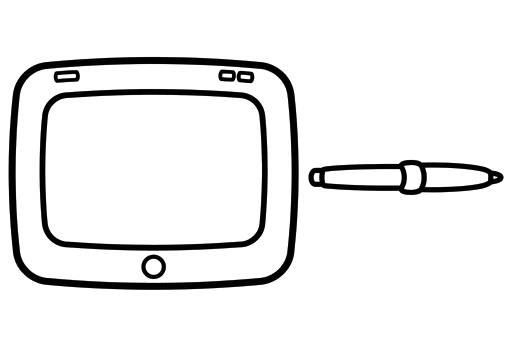
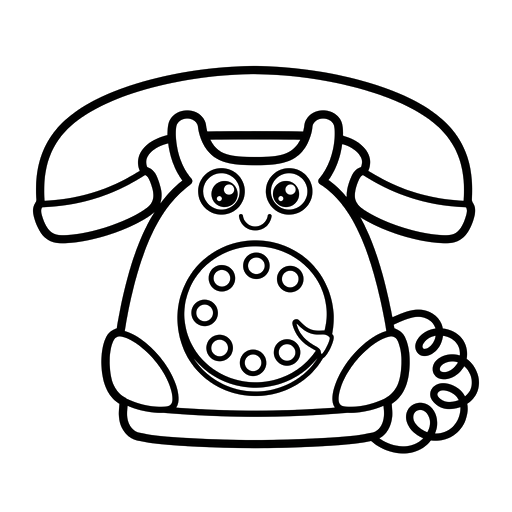
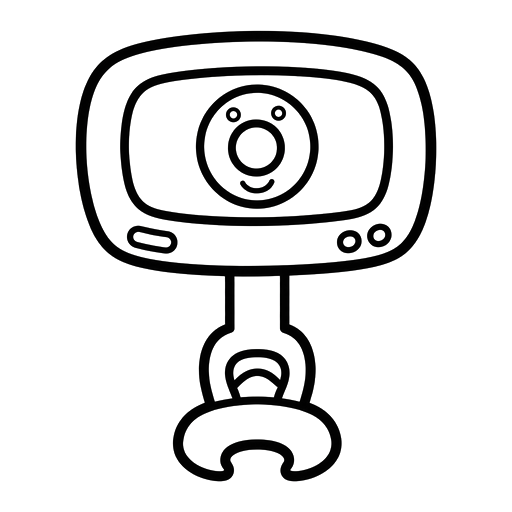
Gadgets and Technology15 pages
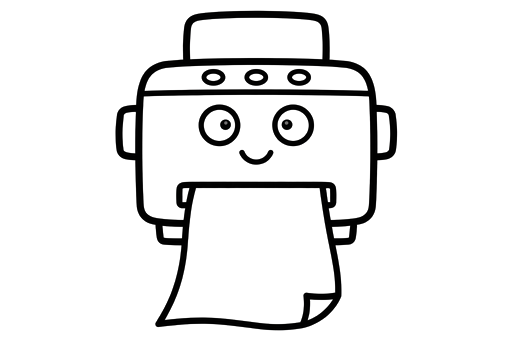
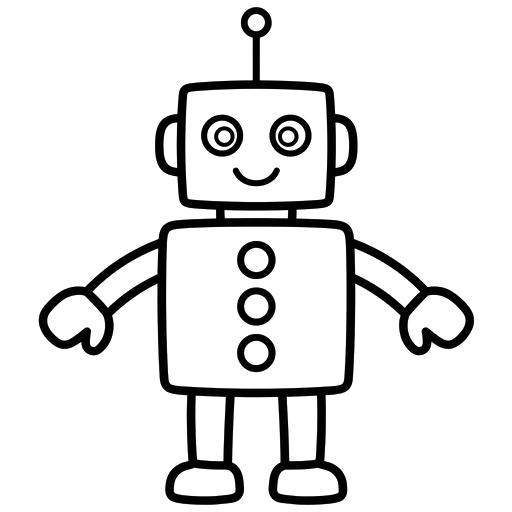
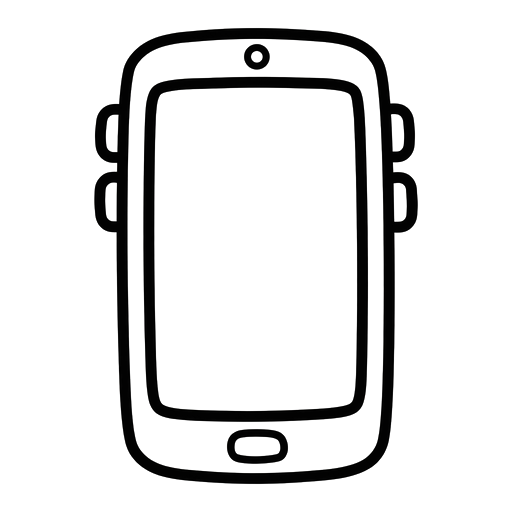
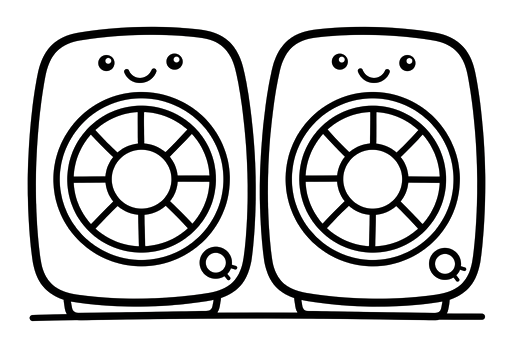
Computers part by part, plus a robot, headphones and a smartphone. The set older kids pick when animals feel babyish.


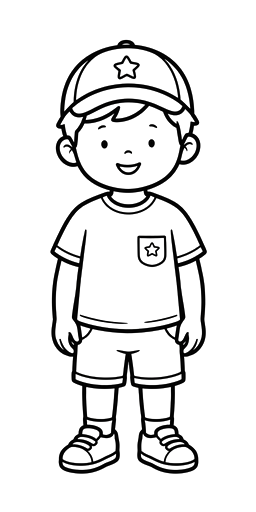
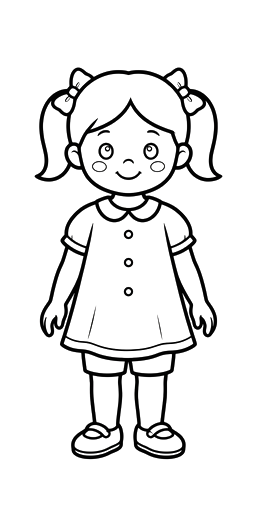
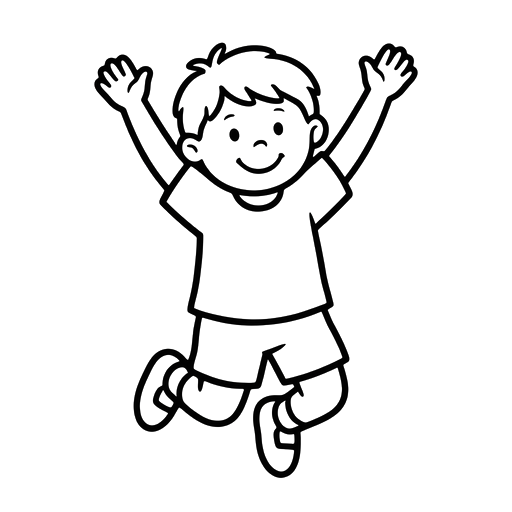
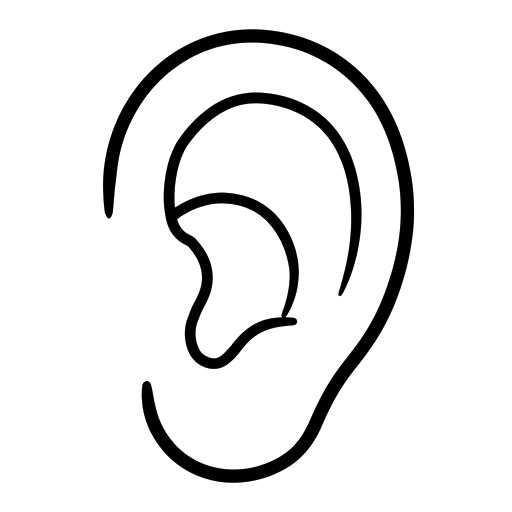
People and Body12 pages
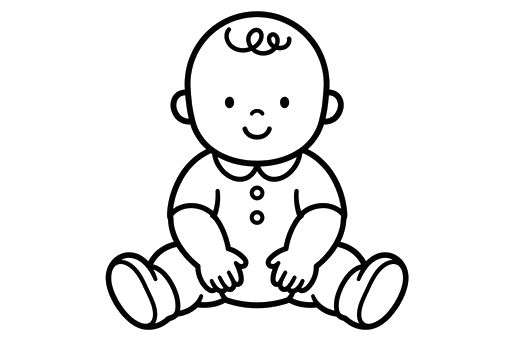
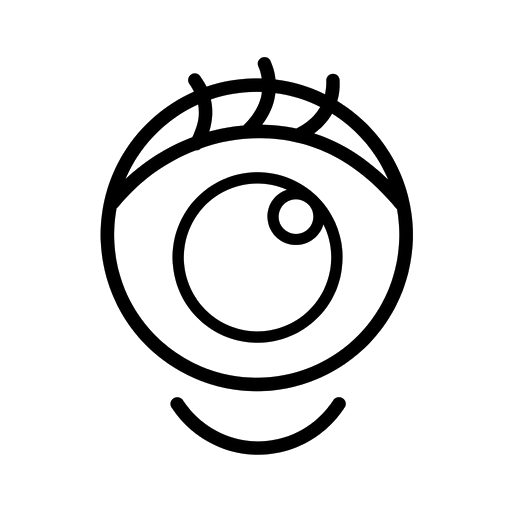
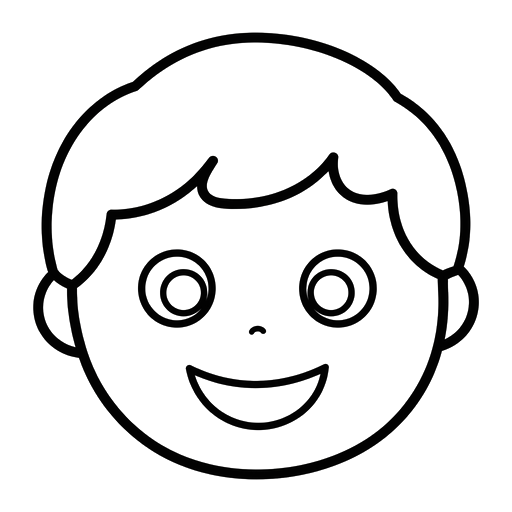
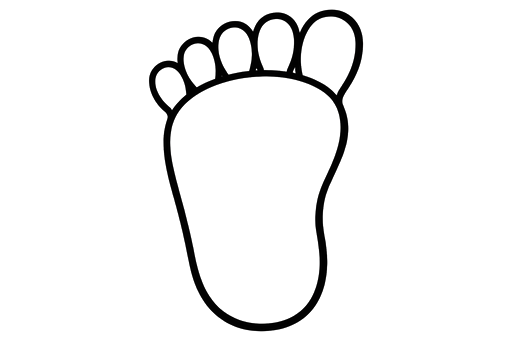
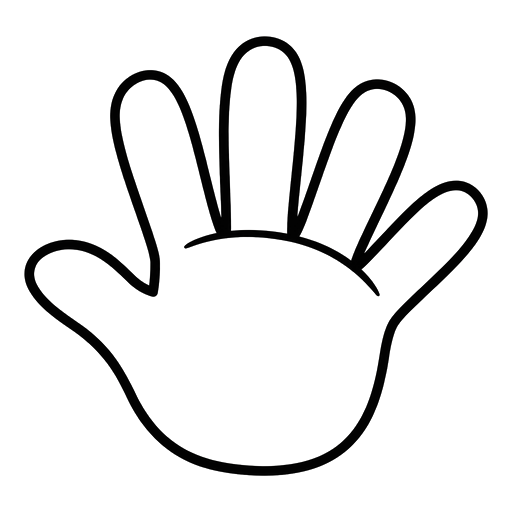
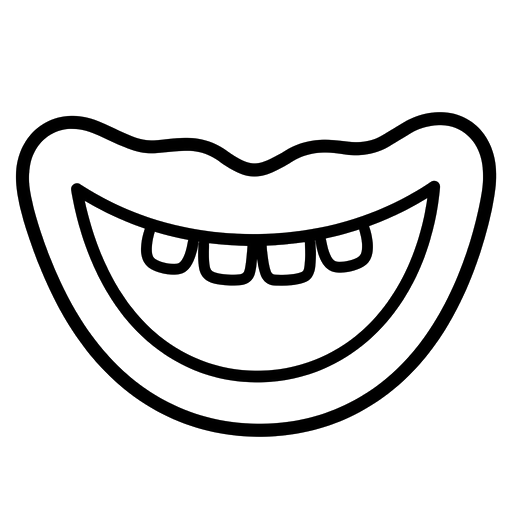
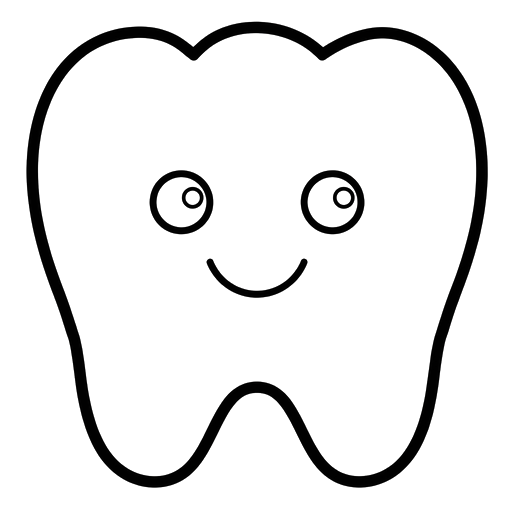
A boy, a girl, a baby, and the body parts young learners name first. Built for senses and health lessons.

School and Everyday Things8 pages
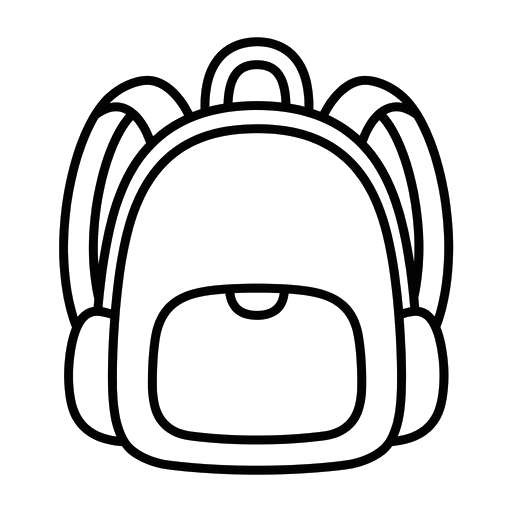
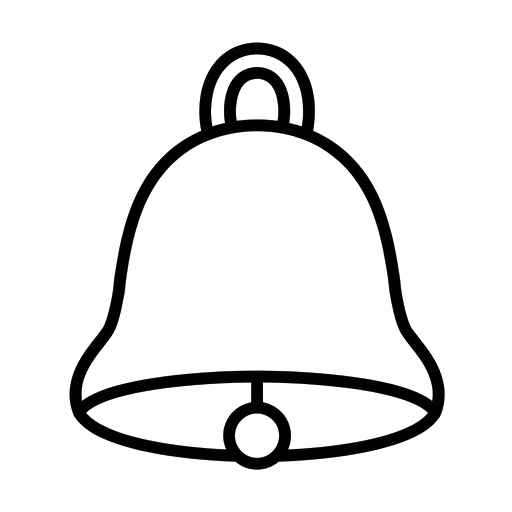
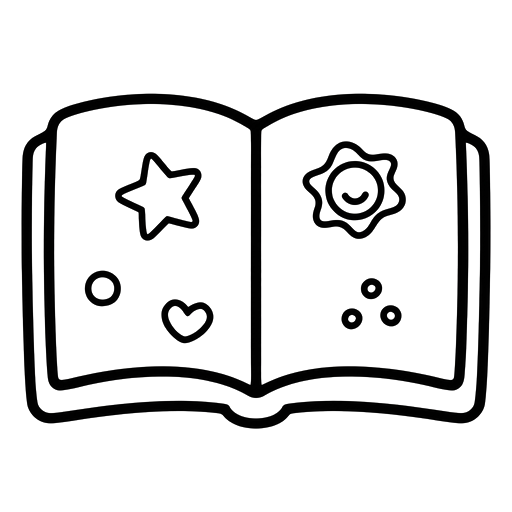
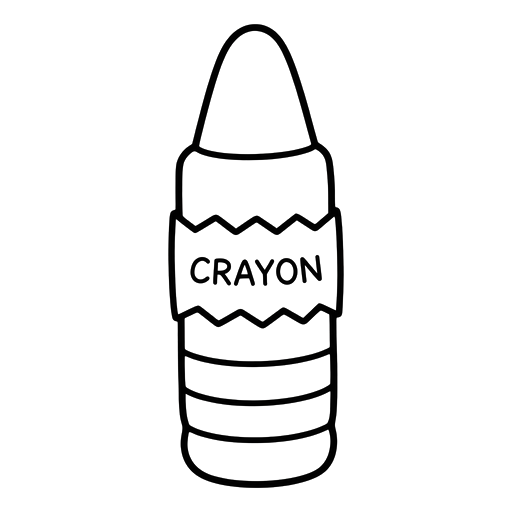
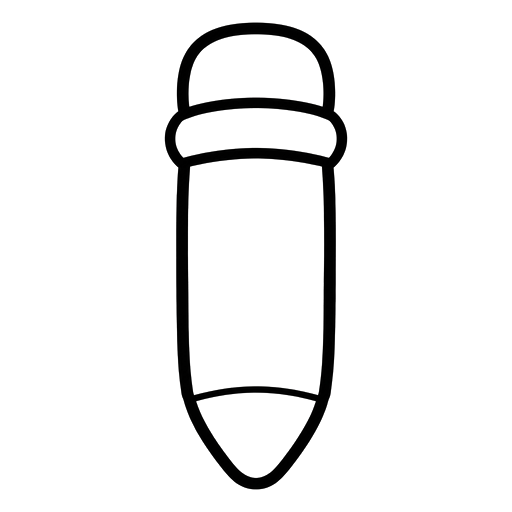
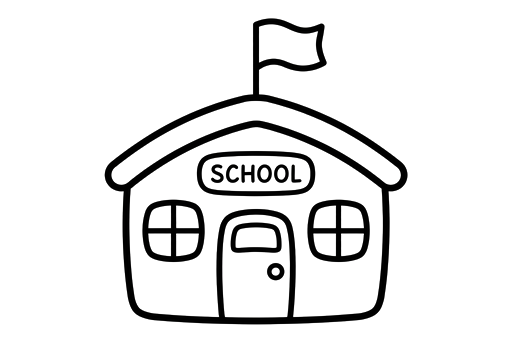
The simplest pages on this page: a backpack, a book, a pencil and friends. A kind first page for preschoolers.


Vehicles6 pages
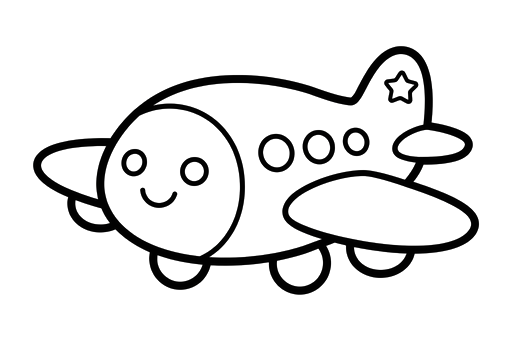
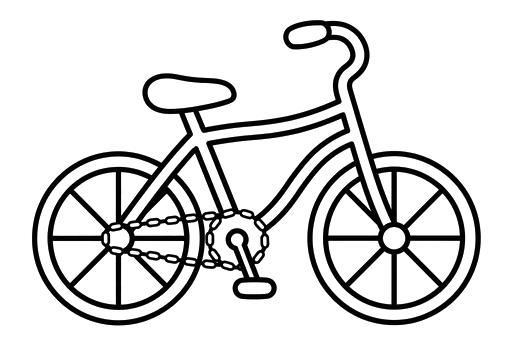
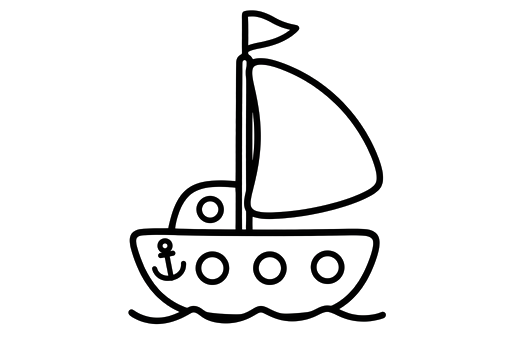
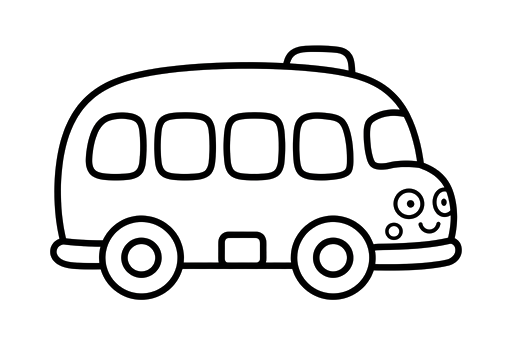
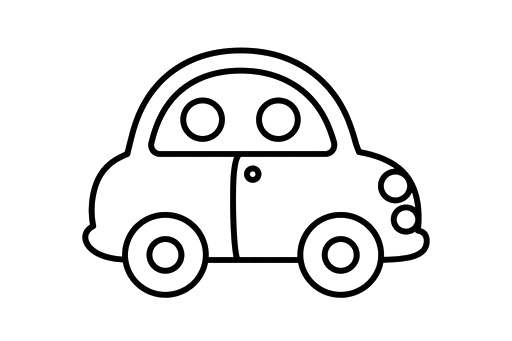
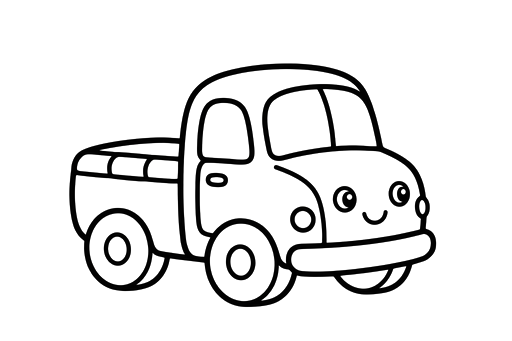
Six ways to get around: a car, a bus, a truck, a boat, a bicycle and an airplane. Small set, big fans.
Colouring online, step by step
Find a picture you like on this page and tap its Colour it online button. pairPaint opens with the picture already on the canvas: a scene fills the page, and an outline lands in the middle, where you can drag it or resize it before it settles. Pick the bucket tool to fill a whole area in one tap, or a brush for the smaller parts. Everything saves itself in your browser, so a half-finished page is still there tomorrow. When it is done, export it as a PNG to share or a PDF to print. The whole library is also inside the app itself, under the smiley Sticker tool's Coloring tab.
Printing tips
The scenes are A4 ratio, so choose A4 or Letter in your print dialog and fit to page; nothing important sits near the edges. For outlines, the print window opens the full-size image, and a thicker paper or light card survives young colourers better than thin copier paper. If a class set is going on a wall, print one size up and the lines stay bold.
Keep exploring
If your kids like filling shapes one tap at a time, they will enjoy paint by numbers, and the guide to the bucket fill tool shows the pattern fills and the tricks that make a coloured page look its best. For the app itself, the paint app for kids page explains what pairPaint does beyond colouring.
Coloring Pages FAQs
Are these coloring pages really free?
Yes, all 148 of them. Colour them online in pairPaint or print them, as often as you like. There is no account, no locked set and no watermark. I made them for my own classroom first, and they are free for yours too.
How do I colour a page online?
Tap the Colour it online button on any picture here. pairPaint opens with that picture already on your canvas, ready to colour: fill big areas with the bucket tool, add detail with the brushes, and undo anything you change your mind about. The same pictures also live inside the app, under the smiley Sticker tool's Coloring tab.
How do I print a coloring page?
Every picture on this page has a Print / download button. It opens the full-size image in a print window, ready for your printer. The scenes are drawn at A4 ratio, so they fill a standard sheet without stretching. Outlines print at whatever size your printer fits to the page.
Can I use these coloring pages in my classroom?
Yes. Print them for your class, or colour them on screen together: create a pairPaint room, send the same outline to every student, and watch the whole class fill it in live. At the end you can collect every canvas into one PDF.
What is the difference between the scenes and the outlines?
Scenes are complete A4 pages, a whole picture ready to colour. Outlines are single pictures on a transparent background. You can place an outline anywhere on the canvas, resize it, and combine several into a picture of your own, which is why teachers also use them as worksheet art.
Do the coloring pages work on a phone or Chromebook?
Yes. pairPaint runs in the browser, so the same pages colour happily on a phone, a tablet, a Chromebook or a school computer. Nothing installs and work saves itself in the browser as you go.
Pick a picture and start
148 pages are waiting, and the first one is free forever. Open pairPaint and colour something today.
Open pairPaint Free